74D-Link COVR-X1870 User Manual
Section 3 - Conguration
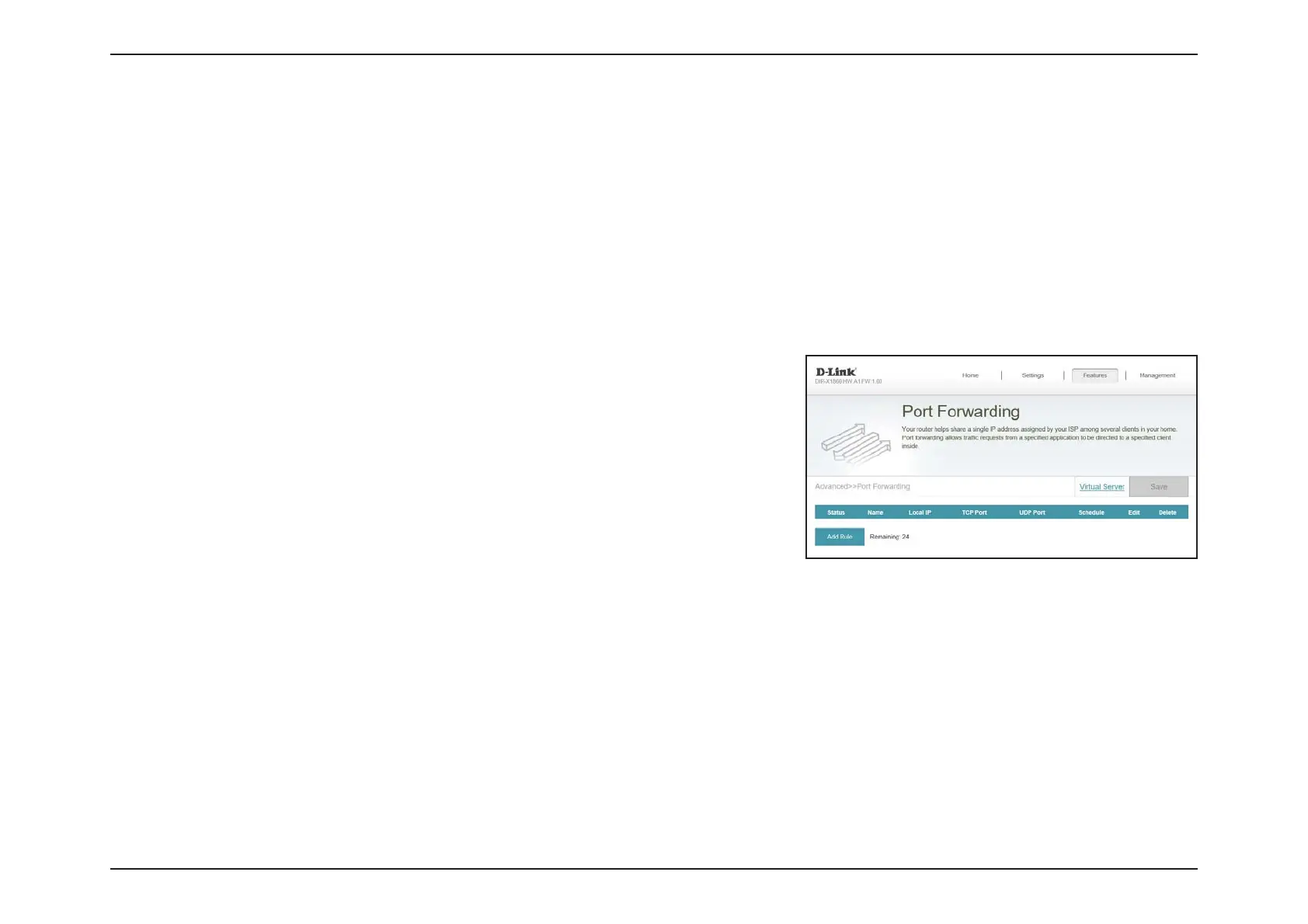
Port Forwarding
If you wish to remove a rule, click on the trash can icon in the Delete column. If you wish to
edit a rule, click on the pencil icon in the Edit column. If you wish to create a new rule, click
the Add Rule button.
In the Features menu on the bar at the top of the page, click Port Forwarding to specify a port or range of ports to open for
specic devices on the network. This might be necessary for certain applications to connect through the router.
To congure the Virtual Server settings, click the Virtual Server link. Refer to Port Forwarding - Virtual Server on page
76
Click Save at any time to save the changes you have made on this page.


 To Next Page
 Loading...