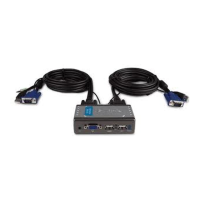
6D-Link KVM-121 Quick Install Guide
Hardware Installation
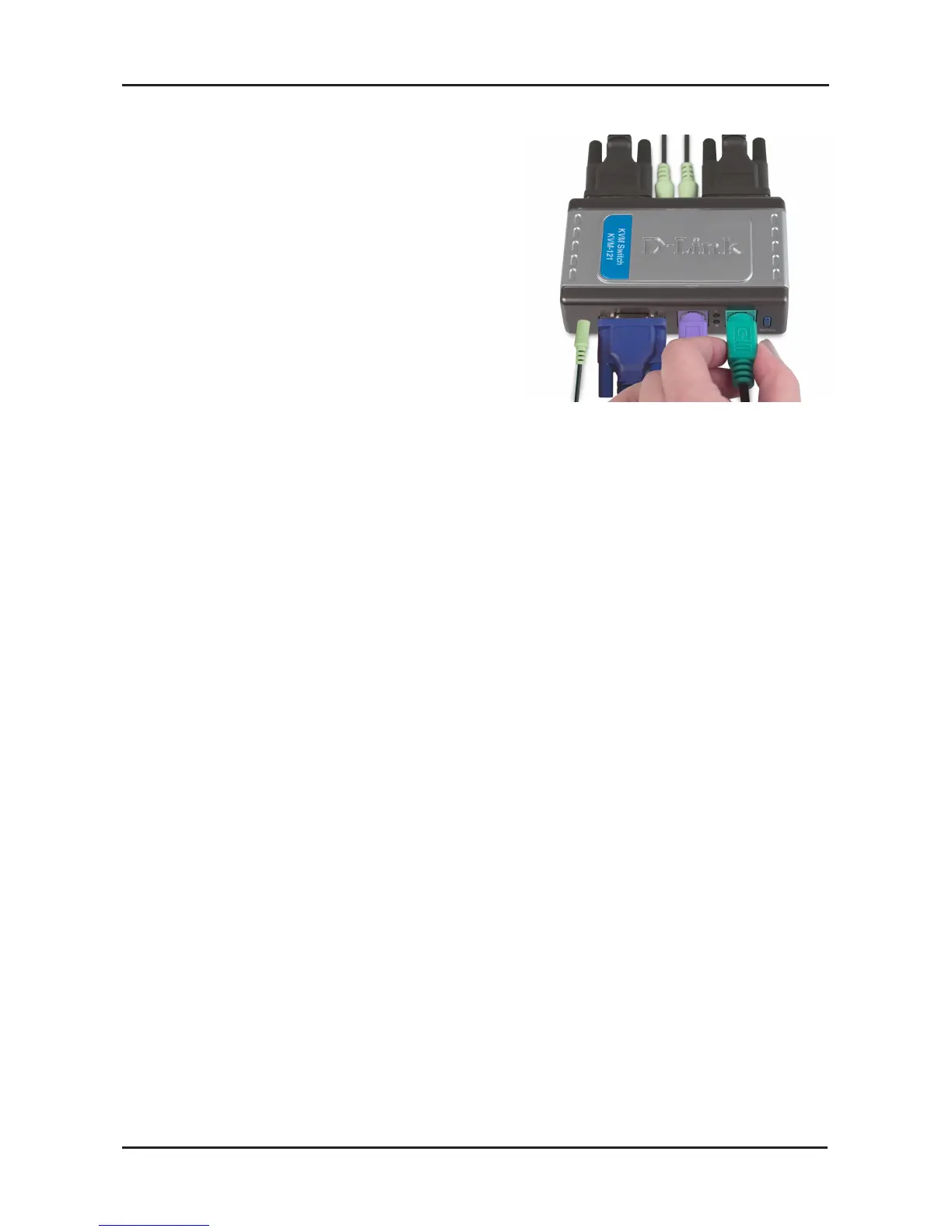
Attach your computer’s 6-pin PS/2
male mouse connector to the green
mouse port located on the KVM-121.
Note: Make sure that all your computers are turned OFF before
installing the KVM-121 to avoid mouse and keyboard errors when
booting up your computers.


 To Next Page
 Loading...