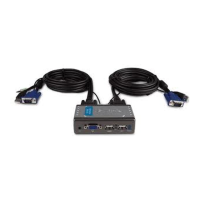
8D-Link KVM-121 Quick Install Guide
Hardware Installation
Plug the KVM-121’s included audio
cable to the audio jack located on the
back of your computer case.
Note: Repeat these steps to attach
the cables connected from the PC 2
port of the KVM-121 to Computer 2.
Power ON both of your attached computers after you have completed
the KVM-121 installation.
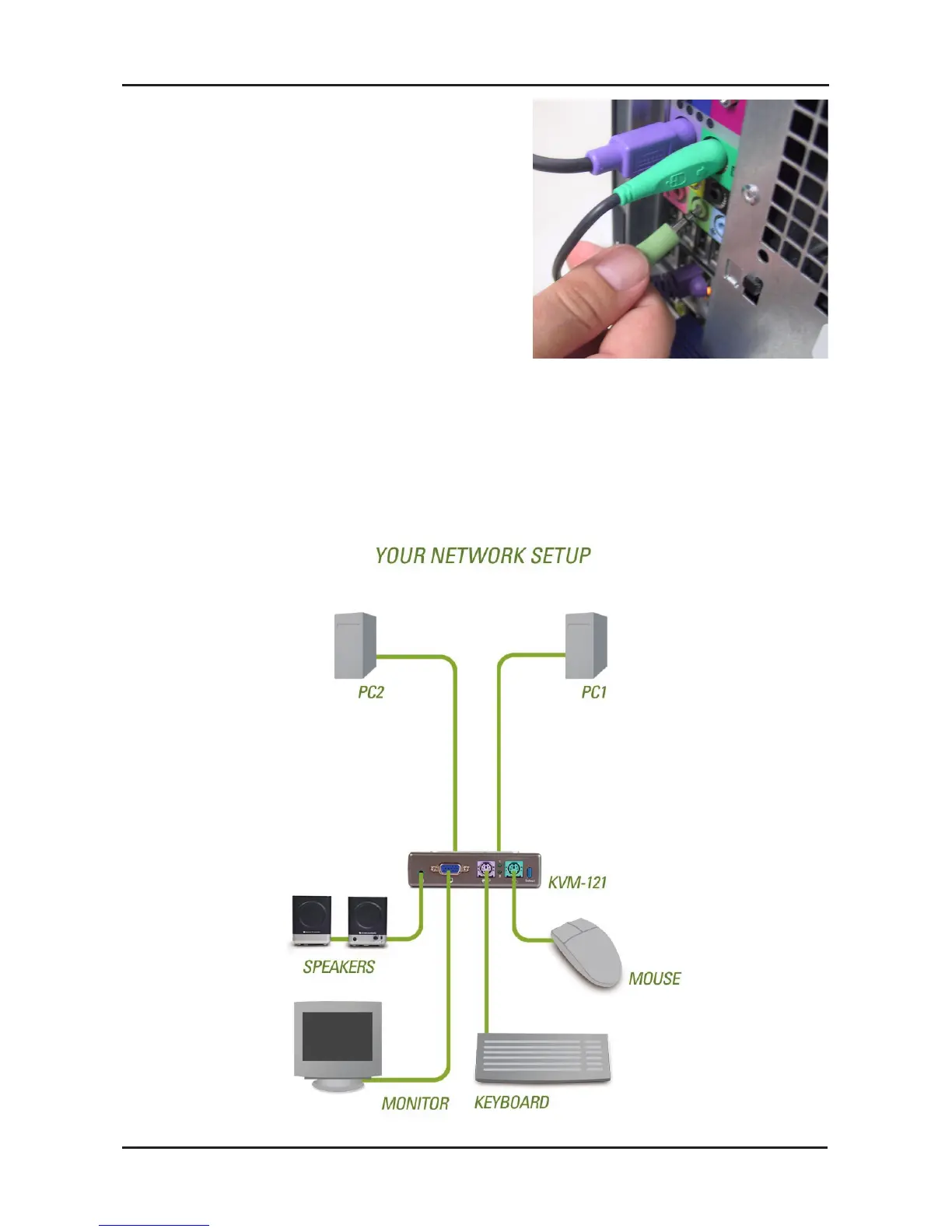
Once you’ve completed your KVM-121 installation, your connections
may appear similar to the diagram below.

 To Next Page
 Loading...