15D-Link DSP-W215 User Manual
Section 2 - Installation
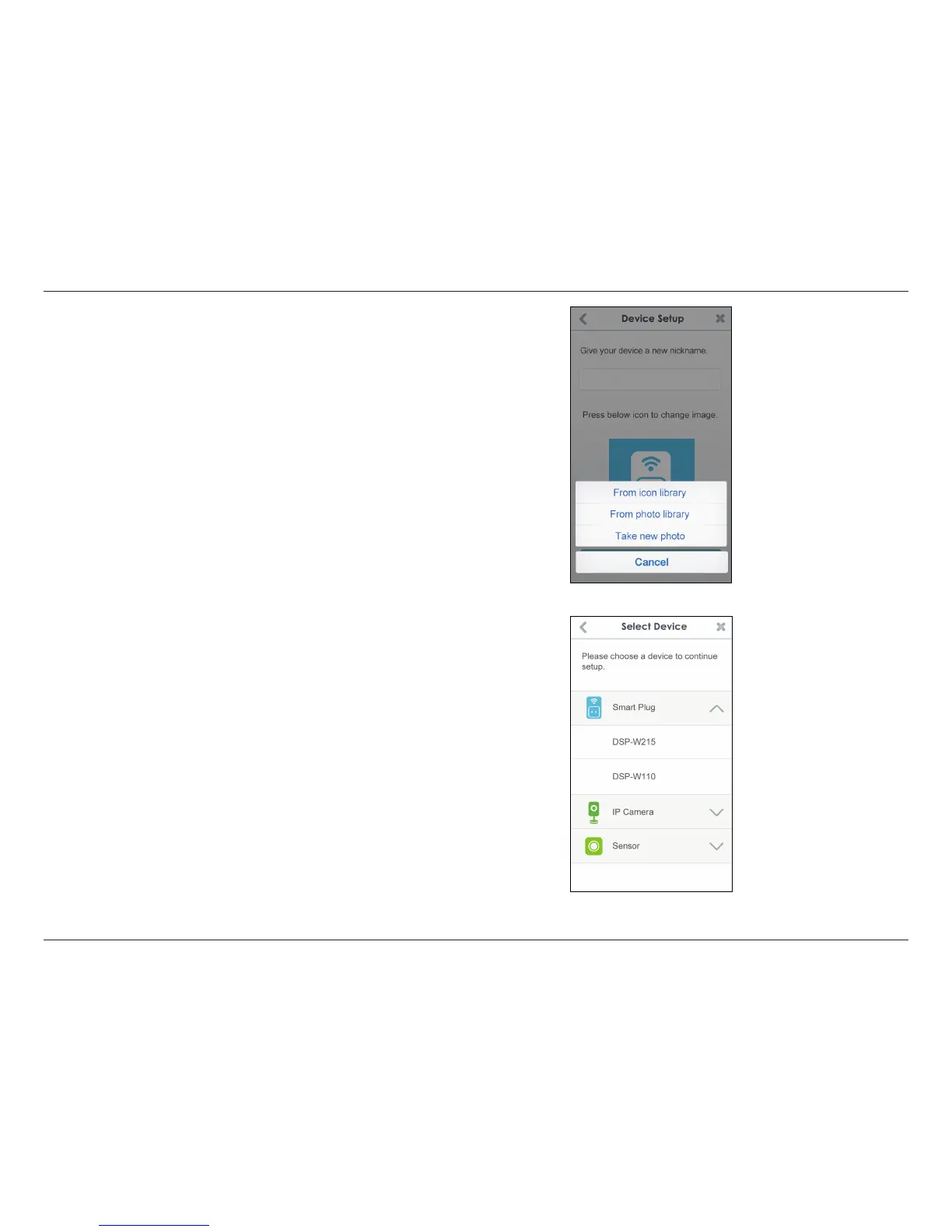
If you tapped the icon in the previous step, select a new icon to represent
the device plugged into your Smart Plug. If you do not want to change
the icon, tap Cancel.
The mydlink™ Home app is now set up and ready for use.
You can turn the device on and o by tapping Power, or schedule
the device to power on and o at certain times of the day by tapping
Schedule. Finally, for information about the device status, tap Device
Information.


 To Next Page
 Loading...