Section 4 – Troubleshooting Charts
Page 13
Membrane Continuity Test
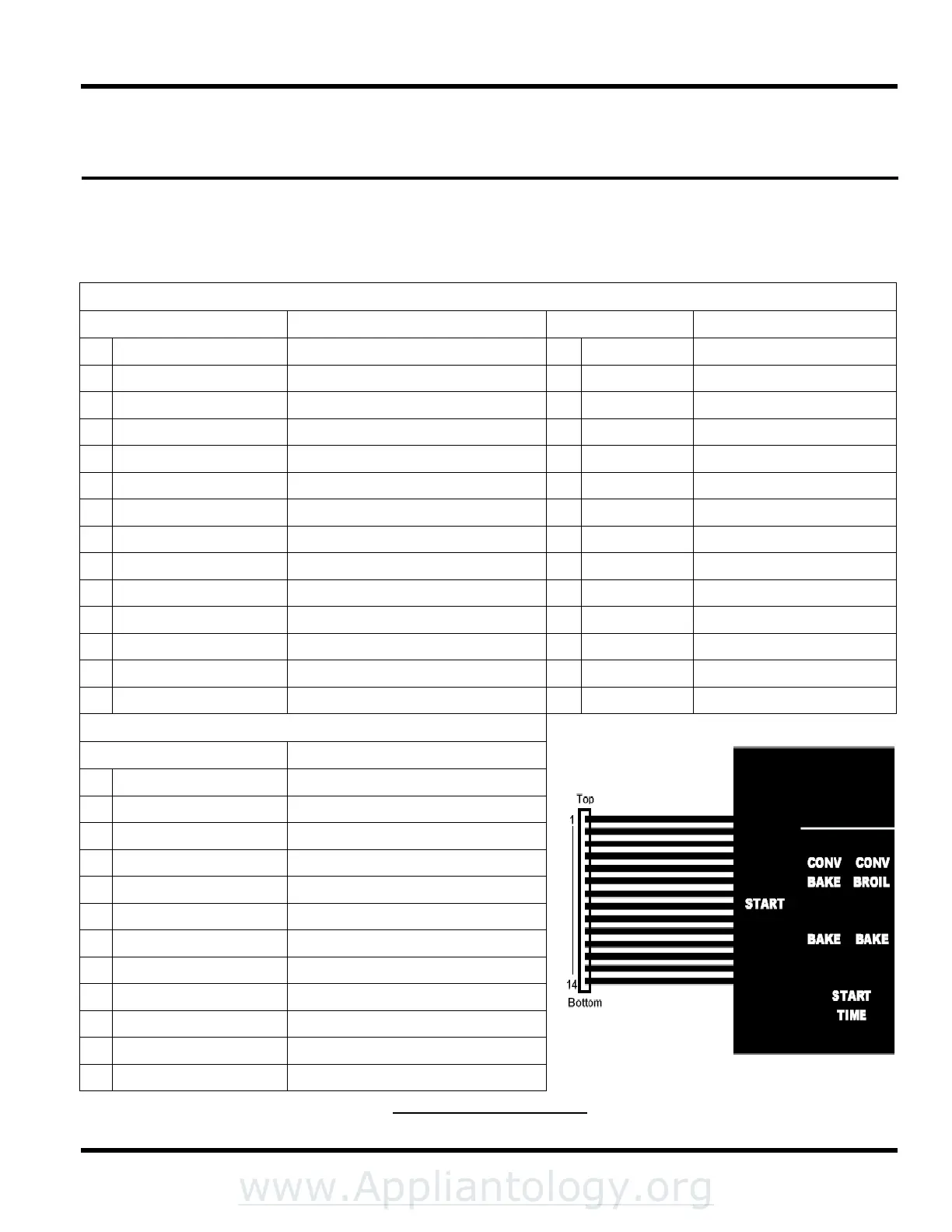
To test for non-functioning membrane touchpad, disconnect the membrane/touchpad ribbon connector from the ERC
controller. The ribbon connector is numbered from 1 to 14 counting from the top down. Use an Ohm meter to test
across the following test points. A reading above 5 Ohms across any of the test points listed below indicates the
membrane is bad and needs to be replaced.
SINGLE/UPPER OVEN TEST POINTS
Button/Pad Check across test points Button/Pad Check across test points
1 CONVECTION ROAST 12 & 5 15 CANCEL 8 & 5
2 CONVECTION BAKE 12 & 1 16 OVEN LIGHT 3 & 5
3 BAKE 10 & 1 17 START 7 & 5
4 START TIME 8 & 1 18 POUND SIGN 2 & 5
5 CONVECTION BROIL 12 & 9 19 NUMBER 1 3 & 1
6 BROIL 10 & 9 20 NUMBER 2 1 & 2
7 DURATION 8 & 9 21 NUMBER 3 4 & 1
8 CLOCK 7 & 9 22 NUMBER 4 3 & 9
9 PURE CONVECTION 12 & 11 23 NUMBER 5 2 & 9
10 PROBE 10 & 11 24 NUMBER 6 4 & 9
11 STOP TIME 8 & 11 25 NUMBER 7 3 & 11
12 TIMER 1 7 & 1 26 NUMBER 8 2 & 11
13 TIMER 2 11 & 7 27 NUMBER 9 4 & 11
14 SELF CLEAN 10 & 5 28 NUMBER 0 4 & 5
LOWER OVEN TEST POINTS
Button/Pad Check across test points
1 CONVECTION ROAST 7 & 6
2 CONVECTION BAKE 12 & 6
3 BAKE 12 & 14
4 START TIME 3 & 14
5 CONVECTION BROIL 10 & 6
6 BROIL 10 & 14
7 DURATION 2 & 6
8 CANCEL 3 & 6
9 PURE CONVECTION 8 & 6
10 PROBE 8 & 14
11 STOP TIME 2 & 14
12 SELF CLEAN 7 & 14
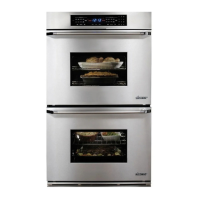
Figure 4-1 Control Panel


 To Next Page