17
1. Start
Open and close “Freezer door switch” 5 times while pushing “FRZ. TEMP” button
simultaneously.
2. Control
1) All other electrical components are OFF except for F-fan / R-fan
2) Fan Control
Door open → Fan ON / Door close → Fan OFF.
3) Display control
“Freezer LED” and “Refrigerator LED” are ON in good order
3. Stop
1) During Demo mode, push “Freezer door switch” open and close 5 times while pushing
“FRZ. TEMP” button simultaneously.
2) Power in again
INPUT CONTROL OBJECT
CONTENTS REMARKS
1. FRZ. TEMP
2. Door Switch
Comp
F/R-Fan
Heater
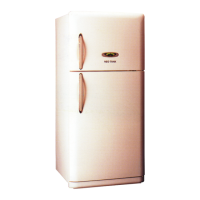
4-7-1. FRS(N)-U20IC Type
4-7. Demonstration
1. Start
Push “SUPER REF.” button 5 times while pushing “REF. SET” button simultaneously.
2. Control
1) All other electrical components are OFF except for F-fan / R-fan
2) Fan Control
Door open → Fan ON / Door close → Fan OFF.
3) Display control
“Freezer LED” and “Refrigerator LED” are ON in good order
3. Stop
1) During Demo mode, push “SUPER REF” button 5 times
while pushing “REF. SET” button simultaneously.
2) Power in again
INPUT CONTROL OBJECT
CONTENTS REMARKS
1. FRZ. SET
2. Door Switch
Comp
F/R-Fan
Heater
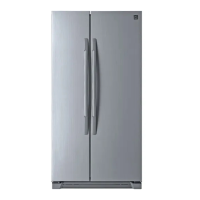
4-7-2. FRS(N)-U20BC Type



 To Next Page