IMPORTANT – RETAIN THESE INSTRUCTIONS FOR FUTURE REFERENCE
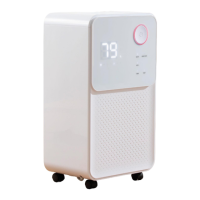
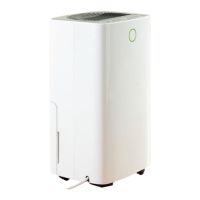
12L Dehumidifier
Model No. COL1471
User Manual
Ensure that the mains plug is
inserted into a socket and that it
is switched on.
Water Full Indicator is
illuminated
Room temperature ˂ 5°C, or ˃
35 °C
Unit will not operate below 5°C
or above 35°C.
Is the air filter clogged?
Is the intake duct or discharge
duct obstructed?
Remove the obstruction from
the discharge duct or intake
duct.
Ensure the unit is on a level
surface.
Place the unit on a solid, level
surface.
Change the sensor/contact
customer services.
Environmental humidity is
below 20%
The dehumidifier shuts down for
self- protection
Environmental humidity is
above 90%
Low temperature protection,
the environmental
temperature<5℃
High temperature protection,
the environmental
temperature>35℃


 To Next Page