5. Scan pole diagnosis for DE12TIS
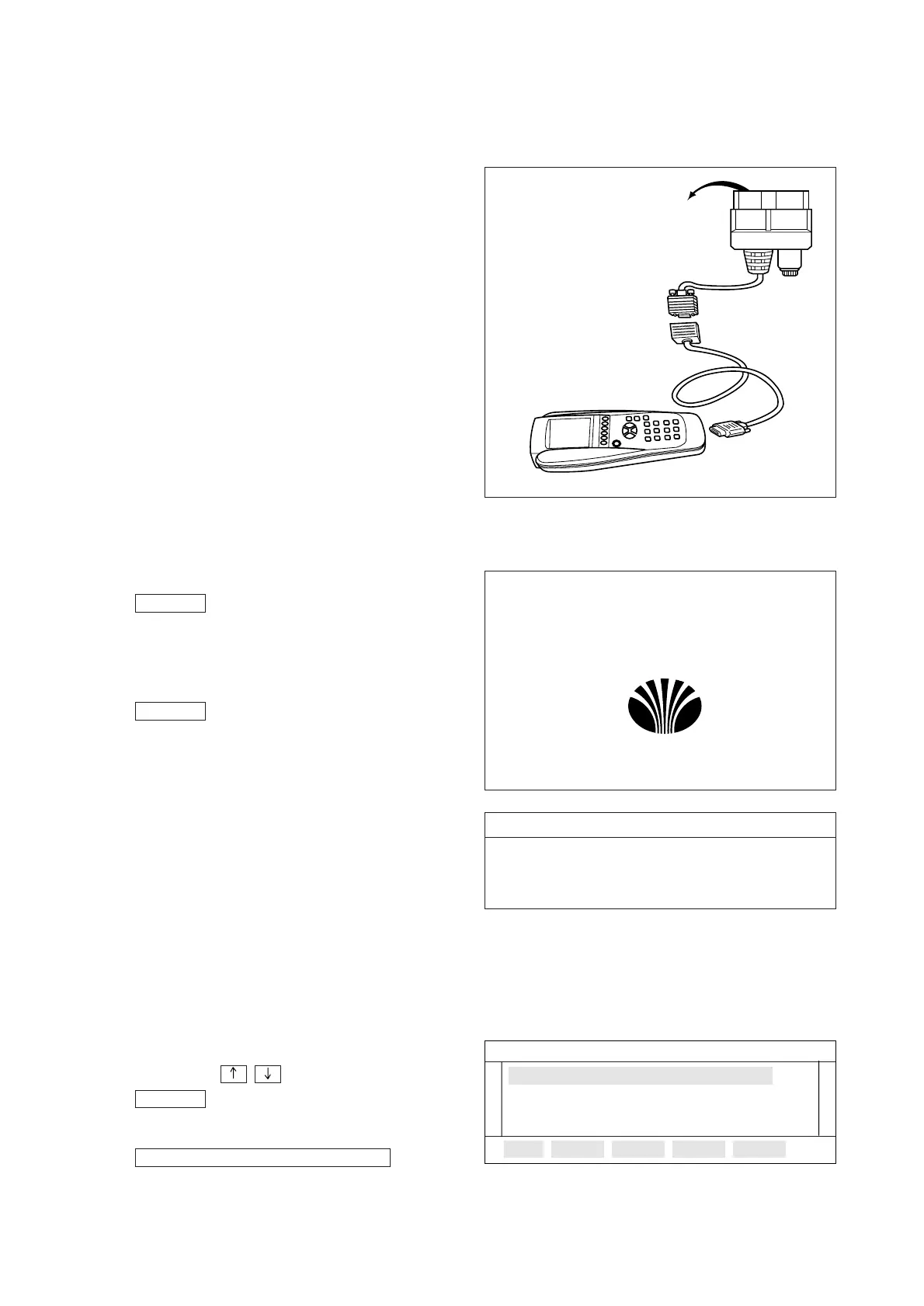
5.1. Wire harness connection
To test for a auto with Scan pole, user
should connect wire harness as illustrated
on the right:
5.2. System & vehicle selection
5.2.1 Initial screen
To turn on Scan Pole, press the
key.
After 0.5 sec Scan Pole will respond by
displaying the initial screen as follows.
To turn off Scan Pole, press the
key once more. In this case to
change the screen, press any key.
Press any key if ok marks are displayed
to the system check and memory check
items of the scan pole screen.
5.2.2 Select function
Follow screen is the main menu screen.
in here, user can select a test item.
Selecting method is two ways.
Move to the test item by means of using
up, down (
,
) key and press the
key.
If user selects the
then
following screen will be displayed.
ELECTONIC VEHICLETEST
ENTER
ON/OFF
ON/OFF
- 142 -



 To Next Page