SETUP
17
Initial Setup
6
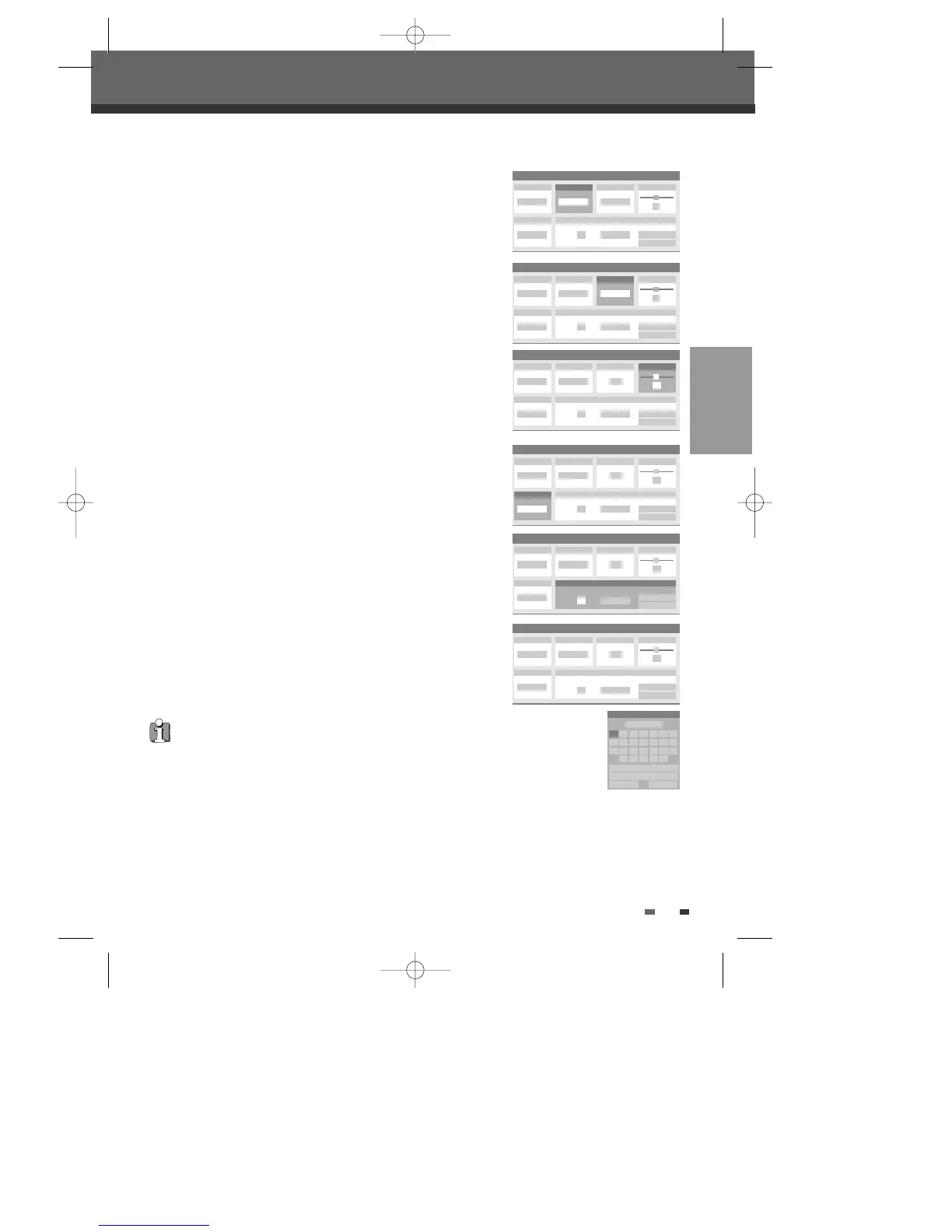
Select ‘Reception‘ using [œ/√].
Use […/†] to select the desired broadcast system (Aerial or Cable).
Aerial:
If you are using a standard antenna to receive channels.
Cable:
If you are using basic cable to receive channels.
7
Select ‘Auto Search‘ using [œ/√].
Search the real channel number by pressing […/†].
8
Select ‘Fine Tune‘ using [œ/√]. You can adjust the fine tuning by
pressing […/†].
9
Select ‘Decoder‘ using [œ/√].
When the program is encoded (and you have a decoder connected to
socket EURO AV2), press […/†] to select ‘On’ .
10
Select ‘Store Channel‘ using [œ/√].
Use […/†] to select program number to store and press [ENTER].
11
Select ‘Program Name‘ using [œ/√]. Press [ENTER] to move to the
second level. If your DVD Recorder+VCR is showing no station name or
is showing a station name incorrectly, you can correct this.
You can create the station name and enter a 4-digit name. Change the
letters with the […/†], move the next letter with the [œ/√].
Manual Set
Standard
PAL II
Reception
Aerial
Auto Search
…
†
25
Store Channel
PR No. NAME
4 P-04 Store
Cancel
Decoder
Off
Fine Tune
0
Manual Set
Standard
PAL II
Reception
Aerial
Auto Search
25
Store Channel
PR No. NAME
4 P-04 Store
Cancel
Decoder
Off
Fine Tune
…
†
0
Manual Set
Standard
PAL II
Reception
Aerial
Auto Search
25
Store Channel
PR No. NAME
4 P-04 Store
Cancel
Decoder
…
†
Off
Fine Tune
0
Manual Set
Standard
PAL II
Reception
Aerial
Auto Search
25
Store Channel
PR No. NAME
4 P-04
Store
Cancel
Decoder
Off
Fine Tune
0
…
†
Manual Set
Standard
PAL II
Reception
Aerial
Auto Search
25
Store Channel
PR No. NAME
Program Name
4 P-04
Store
Cancel
Decoder
Off
Fine Tune
0
P-04
Clear
Space
OK Cancel
A B C D E F G
H I J K L M N
O P Q R S T U
V W X Y Z
Manual Set
Standard
PAL II
Reception
…
†
Cable
Auto Search
- -
Store Channel
PR No. NAME
- - P-04 Store
Cancel
Decoder
Off
Fine Tune
0
NB. You must backspace any digits already in the name box before
you can enter a new name.
DF-T35-37D2P-WB 2006.8.24 4:57 PM ˘ ` 17 mac001 1200DPI 90LPI



 To Next Page