PLAYBACK
35
1
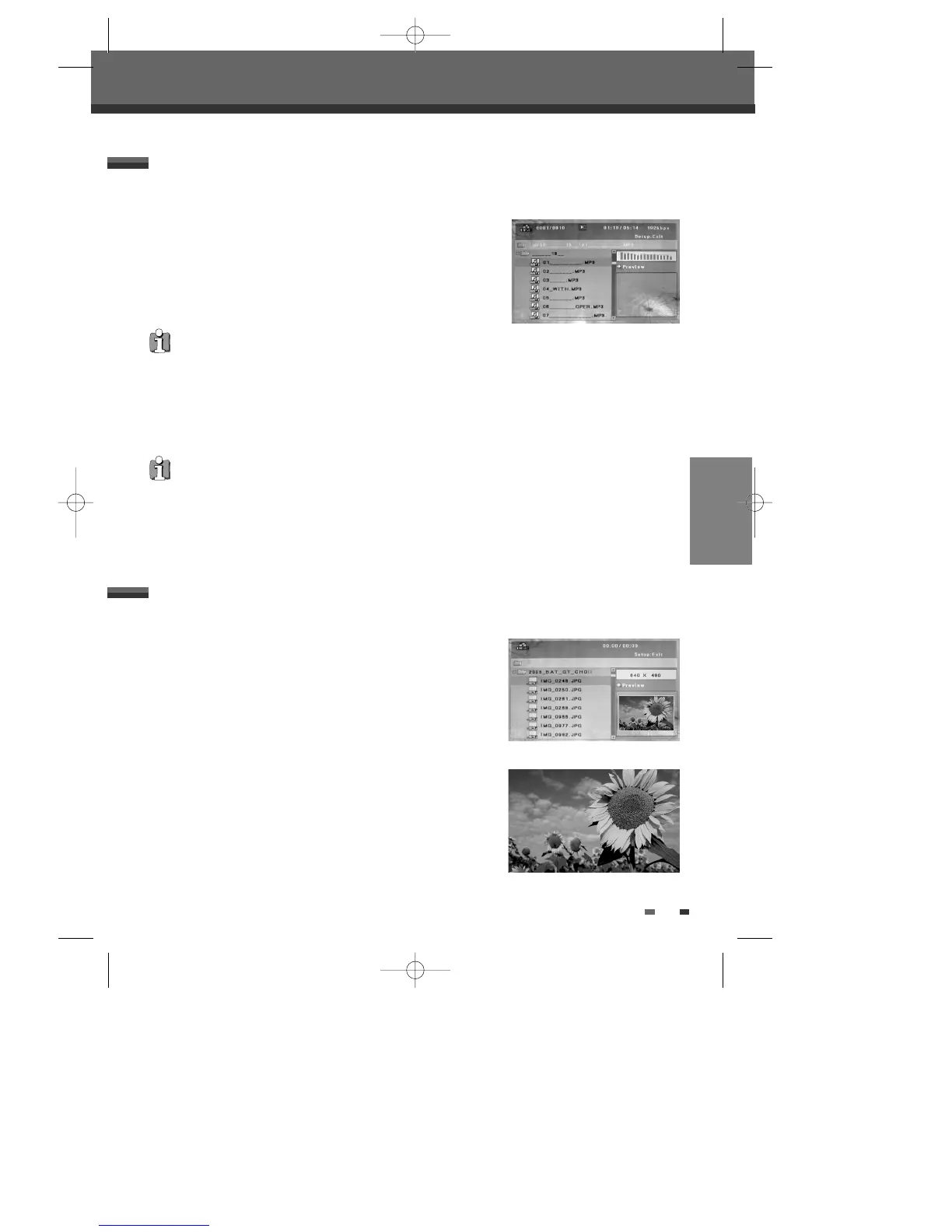
Insert the CD disc and close the tray. The Audio CD or MP3 CD menu
appears on the TV screen after a few moments to load the disc.
2
Use […†] to select a track or a file, then press [PLAY] or [ENTER].
During playback, the current track's elapsed playing time will appear on
the menu. Playback will stop at the end of the disc.
3
While playing an Audio CD, use [FF] or [REW] for 2X, 4X, 8X, 16X, 32X speed playback.
4
Use [PLAY/PAUSE] to pause playback while the disc is playing.
5
To stop playback at any time, press [STOP].
The DVD Recorder+VCR can play audio CDs and MP3 files on CD-ROM, CD-R or CD-RW discs.
Other Disc Playback
Other Disc Playback
Audio CD/MP3 PLAYBACK
• Press [REPEAT] to repeat a track (file) and press again to repeat the whole disc.
On the MP3 CD menu, you can display the folders on the disc.
Use [
…†œ √
] to select the folder icon on the MP3 CD menu then press
[ENTER] or [PLAY].
You can also display just the tracks in the folders.
Use [
…†œ √
] to select a folder then press [ENTER].
••• MP3 •••
1
Insert your CD and close the tray. The JPEG CD or Kodak Picture CD
folder tree appears.
2
If there are folders which contain JPEG files (e.g., pictures on a Kodak
Picture CD), select the desired folder using [
…†œ √
] and press
[ENTER].
3
Select the thumbnail you want to display using [
…†œ √
] and press
[ENTER].
4
The full size image will be displayed and a slide show starts
automatically with a time interval of 10 seconds.
The DVD Recorder+VCR can display JPEG files on CD-R/RW and Kodak Picture CDs.
JPEG / Kodak Picture CD PLAYBACK
DF-T35-37D2P-WB 2006.8.24 4:57 PM ˘ ` 35 mac001 1200DPI 90LPI



 To Next Page