28
On-Screen Display Overview
On-Screen Display Overview
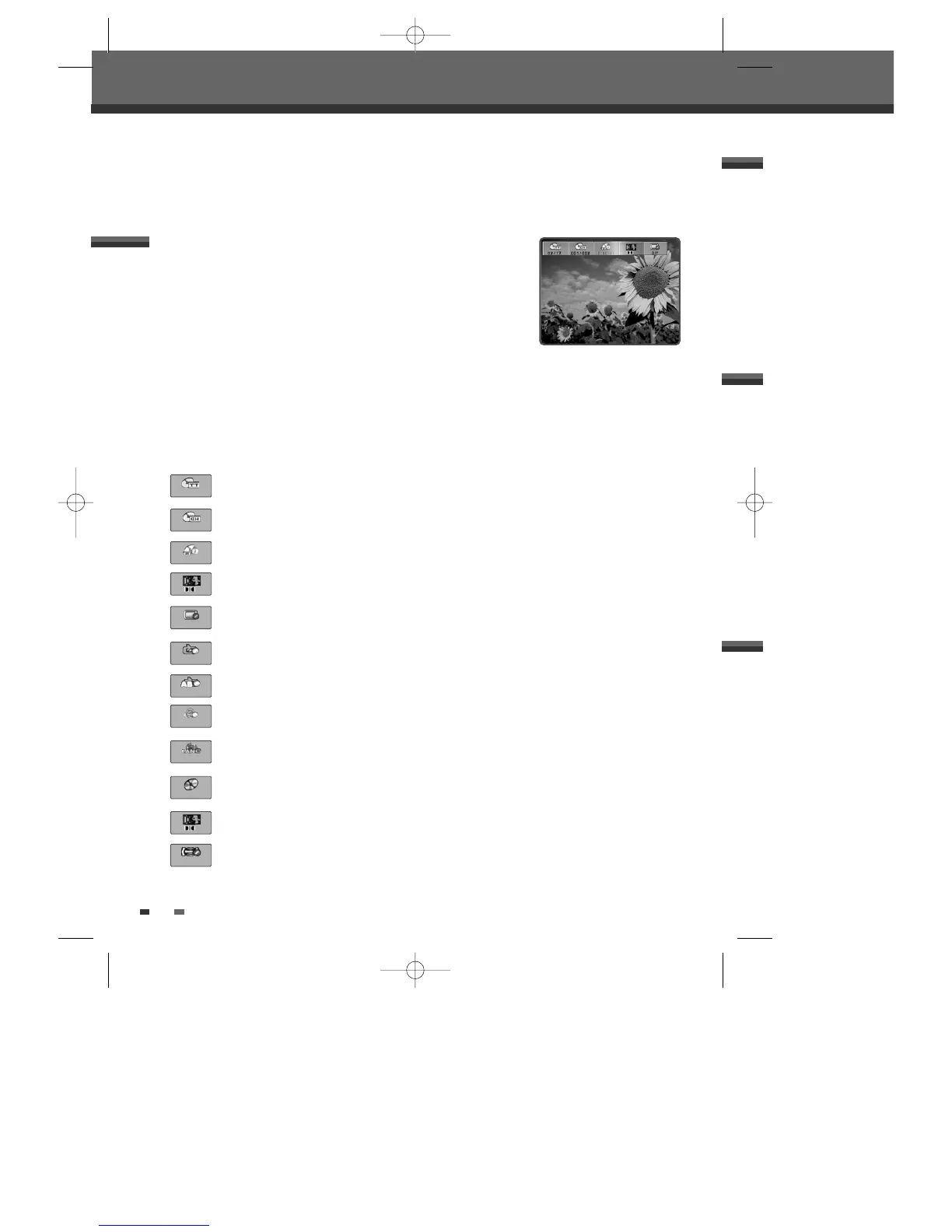
During disc playback, press [DISPLAY] to show information about the current
disc.
The On-Screen Display provides feedback on the status of the DVD Recorder+VCR and/or the currently loaded
disc. To access the On-Screen Display (or OSD), press the [DISPLAY] button.
Displaying DVD Information
√√
Title :
Shows the current title number and total number of titles, and skips to the desired title
number.
Chapter :
Shows the current chapter number and total number of chapters, and skips to the
desired chapter number.
Time Elapsed :
Shows the elapsed playing time, and skips to the desired time.
Audio :
Shows the current audio soundtrack language, encoding method, and channel number,
and changes the setting; AC3 5.1 CH English or AC3 2 CH English
Subtitle :
Shows the current subtitle language, and changes the setting
Repeat :
Shows the current repeat mode, and changes the setting; Chapter, Title, All or Off
A-B Repeat :
Shows the current A-B repeat mode, and changes the setting; A-, A-B or Off
Random Repeat :
Shows the current random repeat mode, and changes the setting; On or Off
OSD Language :
Shows the current OSD language, and changes the setting
1
Press [DISPLAY] during playback. The on-screen display appears on the TV screen.
2
Use [œ√] to select the desired icon on the on-screen display. Press [ENTER] to display a submenu.
3
Use […†] to change the numbers. Press [ENTER] to confirm.
• Displaying icons on DVD/CDDA disc
Changing menu options in display menu
02/17
001/002
0:00:26
Off
Off
Off
Off
1
Track :
Shows the current track number and total number of tracks, and skips to the desired
track number.
Audio Effect :
Shows the current audio effect, and changes the setting; Stereo or Mix-Mono
Sound Effect :
Shows the current sound effect, and changes the setting; Off, Concert, Living
Room, Hall, Bathroom, Cave, Area or Church
01/16
Off
DF-T35-37D2P-WB 2006.8.24 4:57 PM ˘ ` 28 mac001 1200DPI 90LPI



 To Next Page