PLAYBACK
29
On-Screen Display Overview
You can change the TV audio using the [AUDIO] button.
Press [AUDIO] repeatedly to change the TV audio, according to the Broadcast audio signal as shown below.
• STEREO Audio Signal :
Stereo ➝ Mono ➝ Stereo
• MONO Audio Signal :
Mono
• BIL Audio Signal :
BIL1 ➝ BIL2 ➝ BIL1
The current audio channel is displayed on-screen.
• If the sound is poor quality when set to Stereo, you can often improve it by changing to Mono.
• When an external input is selected, the audio channel can be switched only to Stereo.
Changing the TV Audio Channel
Changing TV Channels
If no disc is playing, you can change TV channels using the [0-9] or [PR+/-] buttons on the remote control or
[PR+/–] buttons on the front panel.
While watching TV, press [DISPLAY] to display/remove the on-screen display.
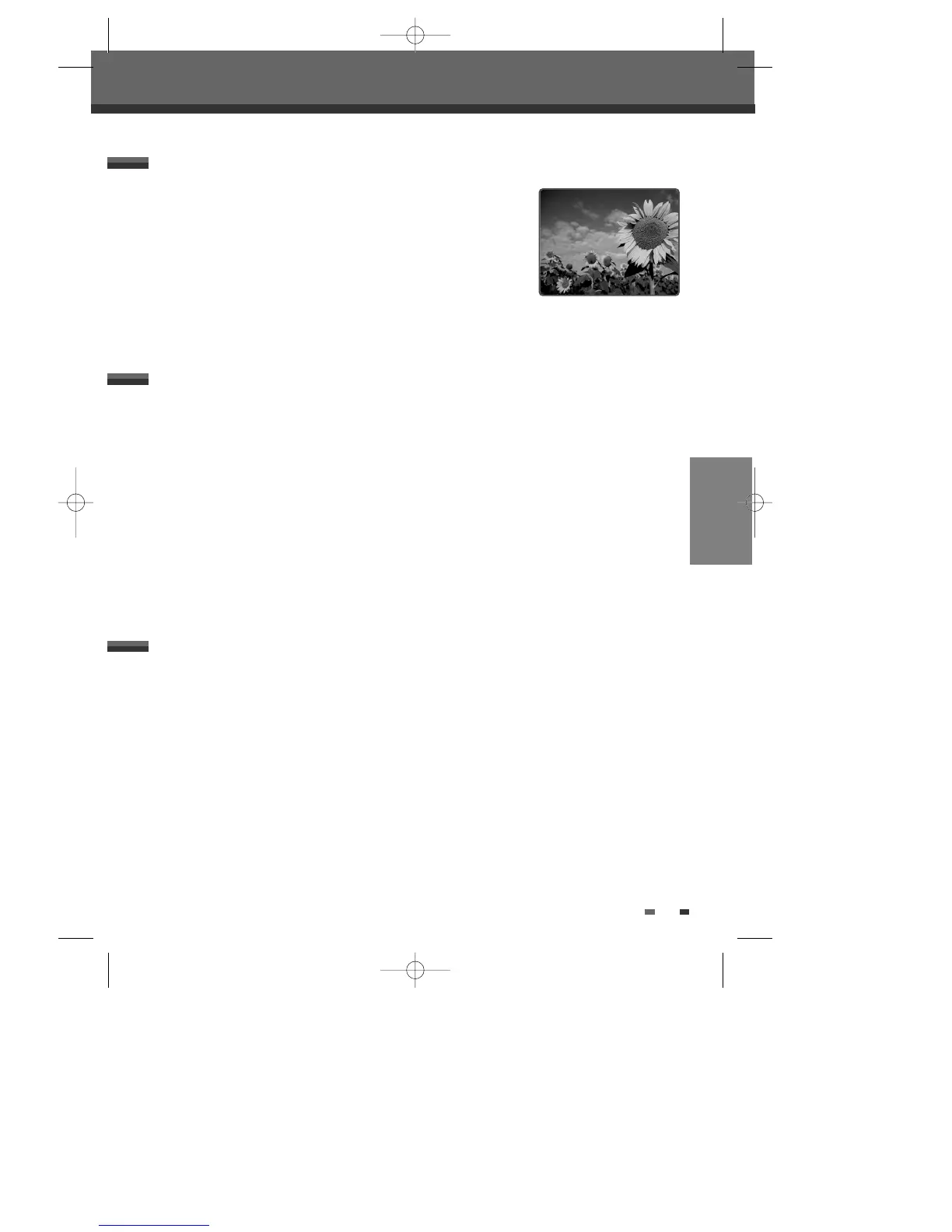
You would see a screen like the following:
Displaying TV Information
PR 1 : - - - -
STEREO
PDC
12:30
SP
DF-T35-37D2P-WB 2006.8.24 4:57 PM ˘ ` 29 mac001 1200DPI 90LPI



 To Next Page