2211
Using the Main & Setup Menu’s
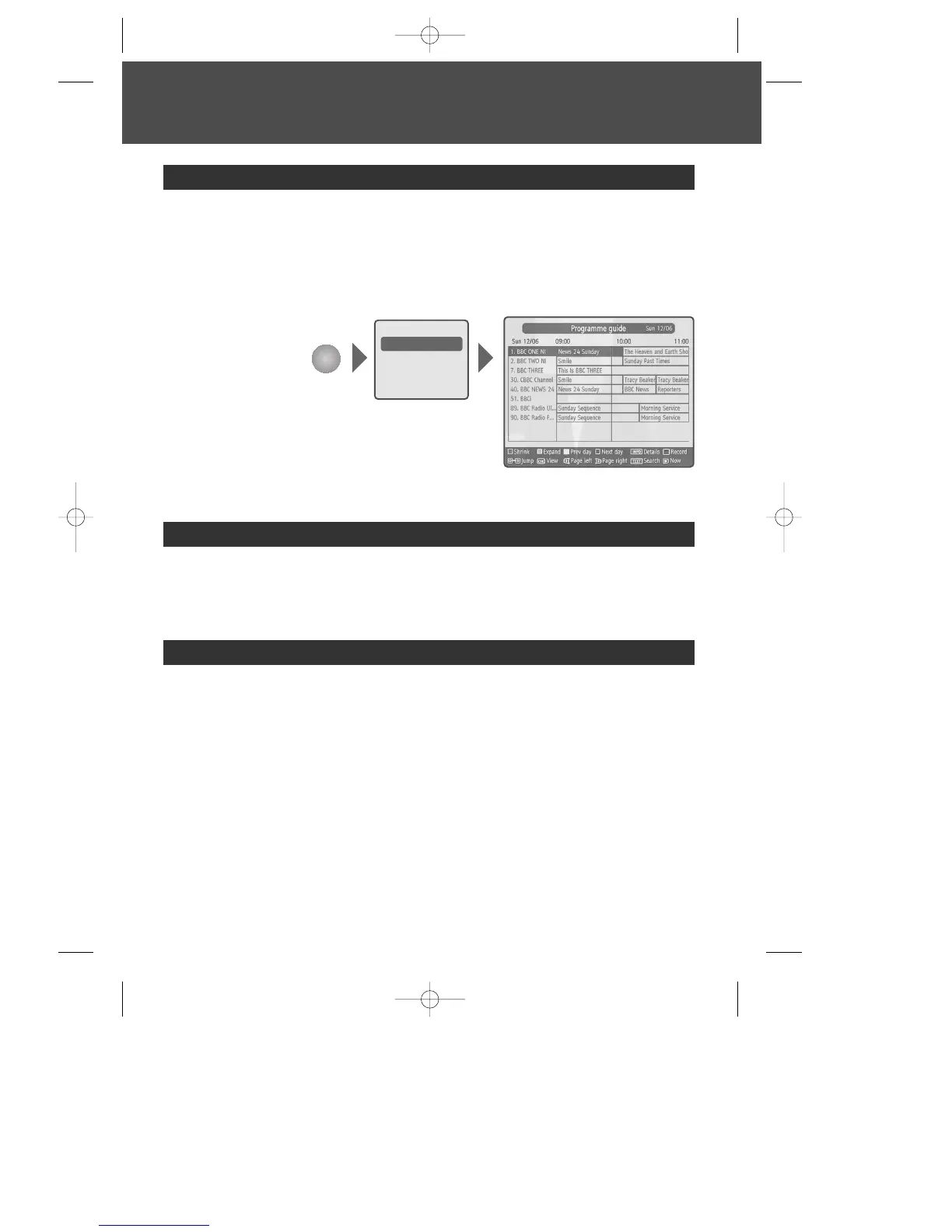
- displays programme information about each channel, based on the date and time. You
can also schedule your recording using the information given.
Refer to page 12~13 for more information.
- You can shrink and expand time range and navigate to previous or next day by the
colour buttons. Searching is available by pressing the [TEXT] button and recording is
also available by pressing the [REC] button or [OK] button.
Programme guide
MENU
Channel list
Programme guide
Timers
Recordings library
Setup
- lets you see a recording list. Refer to page 18 for more information.
Recordings library
- lets you cancel timers.
Refer to page 17 for more information.
Timers
DWBP-B3L1KA-AGN 2007.10.1 4:58 PM ˘ ` 21 mac001 1200DPI 90LPI



 To Next Page