10
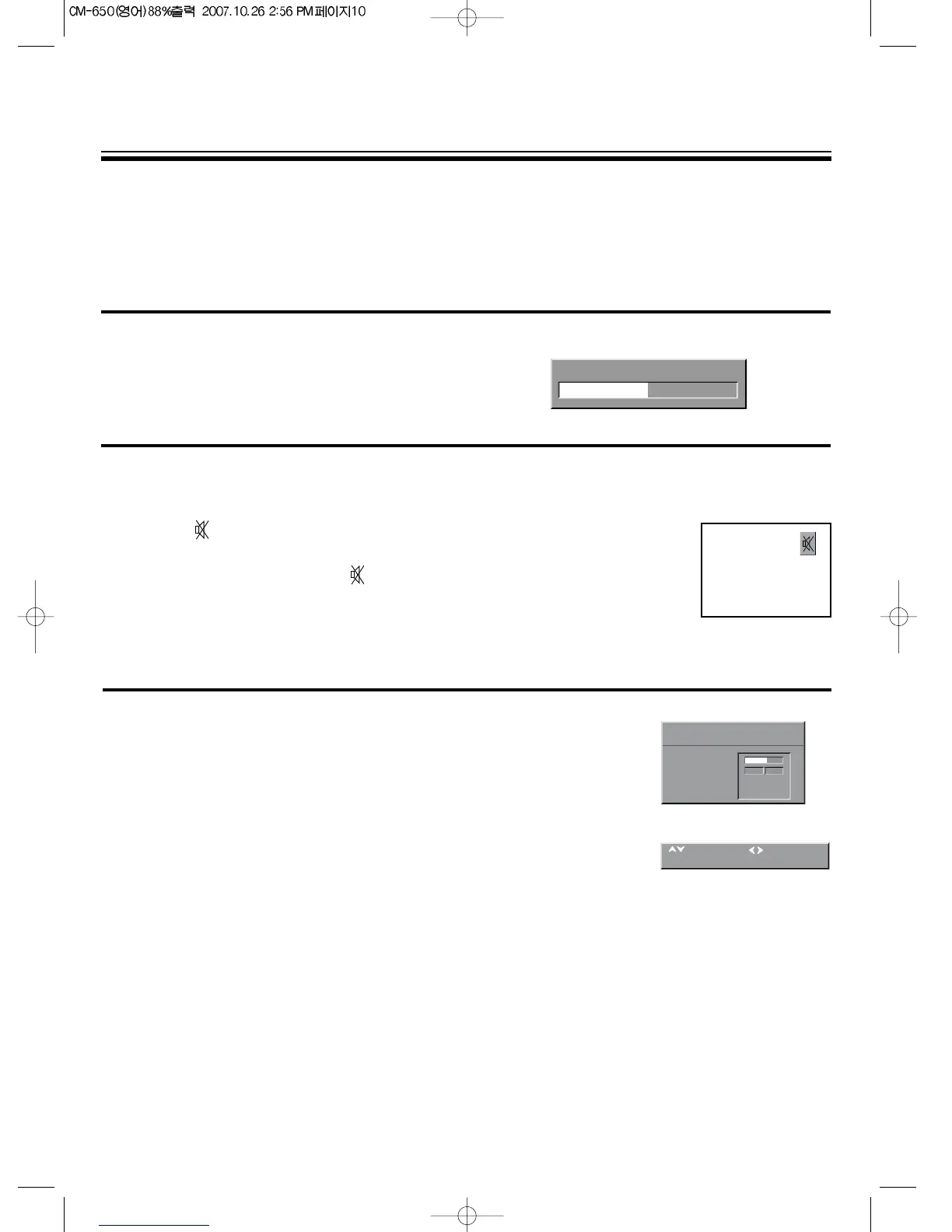
TO VOLUME CONTROL
Adjust the volume with the volume Down
/
Up button on the front of the set, or with the C
/
B buttons
on the remote control.
TO MUTE THE SOUND
The muting function is convenient when you need to pay attention to surround sounds, answer a
phone call, receive a visitor, etc.
1. Press the button.
2. To restore the sound, press the button again or volume Down/Up.
SOUND MENU
- Select VOLUME function to adjust the volume level.
- Select BALANCE function to adjust sound between the left and
right speakers. If the indicator is highlighted in red, then the
central balance position has been found.
- Use the EQUALIZER function to select the sound presets
NORMAL,SPEECH, MUSIC, FAVOURITE by use of the C
/
B buttons.
The FAVOURITE preset contains the settings
that you last entered into the EQUALIZER menu.
- The OK button will enter the EQUALIZER menu, and allow you
to change the FAVOURITE settings.
- Automatic Volume LEVEL (AVL) feature has 4 levels
according to your preference. This feature corrects for large
volume level changes, such as occur when passing from a movie
to advertisements. The AVL solves this problem by equalizing the
volume level, over a SHORT, MEDIUM or LONG period (referring to
the time constant over which the equalizing effect lasts).
CONVENIENT SOUND CONTROL
M
You can select and adjust the sound quality as you like.



 To Next Page