4
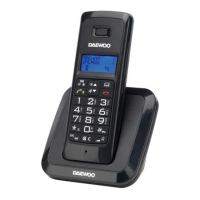
3. Getting to know your phone
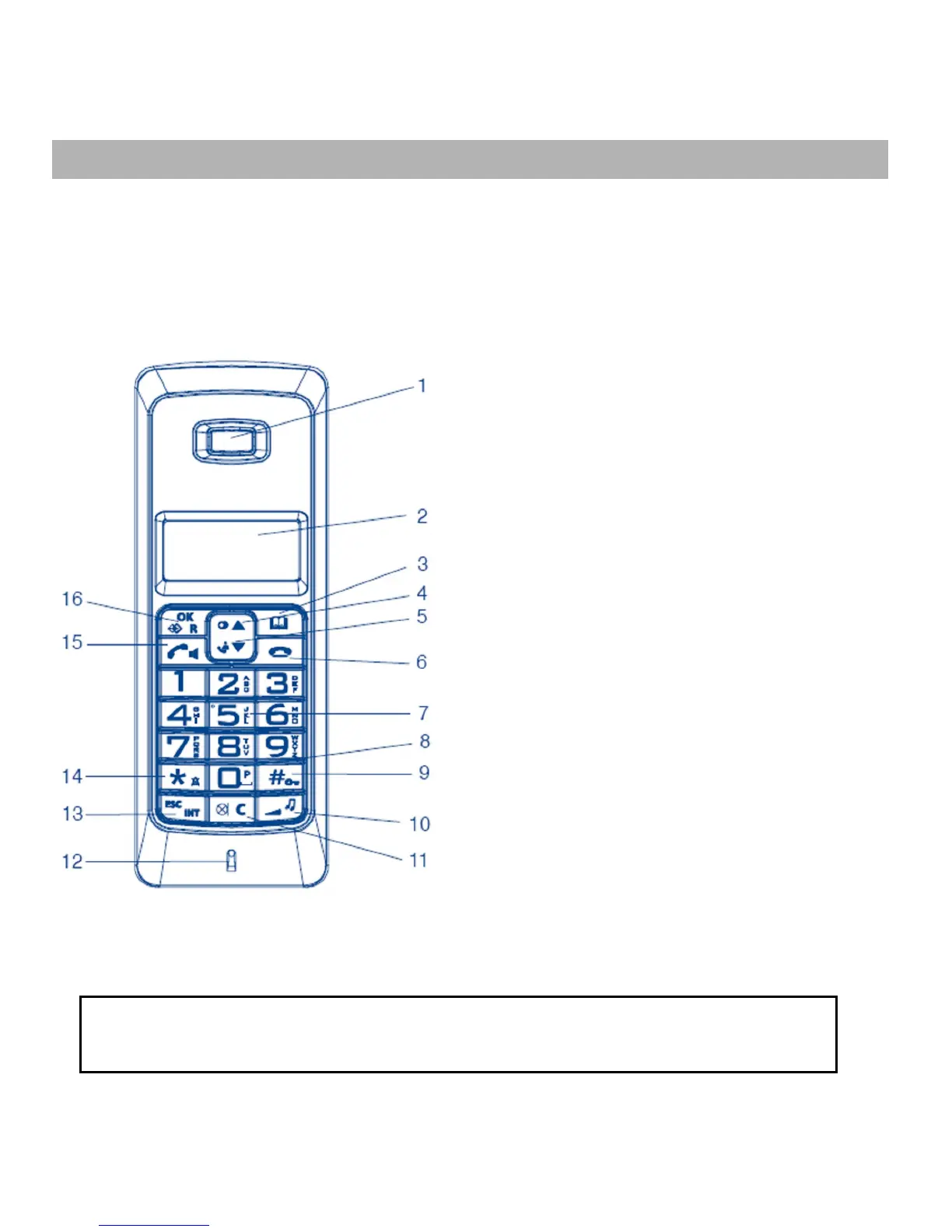
Handset buttons
1. Receiver
2. Display
3. Phonebook
4. Redialing/Navigate up
5. Call list / Navégate down
6. On-hook button
7. Digit Keys
8. Dialing pause
9. Hash button / Key lock
10. Receiver volume / Ringing
tone volume and melody
11. Mute / Delete
12. Microphone
13. Cancel / 1 level back /
Internal call
14. Star button Ringing tone off
15. Call button / Handsfree
function
16. Menu / Ok / R-button
* The call list is only available if you have the ID function subscribed with
your telecommunications supplier.


 To Next Page