36
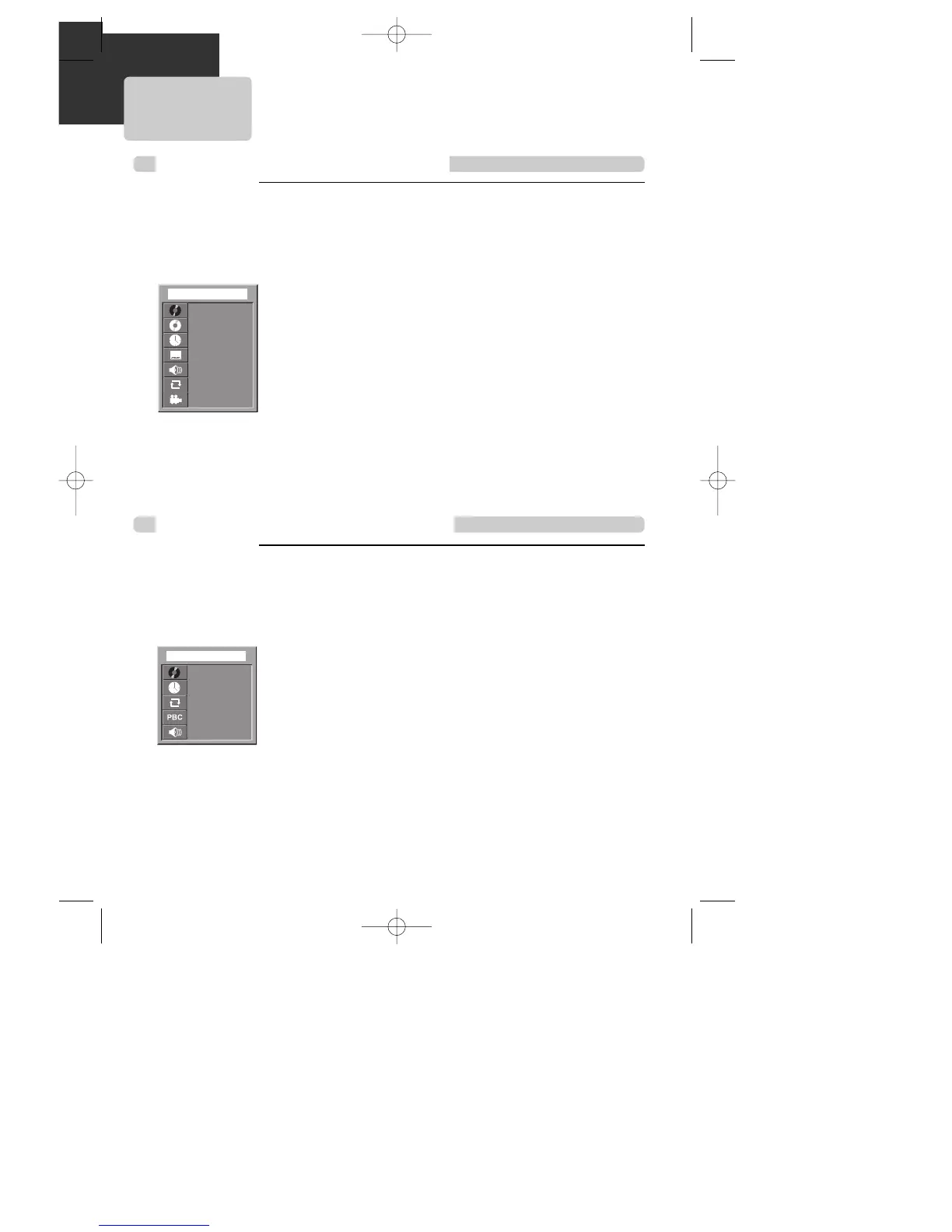
Confirming the current PLAY mode on screen
While in playing, press [DISPLAY] button.
It shows the current disc mode.
If you want to change the mode, select the item with up/down cursor and enter the
new settings with [number], [<] or [>] button. In completing entering, press [ENTER]
button.
To exit from Display mode, press [DISPLAY] button again.
DISPLAY
DISPLAY
001/003
001/023
00:01:03
1/3 ENG
1/3 ENG
OFF
1/4
➟ channel number at current title / total title number
➟ channel number at current chapter / total chapter number
➟ time elapsed
➟ channel number at current subtitle / total subtitle number / subtitle selected
➟
channel number at current audio language / total audio language number / audio language selected
➟ repeat playback mode
➟ channel number at current angle / total angle number
Confirming the current DVD disc mode
DVD
While in playing, press [DISPLAY] button.
It shows the current disc mode.
If you want to change the mode, select the item with up/down cursor and enter the
new settings with [number], [<] or [>] button. In completing entering, press [ENTER]
button.
To exit from Display mode, press [DISPLAY] button again.
DISPLAY
DISPLAY
001/003
00:10:54
OFF
OFF
1/3
➟ channel number at current track / total track number
➟ time elapsed
➟ repeat playback mode
➟ PBC mode
➟ channel number at current audio language / total audio language number
SVCD
Confirming the current SVCD disc mode
A83/84/53/54D1N-QS(˜ ”‚ VE2.0) 03.8.13 11:20 PM ˘`36



 To Next Page