45
SETUP
AUDIO Setup
DIGITAL OUT
BITSTREAM
BITSTREAM
DYNAMIC RANGE OFF
LANGUAGE
VIDEO AUDIO
OTHERS
MOVE :œ √†… SELECT:ENTER EXIT:SETUP
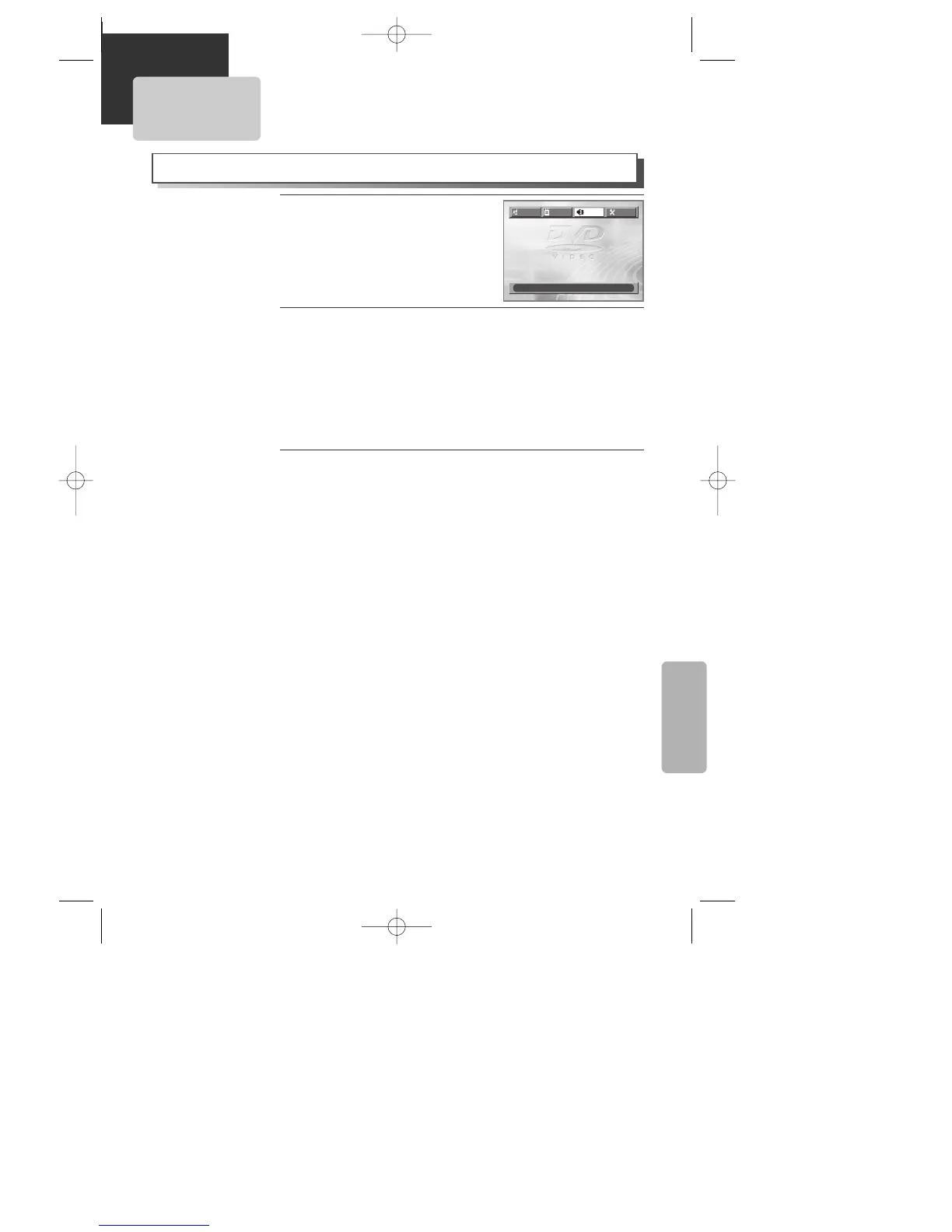
Selecting DIGITAL OUT.
Every time the user presses [ENTER] button, DIGITAL OUT changes
BITSTREAM ➝ LPCM ➝ BITSTREAM ➝ ... one by one.
Set output conditions to coaxial or optical terminal. You can set
following two values of digital output;
¥ BITSTREAM : The same signal as audio signal recorded in disc
goes to digital audio output terminal.
¥ LPCM : Decoded audio signal goes to digital output terminal.
2
2
A user may select audio menu according to a userÕs speaker set.
While DISC STOP or Resume
STOP, press [SETUP] button.
1
1
Select a Dynamic Range
You can set following 2 values of Dynamic Range;
¥ OFF : You can hear the same sound as recorded in disc.
¥ FULL : You can hear loud sound softer and soft sound louder.
3
3
A83/84/53/54D1N-QS(˜ ”‚ VE2.0) 03.8.13 11:20 PM ˘`45



 To Next Page