9
DESCRIPTIONS OF CONTROL PANEL
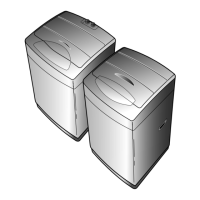
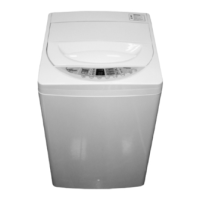
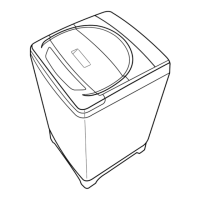
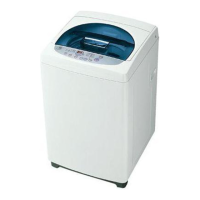
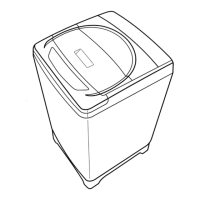
DWF-5510P
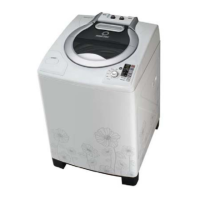
DWF-6021P
Power Switch
• Press this button to turn the power ON or OFF.
Water Level Selector
• This button is used to select the water level you want.
Reservation Button
• If you want to reserve the finishing time of washing, use this button.
As this button is pressed, digit in display increases by 1 hour at one press.
• If current time is 8:00 am and you expect washing will be completed around
5:00 pm, press this nine times in order to display ‘9’.
Course Selector
• This button is used to select the washing course according to the type of wash
loads.
• Either Wool or Suit course is adopted to your Washing Machine.
Program Button
• With this button, you can create new programs by combinations of process.
Temperature Selector (Optional)
• If your washer is connected to two water taps for cold water and hot water, you
can select them. Without operation, cold water would be selected
automatically.
Start/Hold
• With this button, you can make your washer proceed your program, or stop
temporarily. And you can also release the temporary stop by pressing this.



 To Next Page