11
2. Set the weight by pressing UP or DOWN pad.
2. Set the weight by pressing UP or DOWN pad.
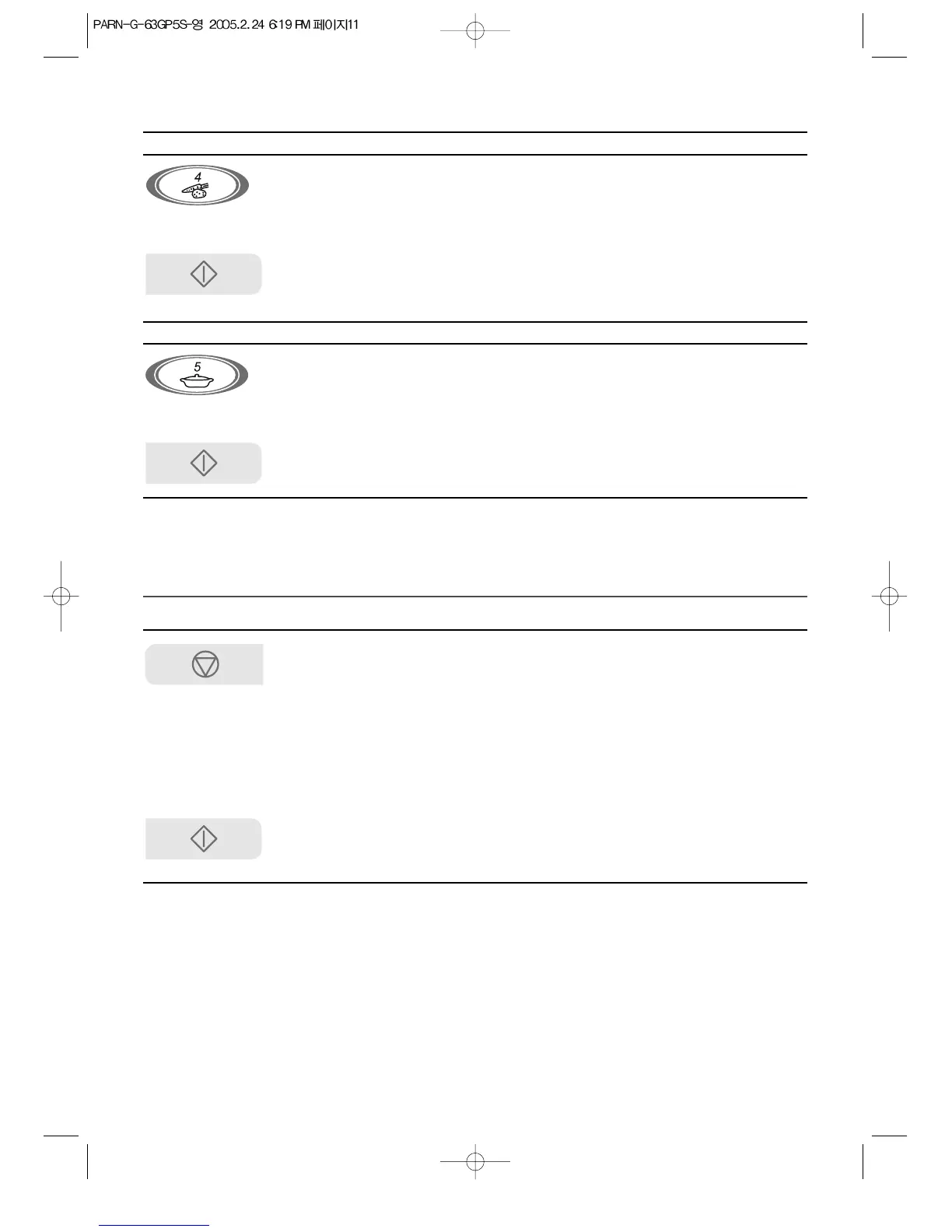
4. Fresh Veg. (200g - 1000g)
5. Reheat Meal (200g - 700g)
The Auto indicator lights and 5 is displayed.
The weight will change in 10g increments.
The Auto indicator lights and 4 is displayed.
The weight will change in 10g increments.
POWER SAVE MODE
This function is used to save energy.
2. Press any keypads.
The display will turn off and a tone will sound.
The display will turn on and the oven will
operate normally.
If you don’t press any keypads within 10
seconds, display will turn off an POWER SAVE
MODE will be activated automatically.
The POWER SAVE MODE will be canceled and
a tone will sound.
3. Press Start pad.
1. Press Fresh Veg. pad.
1. Press Reheat Meal pad.
3. Press Start pad.
1. Press and hold STOP/CANCEL
pad for 3 seconds.
3. Press and hold
STOP/CANCEL pad for 3
seconds.



 To Next Page