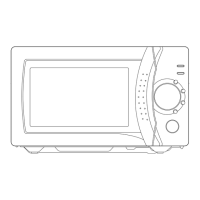
»C
ontrol panel
About Your Microwave
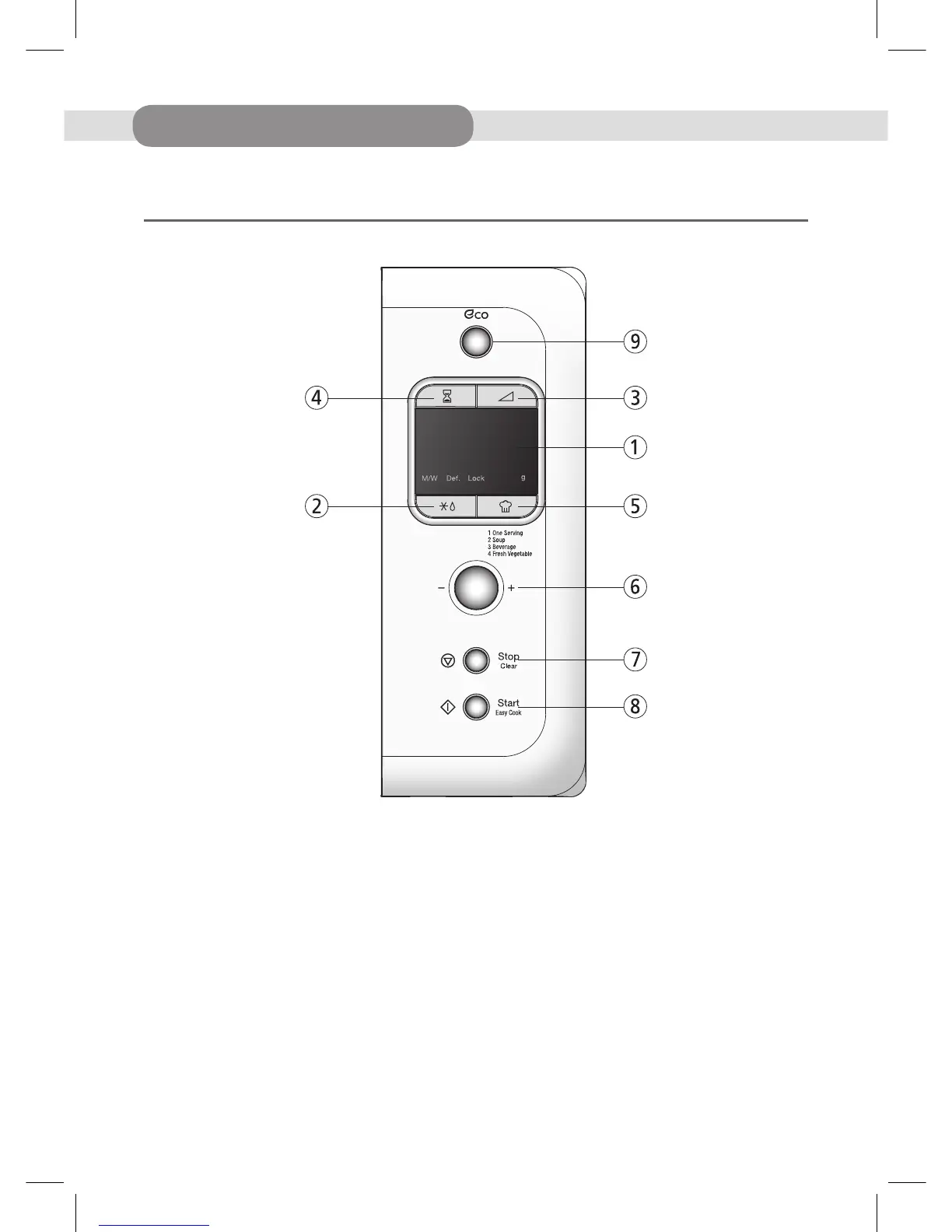
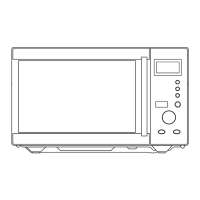
1. Display - Cooking time, power level and indicators are displayed.
2. Defrost- Used to defrost foods by weight or time.
3. Power- Used to set power level.
4. Timer - Used to set the timer.
5. Auto cook- Used to cook using a program or to reheat.
6. Dial knob- Used to set the time and weight.
7. Stop/Clear- Used to stop the oven operation or to erase all entries.
8. Start/Easy cook-Used to start the oven operation and also increase the reheat time by 30 seconds.
9. Eco button-Used to turn the AC power on the oven.
DESUK_KOR-6LBR5S(영).indd 6 15. 5. 22. 오후 3:17


 To Next Page