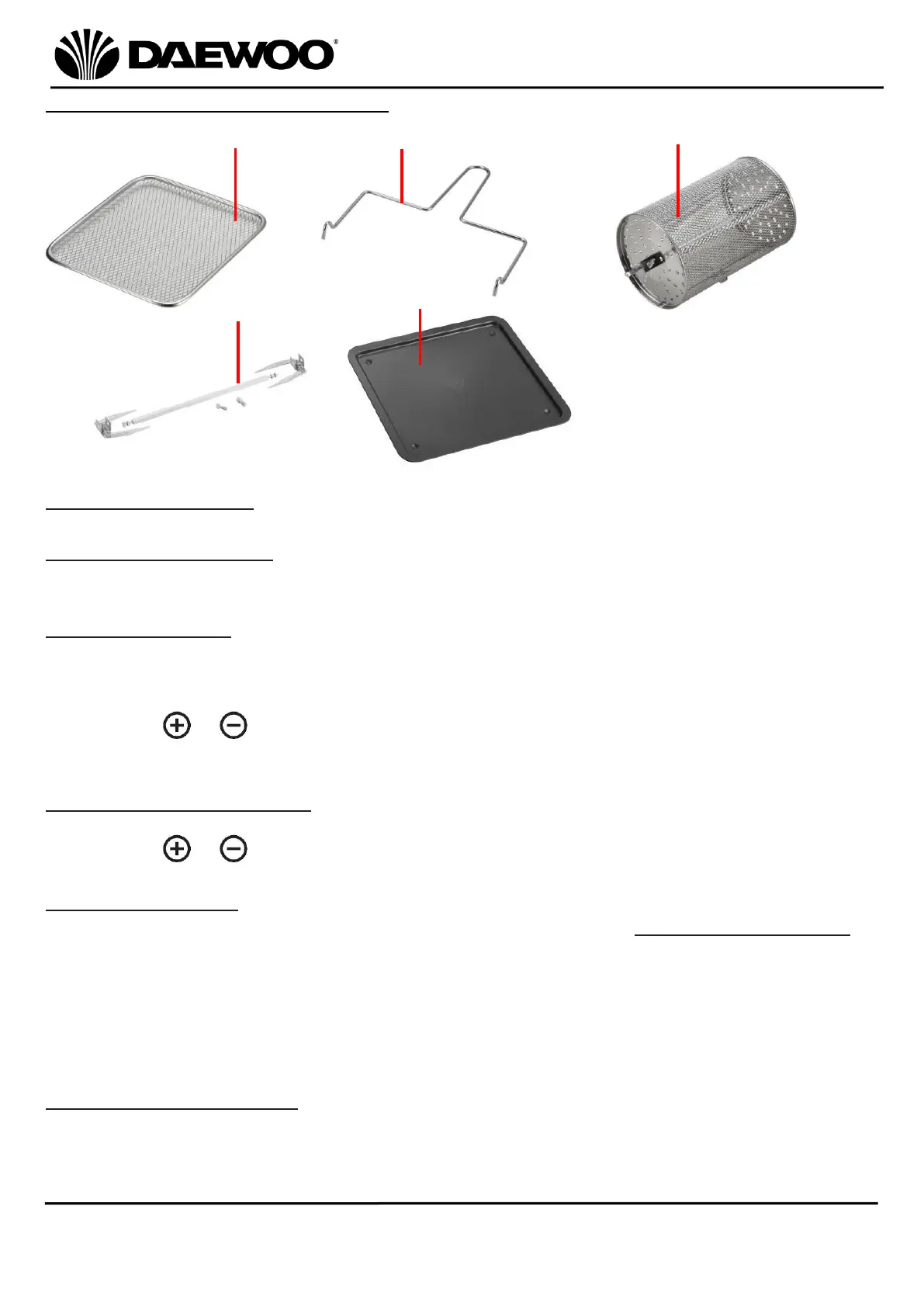
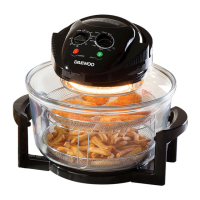
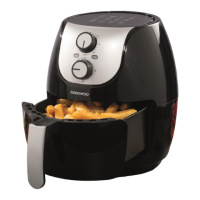
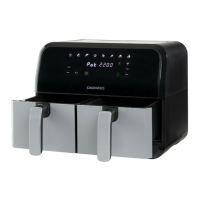
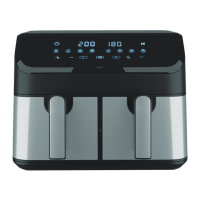
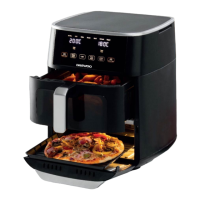
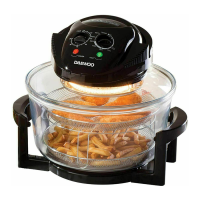
Description of Parts – Accessories
Control Descriptions
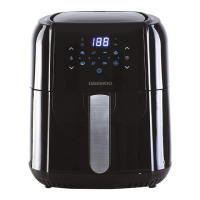
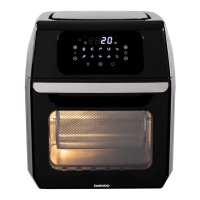
LED Digital Display (7)
The display will alternate between temperature and the remaining cooking time.
Timer Controls (8)
• The timer can be set in 1 minute increments up to 90 minutes.
• In dehydrating mode, the Timer can be set in 30 minute increments from 2-24
hours.
• Press the or buttons to increase or decrease the cooking time in 1 or 30
minute increments.
Temperature Controls (13)
• The temperature can be set in 5°C increments from 80°C to 200°C.
• Press the or buttons to increase or decrease the cooking temperature.
Cooking Presets (9)
• Select one of the 10 presets cooking programs from the Preset Cooking Chart
below. The pre-programmed time and temperature will be automatically set.
• Cooking will start 5 seconds after a pre-set has been selected, alternatively,
press the Power/Start/Stop (11) button to start cooking immediately.
• The pre-set cooking programs can be overridden by increasing or decreasing the
Time and Temperature Controls (8 & 13) accordingly.
Rotisserie Start/Stop (10)
Press the Rotisserie Start/Stop (10) button to start and stop the Rotisserie Basket
(c) rotating. This function can be used with any of the Cooking Pre-sets (9).
The rotisserie icon (10) will flash during use.


 To Next Page