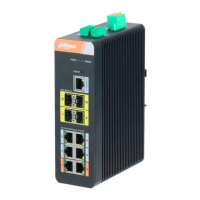
Dahua Gigabit Industrial Managed Switch Quick Start Guide
One end of RJ45-DB9 cable is RJ45 connector, which needs to be inserted into the Console port of the
device; the other end is DB9 plug, which needs to be inserted into the 9-pin serial port which controls the
computer.
Please refer to Table 3-1 for the port pin definition.
Table 3-1
3.2.3 SFP Ethernet Port
Warning
The device uses laser to transmit signal via optical fiber cable. The laser conforms to the requirement of
level 1 laser products. Therefore, please do not look at the 1000Base-X optical port directly when the
device is powered on, which is to avoid injury upon eyes.
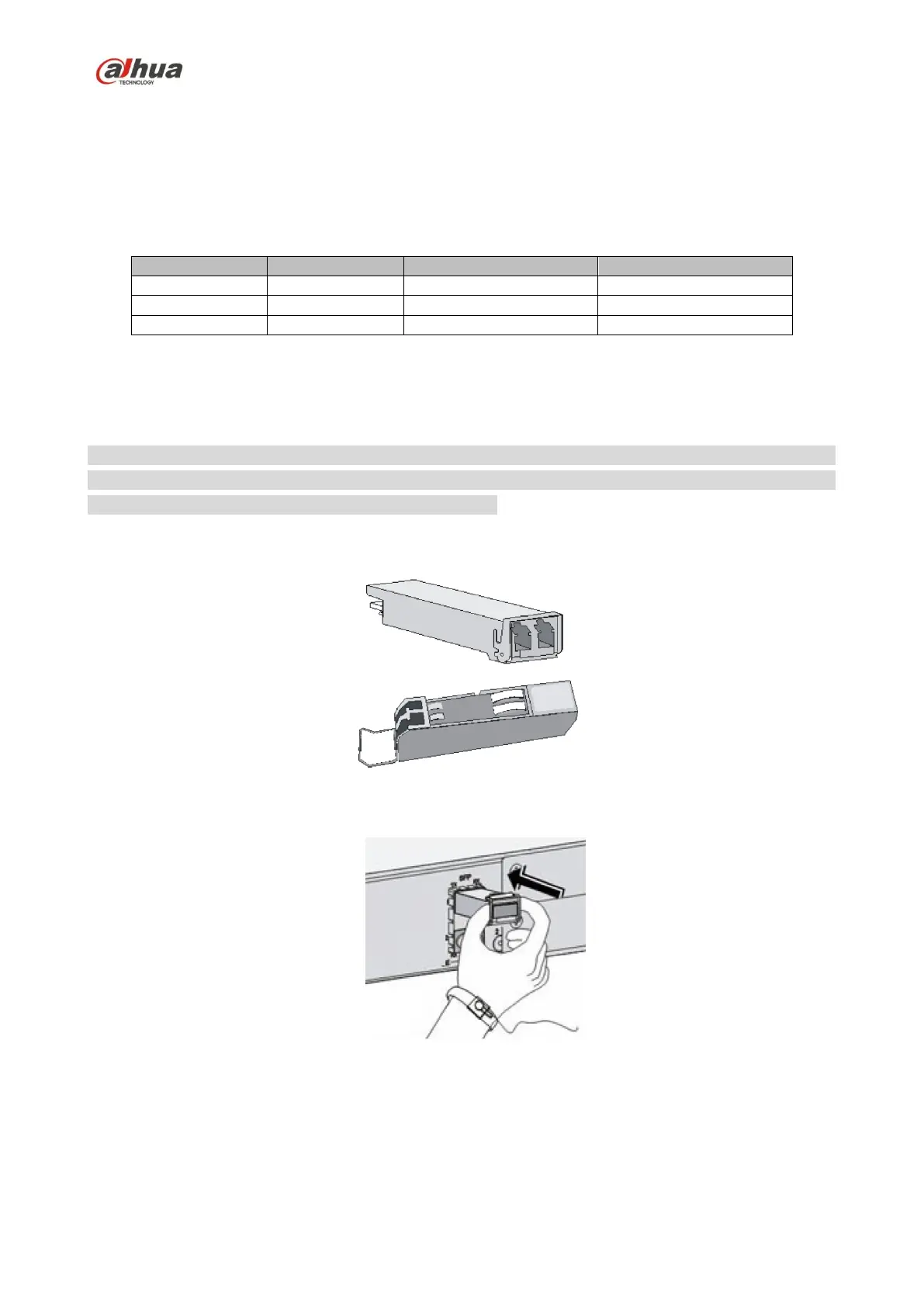
Please refer to
Figure 3-6 for SFP module structure.
Figure 3-6
Please refer to Figure 3-7 for the SFP module installation.
Figure 3-7
Operation Steps
Step 1
It is recommended to wear antistatic gloves before installing SFP module, and then wear antistatic wrist,


 To Next Page
 Loading...