4
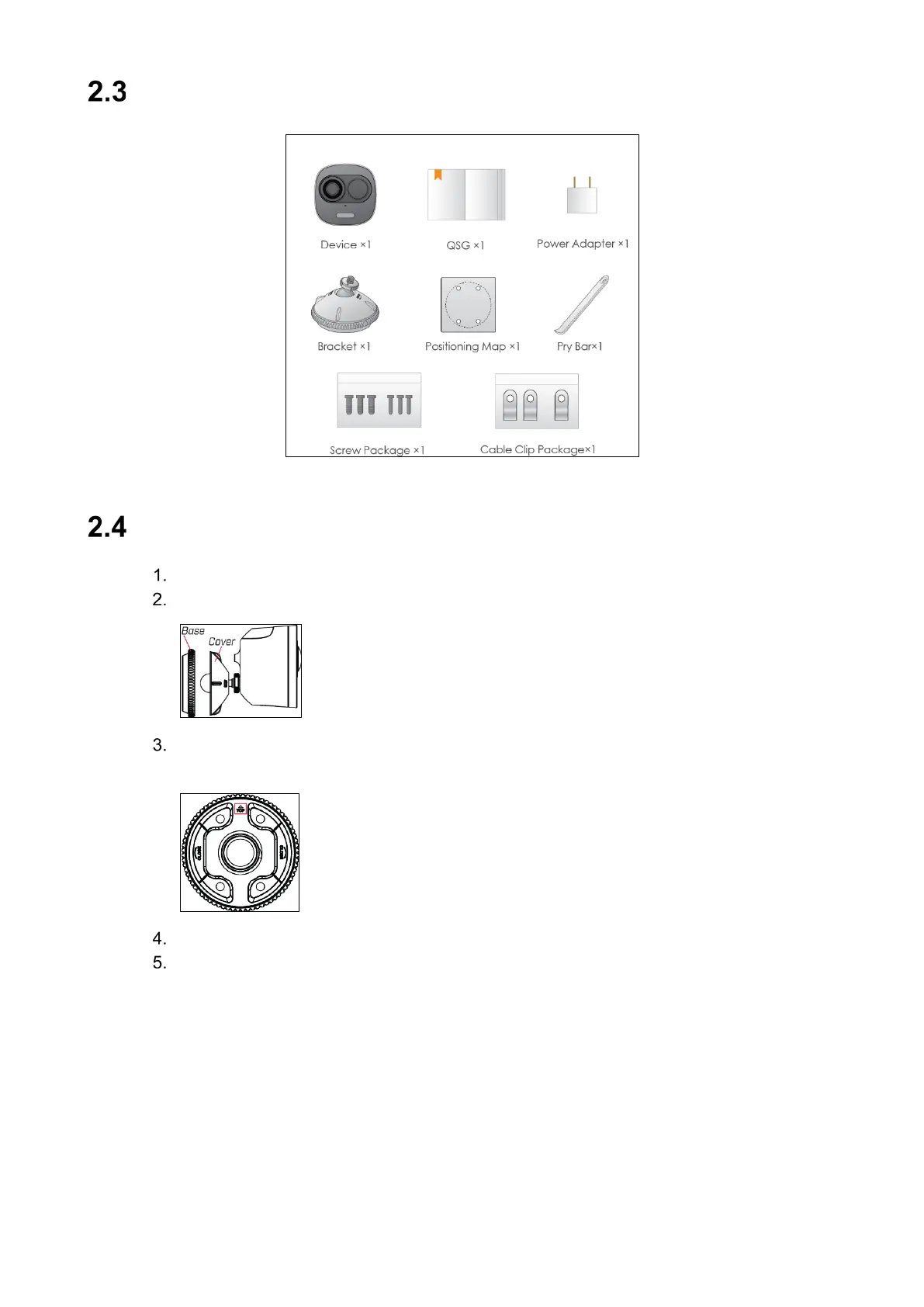
Parts List
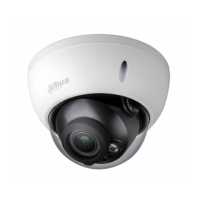
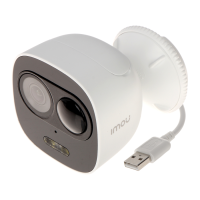
Figure 2-1: IPC-C26E Package Contents
Mounting the Camera to a Wall
Attach the wall mount to the back of the camera.
Twist the wall mount cover counterclockwise to separate it from the base.
Set the base of the wall mount in the desired mounting position with the TOP indicator
pointing up.
Mark holes for screws and cables through the mounting base.
Drill holes where marked. If required, insert the included drywall anchors (4×).





 To Next Page