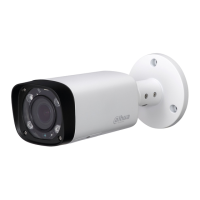
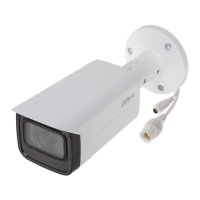
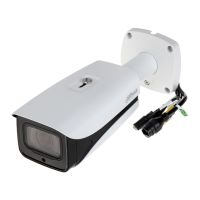
Dahua HD IR Vari-Focal Fixed Network Camera User’s Manual
2 Framework
2.1 Device External Cable
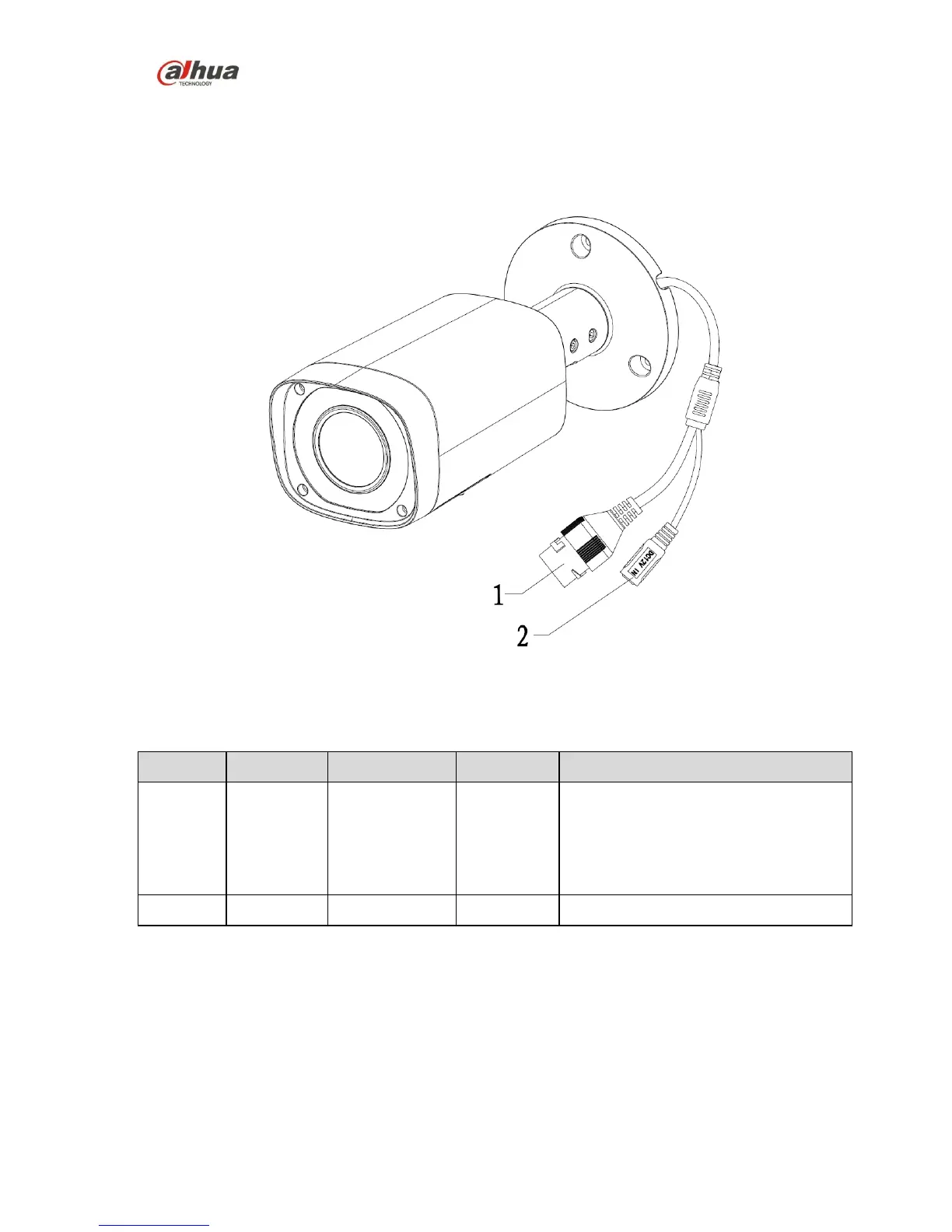
You can refer to the following figure for cable information. See Figure 2-1.
Figure 2-1
Please refer to the following sheet for detailed information.
Connect to standard Ethernet cable.
Note:
Before making crystal head, pull the
anti-dust cover (default), waterproof
cover (optional) through network cable.
Power port. Input DC 12V.
2.2 Framework and Dimension
Please refer to the following figure for dimension information. The unit is mm. See Figure 2-2 and
Figure 2-3.


 To Next Page
 Loading...