EasyManua.ls Logo

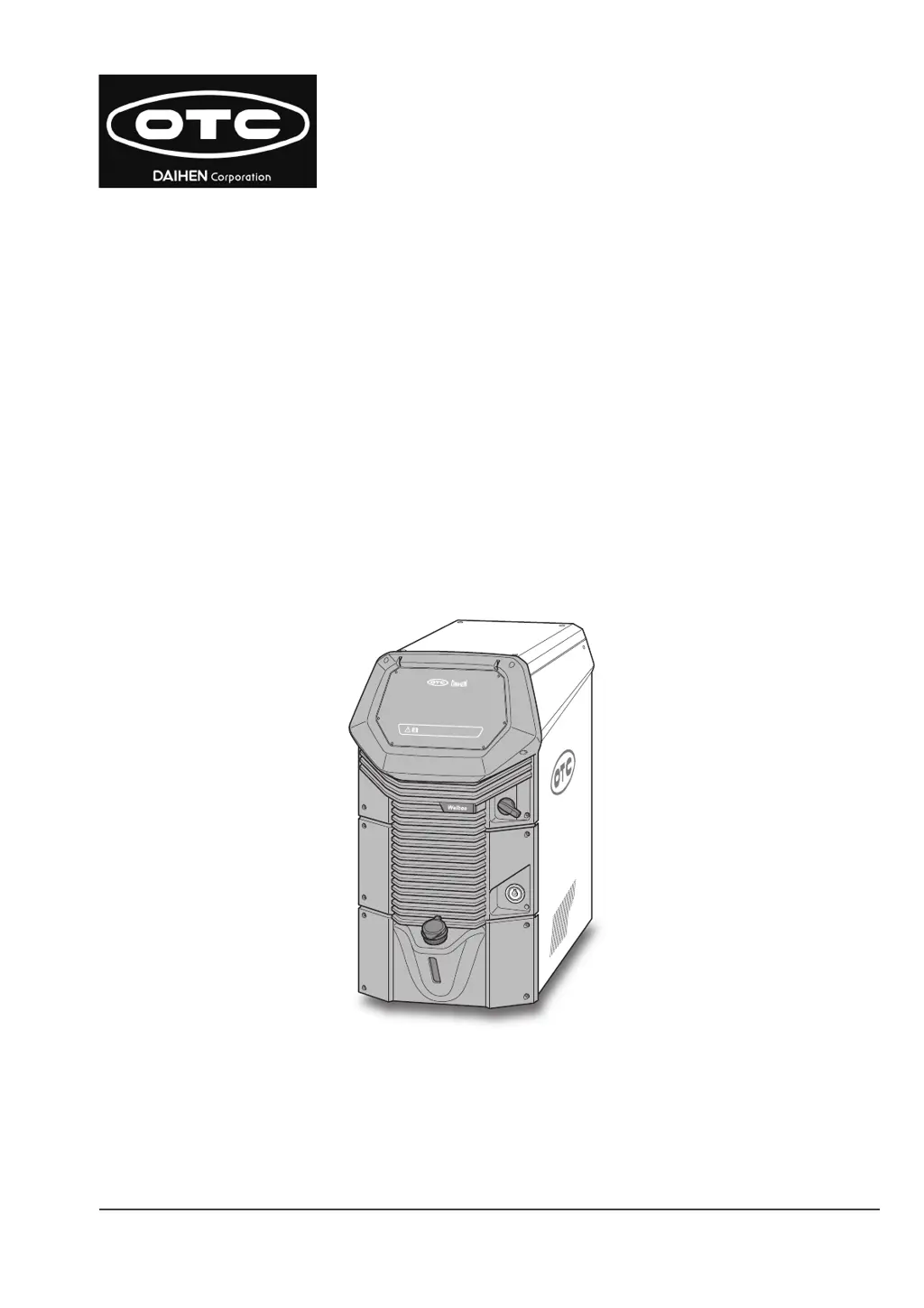
Daihen OTC ARXIS pulse P403L - User Manual

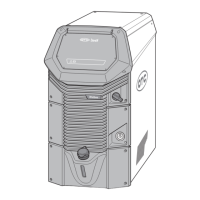
Daihen OTC ARXIS pulse P403L
188 pages
Print Icon
To Next Page IconTo Next Page
Loading...
July, 2023
Manual No. : P30433-1
DAIHEN Corporation
ARXIS pulse P403L
P503L
OWNER'S MANUAL

Table of Contents

Questions and Answers

  • C
    Casey HoganAug 11, 2025
    What to do if the Daihen Welding System displays an error message on the touch panel?
    • J
      Jeffrey ManningAug 11, 2025
      If an error or warning message appears on the Daihen Welding System's touch panel, check the displayed error code and take action based on the information provided for that code.
  • A
    andersonchristinaAug 20, 2025
    Why is the status LED of my Daihen Welding System power source flashing red?
    • U
      uturnerAug 20, 2025
      If the status LED of the Daihen Welding System's power source flashes red, it indicates an error that has stopped the welding power source output.
  • N
    Natalie CarterAug 31, 2025
    How to stop the output when the status LED of Daihen Welding System flashes yellow?
    • L
      Lee SpearsAug 31, 2025
      If the status LED on the Daihen Welding System's power source is flashing yellow, it means an error has occurred, but the welding power source output hasn't stopped. To stop the output, set the internal function F19 to [ON].

Daihen OTC ARXIS pulse P403L Specifications

General IconGeneral
Rated Output Current400A
Duty Cycle60% at 400A
Protection ClassIP23
Frequency50/60 Hz
Welding MethodMIG/MAG, Pulse
Input Voltage3-phase, 400V
Welding Current Range30A - 400A

Related product manuals