Si10-416A ARC412 Series
Operation 189
1.3 Adjusting the Air Flow Direction
Adjusting vertical direction:
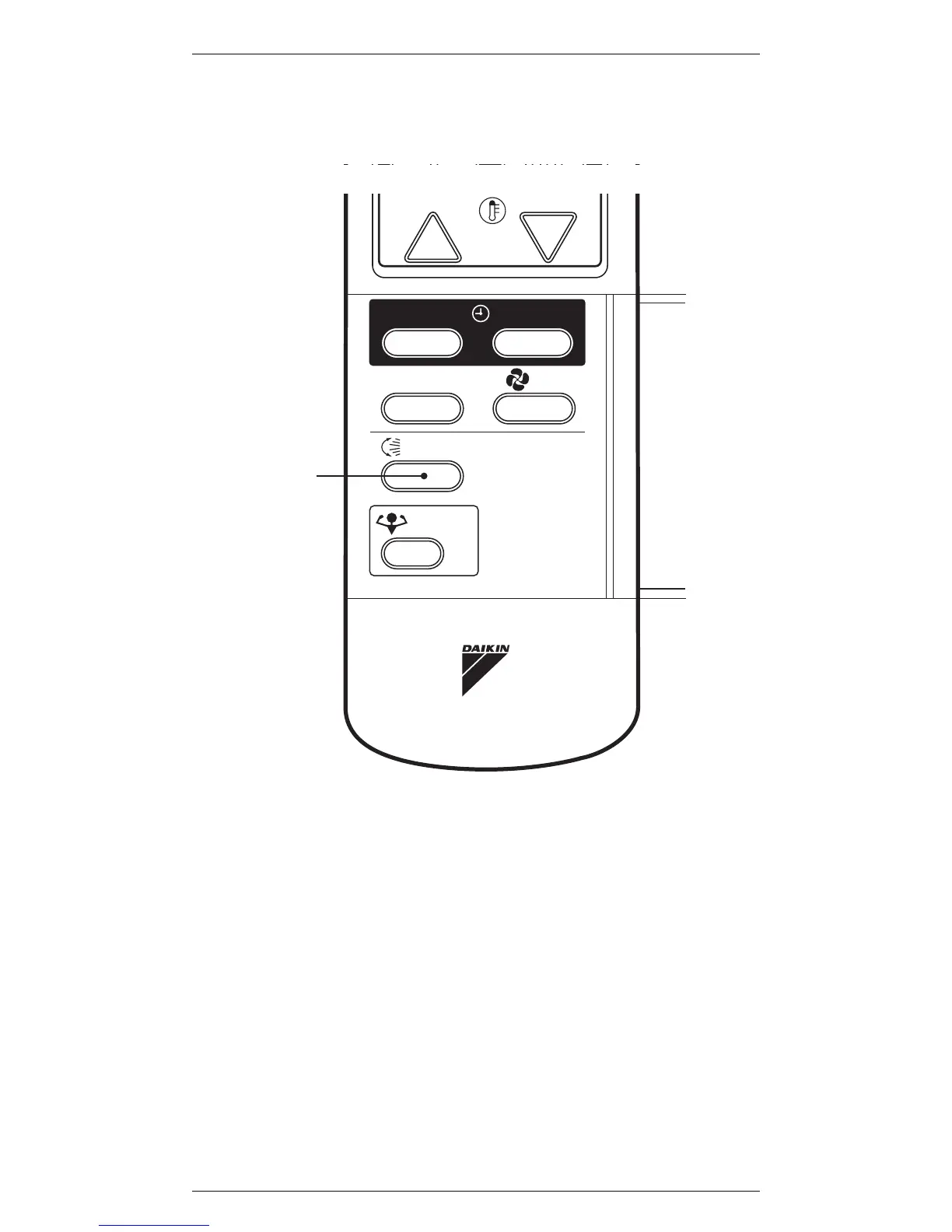
Make sure to use the SWING button to adjust it.
1. SWING
Press the SWING button. The flap automatically
swings according to the operation mode.
2. SWING stop
Watching the flap movement, press the SWING
button at the position of your choice.
The recommended ranges for stopping the flap are
shown left.
Note:
Once you stop the flap at the position you like, the
position is saved in the memory.
Next time you use the air conditioner, the flap will stop at
that position.



 To Next Page