Si10-416A ARC417 Series
Remote Controllers 81
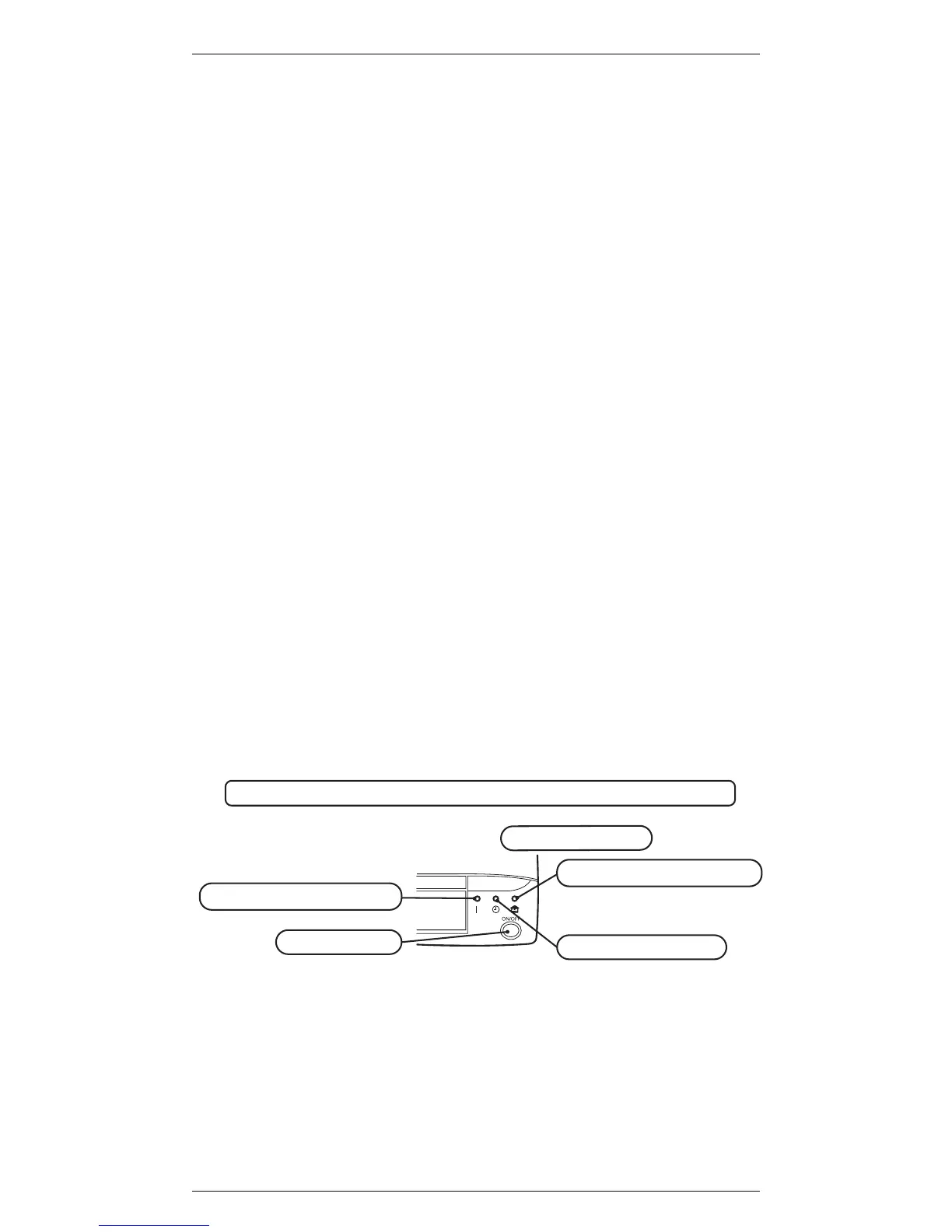
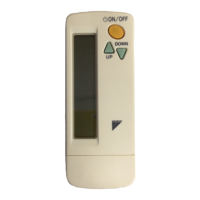
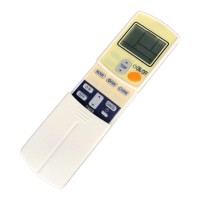
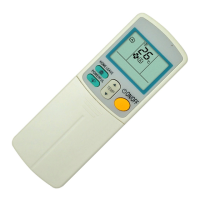
1. Transmitter
It sends signals to the indoor unit.
2. ON/OFF button
Press it once to start operation. To stop it, press it
once again.
3. Display
It displays the current settings.(In this illustration, each
section is shown with all its displays ON for the
purpose of explanation.)
4. TEMPERATURE / TIME adjustment buttons
It changes the temperature or time setting.
5. CLOCK button
6. OFF TIMER button
7. ON TIMER button
8. TIMER CANCEL button
It cancels the timer setting.
9. FAN setting button
It selects the air flow rate setting.
10. MODE selector button
It selects the operation mode.
(AUTO / DRY / COOL / HEAT / FAN)
11. SWING buttons
12.OUTDOOR UNIT SILENT button
13. POWERFUL button
14. HOME LEAVE button



 To Next Page