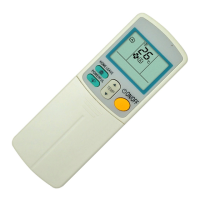
ARC417 Series Si10-416A
214 Operation
3. ARC417 Series
3.1 Preparation Before Operation
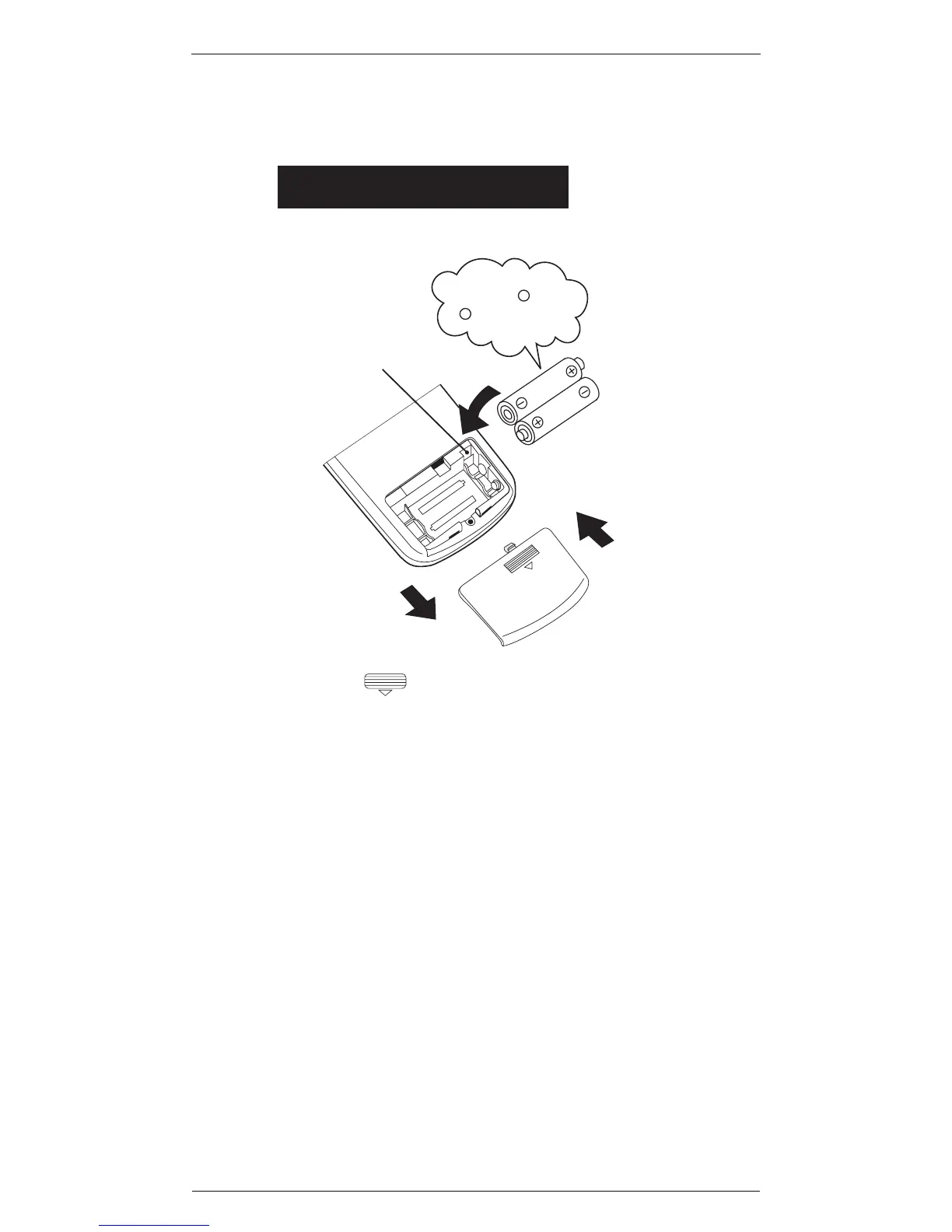
Setting the batteries
2
3
1
1
Press with a finger and slide the back
cover to take it off.
2
Set two alkaline dry batteries (LR03).
3
Set the back cover as before.
This will cause the figures on the display
to flash. Set the clock at this point.
Position + and
– correctly!
Address switch
Remote controller



 To Next Page