ARC423 Series Si10-416A
248 Operation
4.4 POWERFUL Operation
POWERFUL operation quickly maximizes the
cooling (heating) effect in any operation mode.
You can get the maximum capacity with a touch
of a button.
! Pressing the (POWERFUL) button during
operation starts POWERFUL operation.
! POWERFUL operation ends in 20 minutes.
Then the system automatically operates again
with the settings which were used before
POWERFUL operation.
! During you use “POWERFUL operation”, the
other functions will not go on.
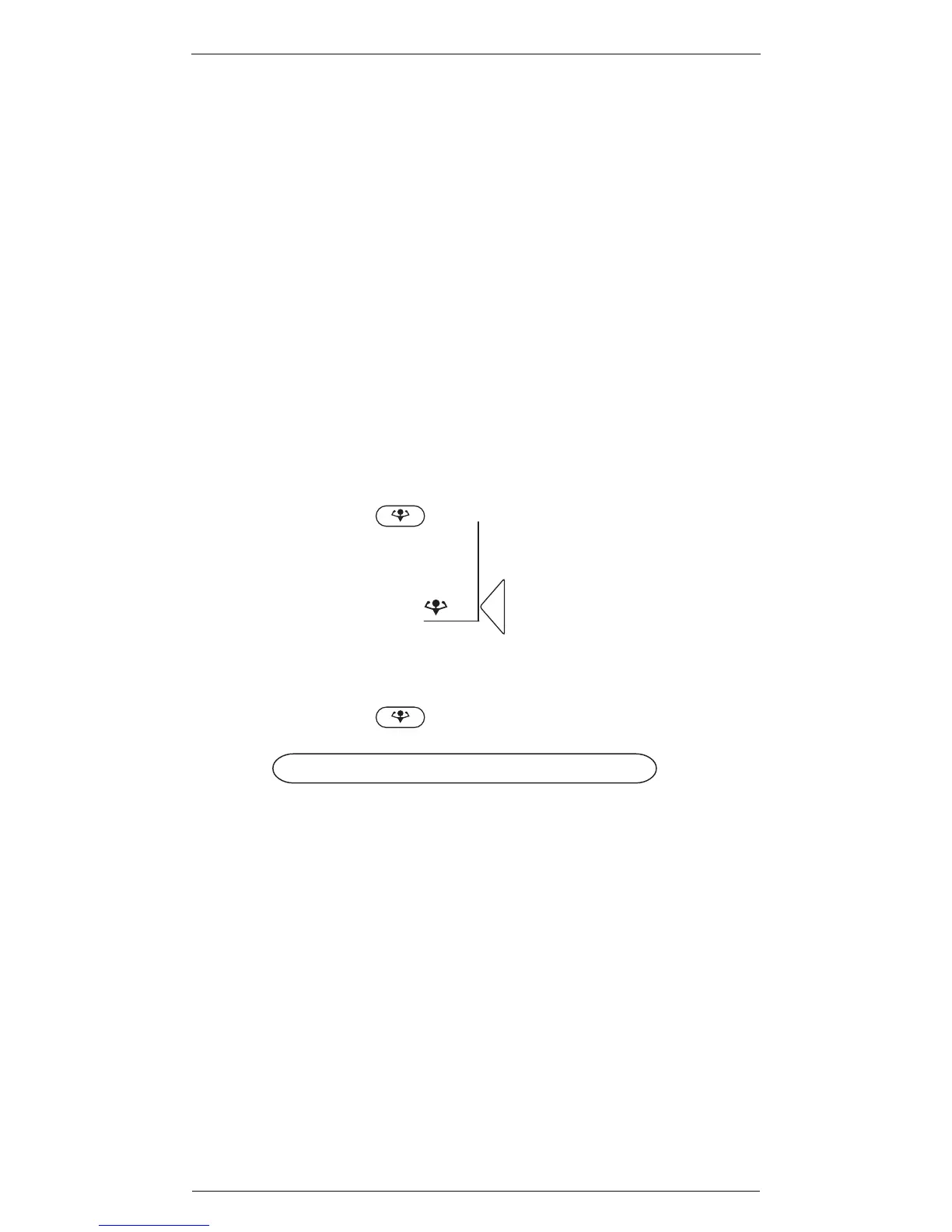
Press
POWERFUL
.
""
""
To cancel POWERFUL operation:
1
Display
Press
POWERFUL
.
Notes on POWERFUL operation
! In COOL and HEAT mode
To maximize the cooling and heating effect, the
capacity of outdoor unit must be increased and
the air flow rate be fixed to the maximum
setting.
The temperature and air flow settings are not
variable.
! In DRY mode
The temperature setting is lowered by 3˚C and
the air flow rate is slightly increased.
! In FAN mode
The air flow rate is fixed to the maximum
setting.


 To Next Page