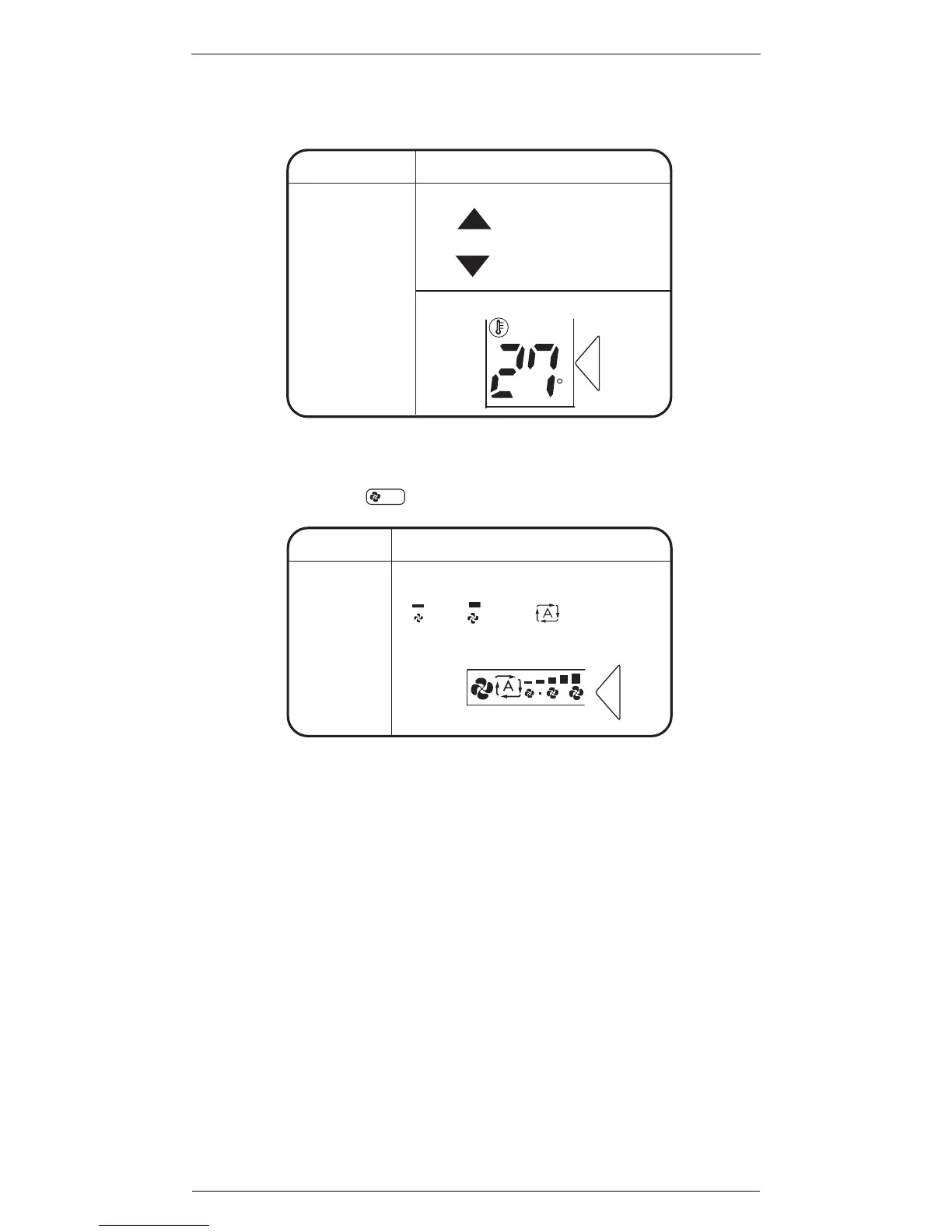
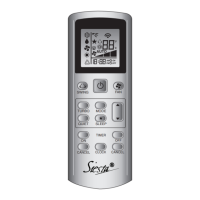
AUTO or HEAT or COOL mode
Press to raise the temperature and
press
to lower the temperature.
Set to the temperature you like.
DRY or FAN mode
The temperature
setting is not
variable.
C
Display
! At smaller air flow rates, the cooling effect is
also smaller.
""
""
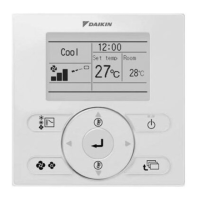
To change the air flow rate setting:
AUTO or HEAT or COOL or FAN mode
Five levels of air flow rate setting from
“
” to “ ”plus “ ” are
available.
DRY mode
The air flow
rate setting
is not
variable.
Press
FAN
.
Display


 To Next Page