Si10-416_B ARC433 Series
Operation 357
5.2 AUTO • DRY • COOL • HEAT • FAN
Operation
The air conditioner operates with the operation mode of your
choice.
From the next time on, the air conditioner will operate with the
same operation mode.
To start operation
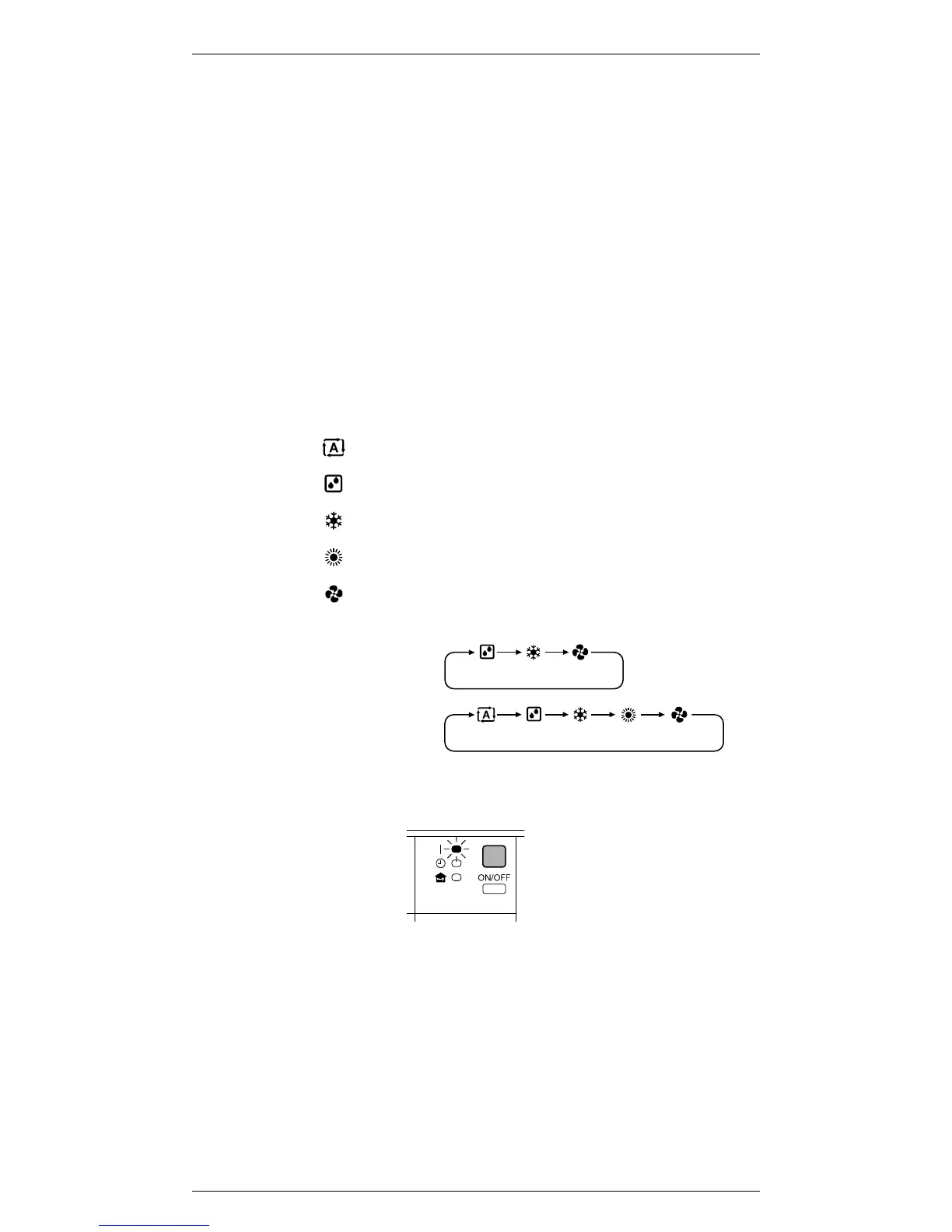
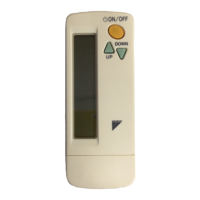
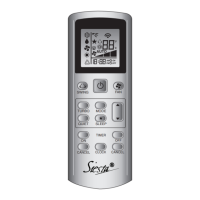
1. Press “MODE selector button”
and select a operation mode.
• Each pressing of the button advances the
mode setting in sequence.
: AUTO
: DRY
: COOL
: HEAT
: FAN
2. Press “ON/OFF button”.
• The OPERATION lamp lights up.
To stop operation
3. Press “ON/OFF button” again.
• Then OPERATION lamp goes off.
<Cooling only>
<Heat pump>



 To Next Page