Need help?
Do you have a question about the Daikin BRC1H71W and is the answer not in the manual?
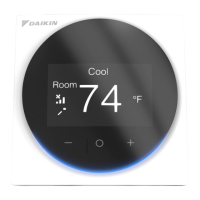
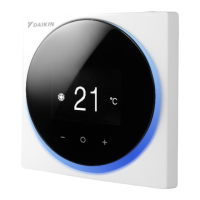
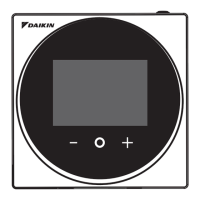
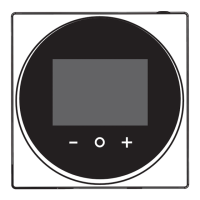
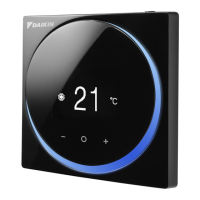
Identifies and explains the function of the remote controller's buttons and indicators.
Details various screen displays like home, user, admin, and information screens.
Explains icons and labels for home, information, and user/admin menus.
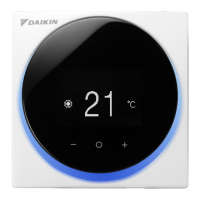
Shows different home screen layouts in text and icon modes.
Instructions on how to view and leave the information screen.
Step-by-step guide for setting temperature setpoints in different display modes.
Procedures for entering and leaving the user menu.
Guide on how to select and change the system's operation mode.
Instructions for setting the fan speed based on system configuration.
How to set the direction of airflow for both vertical and horizontal movement.
Specific steps for adjusting the vertical airflow direction.
Guide to selecting ventilation modes like Auto, ERV, and Bypass.
Instructions for adjusting the ventilation rate (e.g., Auto, Low, High).
Steps to change the brightness of the LED light ring when the unit is on.
Steps to change the brightness of the LED light ring when the unit is off.
Guide for configuring separate setpoints for cooling and heating modes.
How to change the displayed temperature unit.
Instructions for entering and exiting the administrator menu for advanced settings.
Steps to modify the screen's backlight brightness and contrast levels.
Step-by-step guide to setting the internal clock accurately.
Instructions for pairing the remote controller with a mobile device via Bluetooth.
How to view software versions and MAC addresses.
Guide for setting, enabling, and disabling the administrator password.
Instructions for setting the reference temperature displayed on the scale screen.
How to clean the unit and identify indoor unit error codes.
Explanation of the filter sign and how to reset it.
Steps to reset indicators for filter or element cleaning/replacement.
Instructions for emptying the dust box and resetting its indicator.
How to reset the indicator after replacing the filter.
 General
| Brand | Daikin |
|---|---|
| Model | BRC1H71W |
| Category | Remote Control |
| Language | English |


 To Next Page