38 English
Maintenance
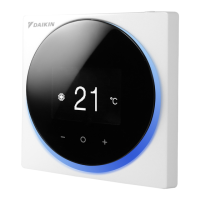
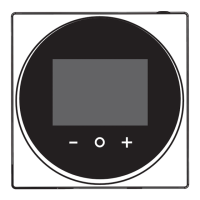
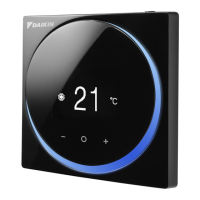
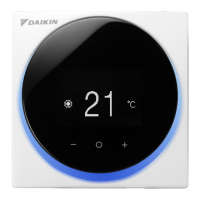
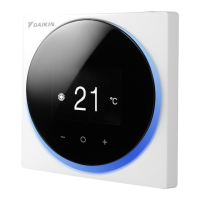
Maintaining the Unit and LCD Display
• Clean the LCD and surface of the remote controller by dry cloth.
• If the dry cloth cannot remove the dirty, use a damp cloth to clean the display. Squeeze
out excess liquid from the cloth before using. After cleaning, use a dry cloth to remove
any moisture.
NOTICE
Do not use any paint thinner, organic solvent, or strong acid.
Indoor unit error code
Home screen
Auto Cool
73
Room
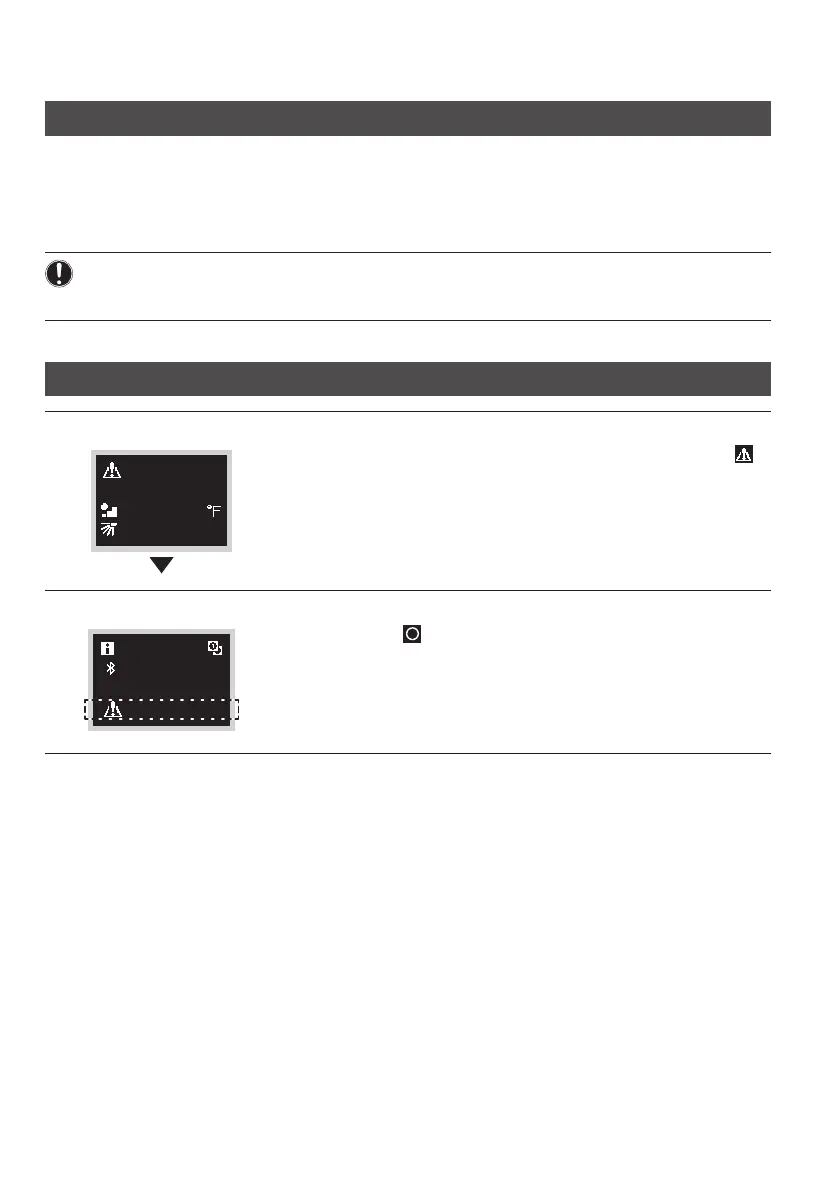
When the indoor unit is in error, the controller will display
on the home screen.
Information screen
12:34
A3 (Unit 00)
Press and hold on the Home screen for 5 seconds.
The unit number and error code will be displayed at the
bottom of the information screen.
For error code description, please refer to the indoor unit
manual.
01_EN_EM19A027_OP.indd 38 2020/09/08 14:29:37



 To Next Page