20
OPERATION
You can add up to 2 optional temperature sensors. (For example in the living room, bedroom, and so on.)
By switching the detection position of the mounted temperature sensors, you can control the temperature
according to the temperature of the selected room.
■
To switch the temperature sensor
1
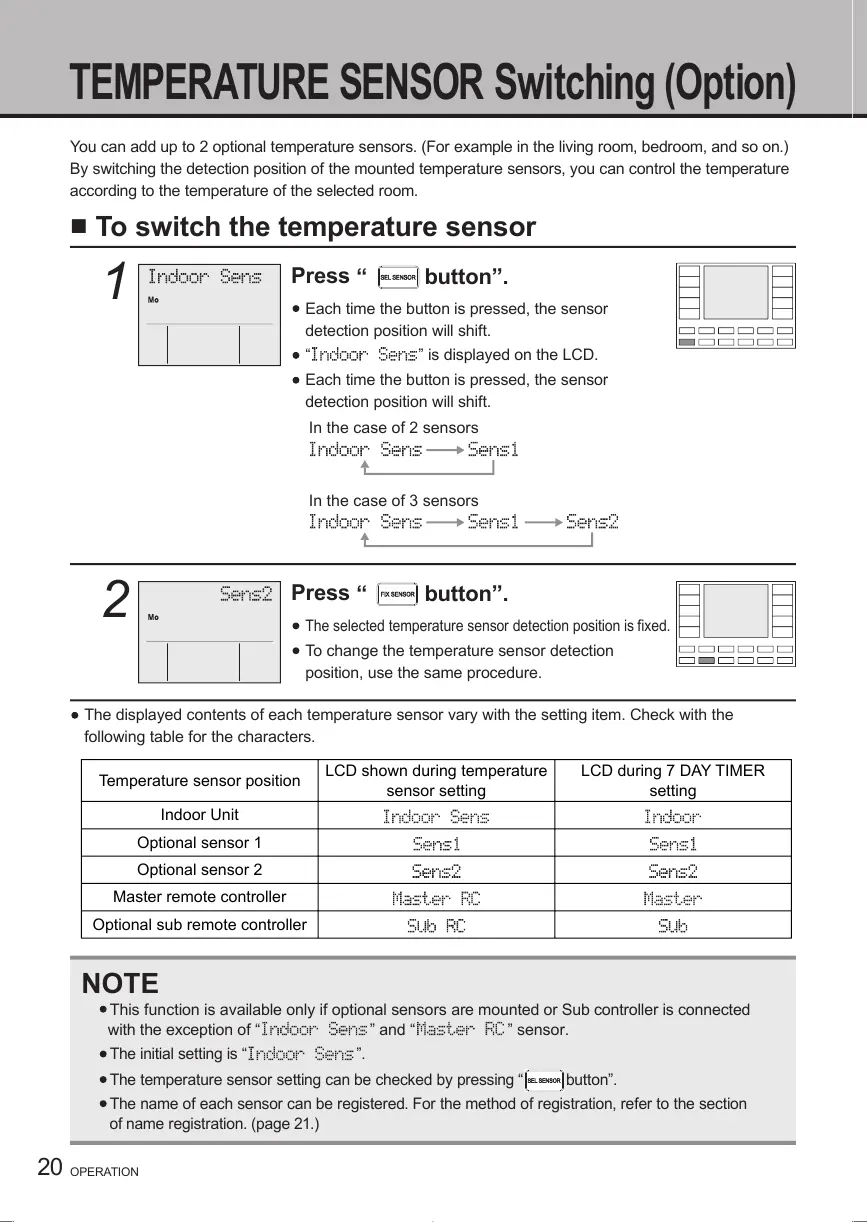
Press
“
button”.
Each time the button is pressed, the sensor
detection position will shift.
“
” is displayed on the LCD.
Each time the button is pressed, the sensor
detection position will shift.
In the case of 2 sensors
In the case of 3 sensors
2
Press
“
button”.
The selected temperature sensor detection position is fixed.
To change the temperature sensor detection
position, use the same procedure.
The displayed contents of each temperature sensor vary with the setting item. Check with the
following table for the characters.
NOTE
This function is available only if optional sensors are mounted or Sub controller is connected
with the exception
of “
” and “ ” sensor.
The initial setting is
“ ”
.
The temperature sensor setting can be checked by pressing
“
button
”
.
The name of each sensor can be registered. For the method of registration, refer to the section
of name registration. (page 21.)
TEMPERATURE SENSOR Switching (Option)
01_EN_ . ndd Sec1:20
1/05/2018
Temperature sensor position
LCD shown during temperature
sensor setting
LCD during 7 DAY TIMER
setting
Indoor Unit
Optional sensor 1
Optional sensor 2
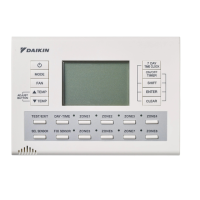
Master remote controller
Optional sub remote controller



 To Next Page