4
9.
DELAY
Button
•
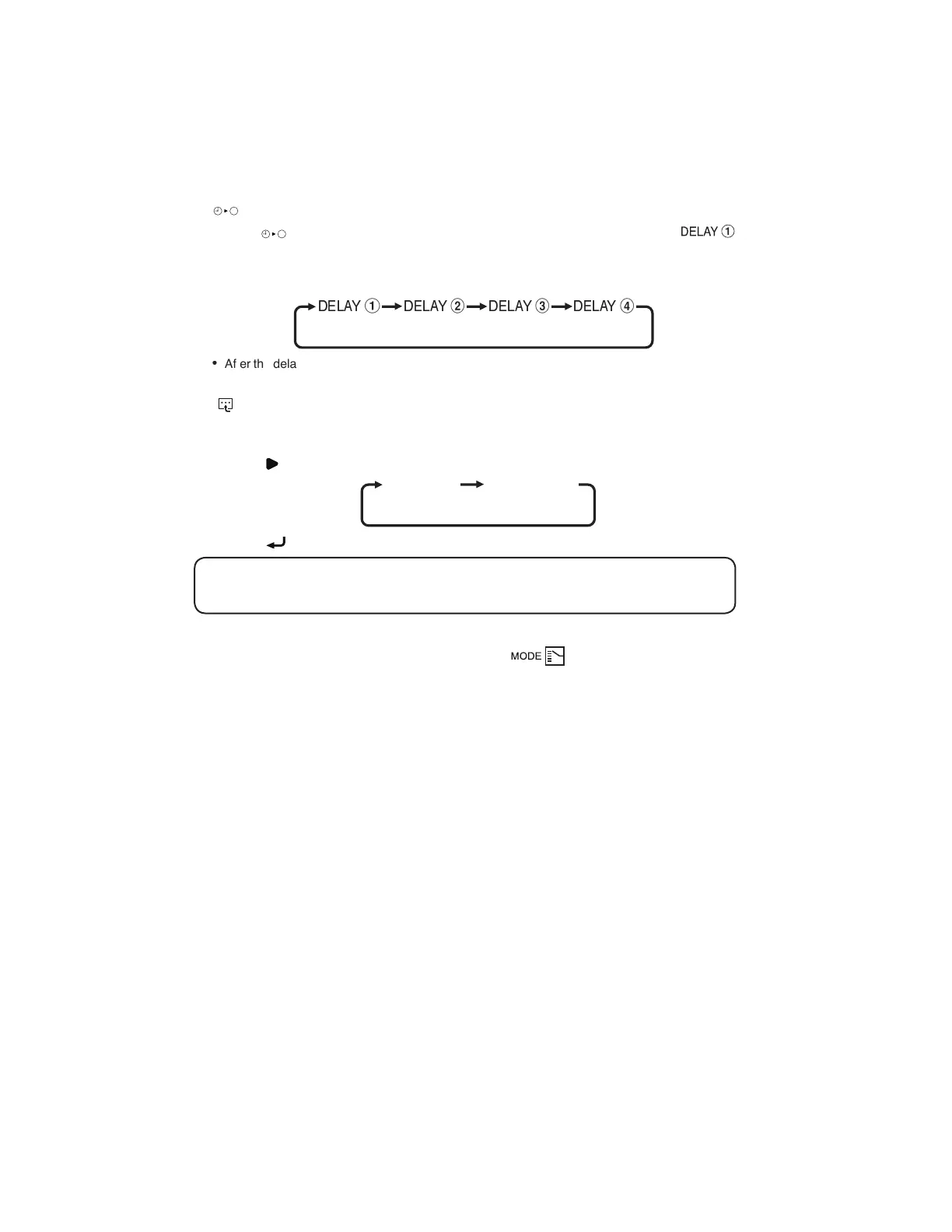
Press
DELAY
button once will activate the delay timer function for 1 hour. An indicator
will show on the LCD. All the set timers will be override.
•
Press the same button again will increase the delay by an interval of 1 hour (maximum 4 hours
delay)
DELAY
1
DELAY
2
DELAY
3
DELAY
4
•
After the delay timer is completed, the delay timer function is deactivated, the indicator is turned
OFF and the unit is turned OFF. All the set timers will be resumed.
10. Button (Heater Function)
•
Continuously press for 3 seconds to enter Auxiliary Electric Heater selection.
HEATER
1
will
blink.
•
Press button for navigation of Auxiliary Electric Heater selection.
HEATER
1
HEATER
12
•
Press button to confirm the selection and exit.
! NOTE
If any button is not pressed within 10 seconds, it will exit the Auxiliary Electric Heater selection.
11. Test Run Function
•
Continuously press for 3 seconds ECO button and button to test run the unit.
1-OM-BRC51D-1117(0)-DAIKIN-EN.in4 4 5/31/18 9:14:42 AM



 To Next Page