FAN OPERATION ............................. “ ”
Air in the room is circulated.
PROGRAM DRY OPERATION
........
“ ”
<Example>
When the indoor temperature decreases
to 23°C or less when the set temperature
is at 25°C in the AUTOMATIC COOLING
OPERATION, the operation is changed
over to the AUTOMATIC HEATING
OPERATION. When the indoor
temperature reaches 27°C or more,
the operation is changed over to the
AUTOMATIC COOLING OPERATION.
8
ON/OFF
Press ON/OFF button.
OPERATION INDICATOR LAMP (Red)
lights up or goes off and the system starts
or stops OPERATION.
NOTE
〈〈
FOR SYSTEMS WITH COOL/HEAT
CHANGEOVER REMOTE CONTROL
SWITCH
〉〉
Refer to figure 1-1,3 on page [1]
OPERATION MODE
SELECTOR
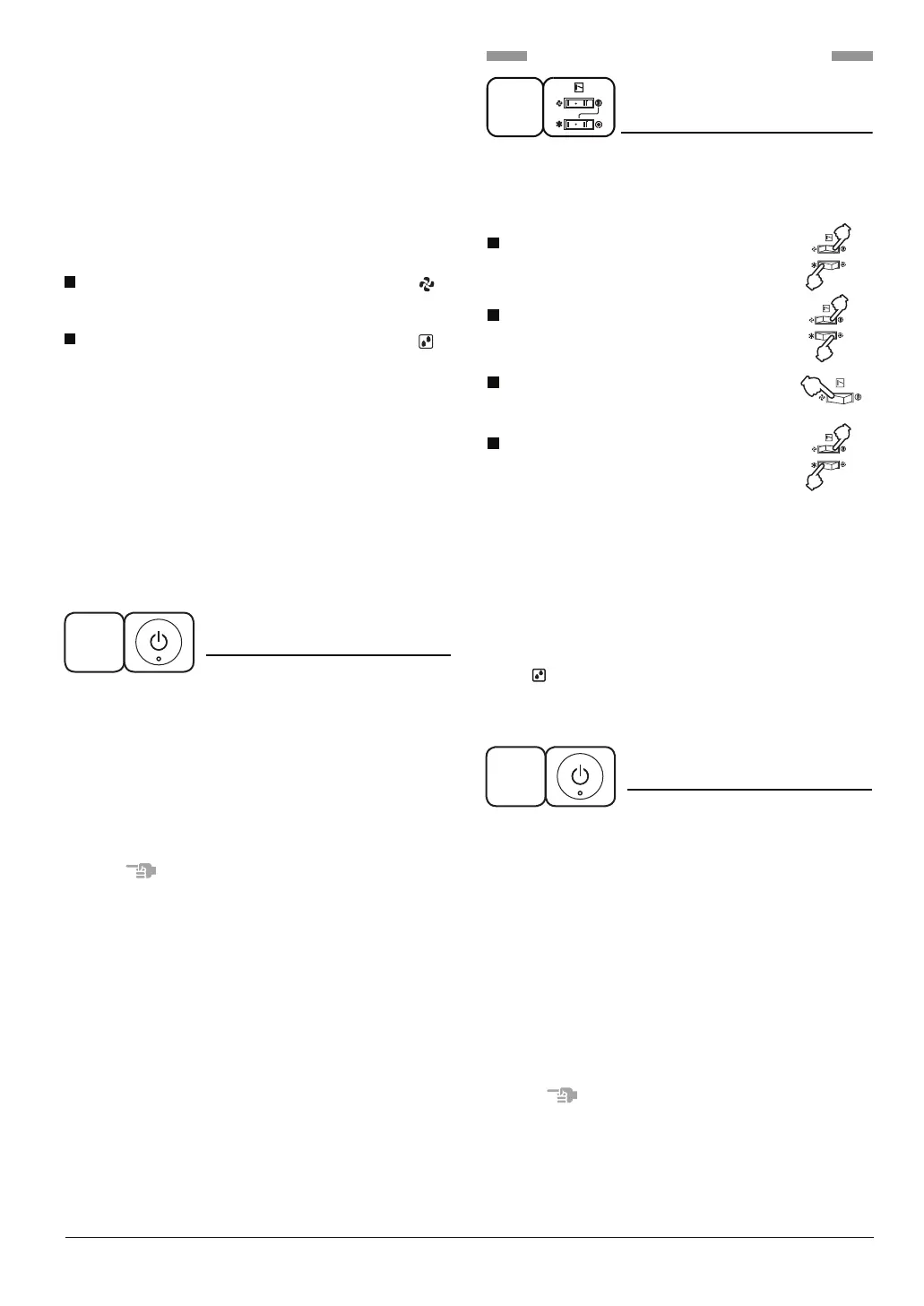
(1)
Select OPERATION MODE with the
COOL/HEAT CHANGEOVER REMOTE
CONTROL SWITCH as follows.
COOLING OPERATION............. “ ”
HEATING OPERATION.............. “ ”
FAN OPERATION ...................... “ ”
PROGRAM DRY OPERATION....“ ”
•
See “FOR SYSTEM WITHOUT COOL/
HEAT CHANGEOVER REMOTE CONTROL
SWITCH” for details on dry operation.
1
Press ON/OFF button.
OPERATION INDICATOR LAMP (Red)
lights up or goes off and the system starts
or stops OPERATION.
• The fan may keep on running for about
1 minute after the heating operation stops
for removing the heat in the indoor unit.
The air flow rate may be adjusted
automatically depending on the room
temperature or the fan may stop
immediately. This is not a malfunction.
•
• The function of this program is to
decrease the humidity in your room with
the minimum temperature decrease.
• The set temperature is the indoor
temperature when starting operation by
PROGRAM DRY OPERATION.
• Micro computer automatically determines
TEMPERATURE and FAN SPEED.
• This system does not go into operation if
the room temperature is below 16°C.
2
• The fan may keep on running for about 1
minute after the heating operation stops for
removing the heat in the indoor unit.
• Do not turn OFF power immediately after
the unit stops. Then, wait no less than
5 minutes.
Water is leaking or there is something else
wrong with the unit.
(Refer to “Switch operations on VRV system”
on page 13.)
(2)
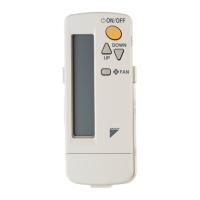
In the case of PROGRAM DRY
OPERATION, press OPERATION MODE
SELECTOR button on the wireless
remote controller several times until
“ ” appears on the display.
AUTOMATIC OPERATION is not available.
ON/OFF
2
NOTE
• Do not turn OFF power immediately after
the unit stops. Then, wait no less than
5 minutes.
Water is leaking or there is something else
wrong with the unit.



 To Next Page