17
I. THE AIR CONDITIONER DOES NOT
OPERATE
II. COOLING AND HEATING OPERATIONS
CAN NOT BE SWITCHED
III. THERE IS NO DISPLAY OR ALL
PARTS ARE DISPLAYED
• When a button on the remote
controller is pressed.
The batteries have run out.
I. IN CASE BESIDES EMERGENCY
STOP
1. The air conditioner does not operate
at all.
11. NOT MALFUNCTION OF
THE AIR CONDITIONER
12. HOW TO DIAGNOSE
TROUBLE SPOTS
Refer to the operation manual attached to
the indoor unit.
And the following symptoms do not
indicate air conditioner malfunction
• The receiving tone of the indoor unit
makes a triple beeping sound
(normally, “beep-beep”).
This is because the air conditioner is
under centralized control.
• After the HEATING OPERATION is
started, the DEFROST OPERATION
LAMP located on the indoor unit
lights up.
The indoor fan runs to discharge a
gentle wind automatically until the
temperature inside the air conditioner
reaches a certain level. At this time, the
DEFROST OPERATION LAMP on the
light receiving unit indicator lights.
Leave it as it stands and wait for a while.
• The receiving tone of the indoor unit
makes a long beeping sound.
An unavailable mode was set for the
indoor unit under operation changeover
control.
• Check if the receiver is exposed of
sunlight or strong light. Keep receiver
away from light.
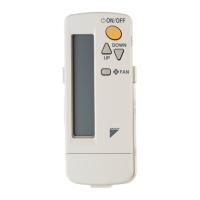
• Check if there are batteries in the
remote controller. Place the batteries.
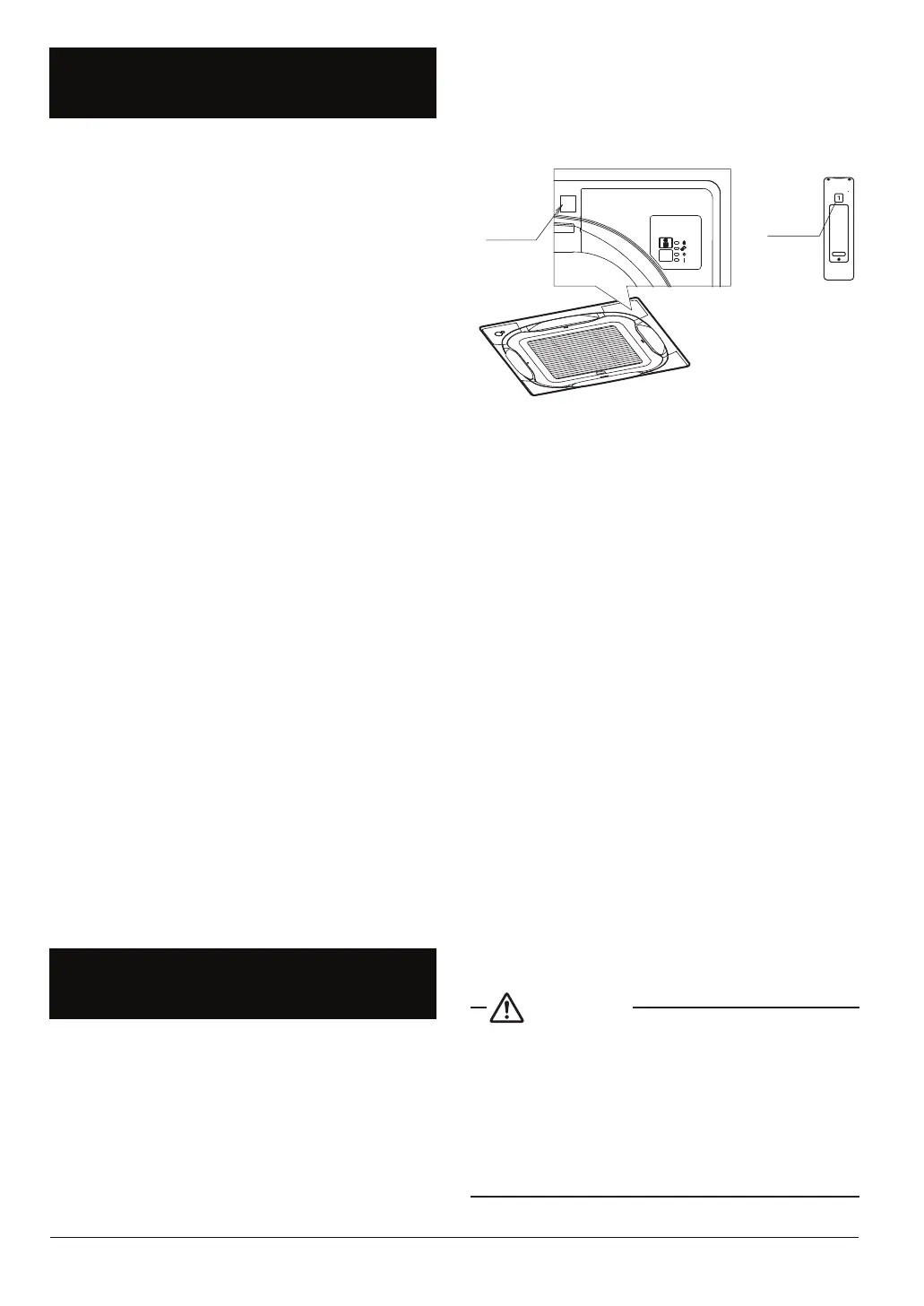
• Check if the indoor unit number and
wireless remote controller number
are equal.
For example.
Number
Number
Operate the indoor unit with the remote
controller of the same number.
Signal transmitted from a remote
controller of a different number cannot
be accepted. (If the number is not
mentioned, it is considered as “1”.)
2. The air conditioner operates but it
does not sufficiently cool or heat.
• Check if the set temperature is not
proper. (Refer to page 10)
• Check if the FAN SPEED is set to
LOW SPEED. (Refer to page 10, 11)
• Check if the airflow direction is not
proper.
(Refer to page 11, 12)
If the problem is not solved after
checking the above points, please do
not try to repair it yourself. In such
cases, always consult your local dealer.
At this time, please tell the symptom
and model name (written on the
manufacturer’s label).
Contact your local dealer in the following
case.
WARNING
When you detect a burning odor, shut
OFF power immediately and contact
your local dealer purchase. Using the
equipment in anything but proper
working condition can result in
equipment damage, electric shock
and/or a fire.



 To Next Page