5
[Sticker attachment area]
Attach the SSID&KEY sticker of wireless LAN connecting
adapter to the sticker attachment area and keep safe.
C
[Sticker attachment area]
Attach the SSID&KEY sticker of wireless LAN connecting
adapter to the sticker attachment area and keep safe.
C
C
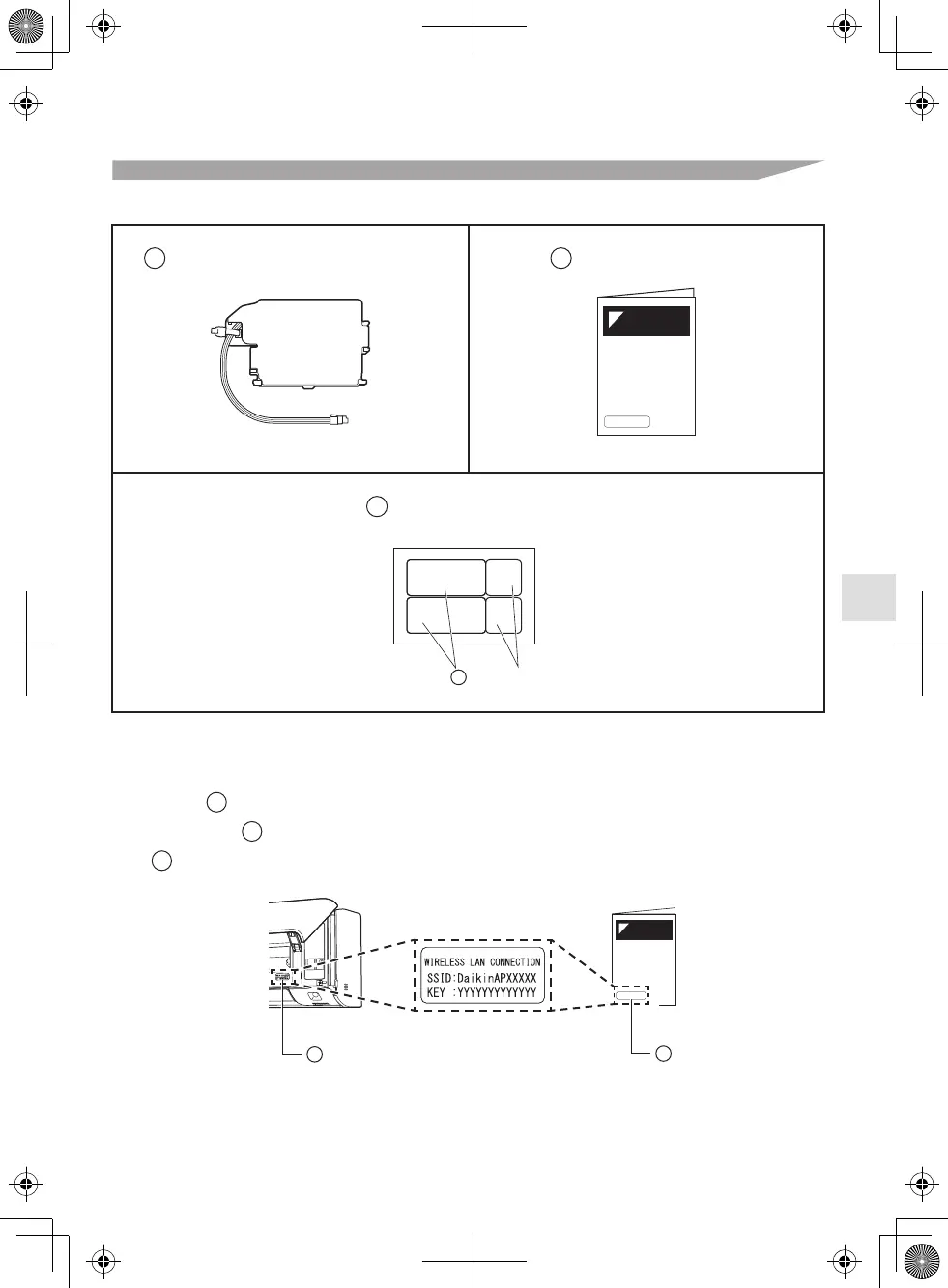
Check if the following accessories are included in your package.
Installation manual: 1 pc.
SSID & KEY sticker: 2 pcs.
Accessories
Accessories
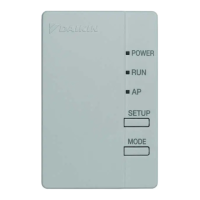
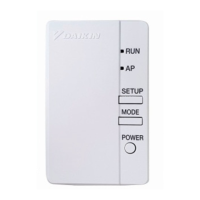
Wireless LAN connecting adapter: 1 pc.A
B
C
*1 The QR codes are not necessary for wireless connection settings.
The [SSID] and [KEY] shown on the SSID & KEY sticker are necessary when connecting the
air conditioner to a smartphone via wireless LAN.
• Attach one SSID & KEY sticker to the right of the front grille. (refer to Fig. 1)
• Attach the other SSID & KEY sticker to the sticker attachment area on the cover page of
the installation manual. (refer to Fig. 2)
C
C
B
Fig. 1 Fig. 2
*1



 To Next Page