14
Troubleshooting
Troubleshooting
The following table provides brief descriptions of how to handle trouble or uncertainties
when you install the wireless LAN connecting adapter or make connection settings.
Refer to the FAQ on our website for more details.
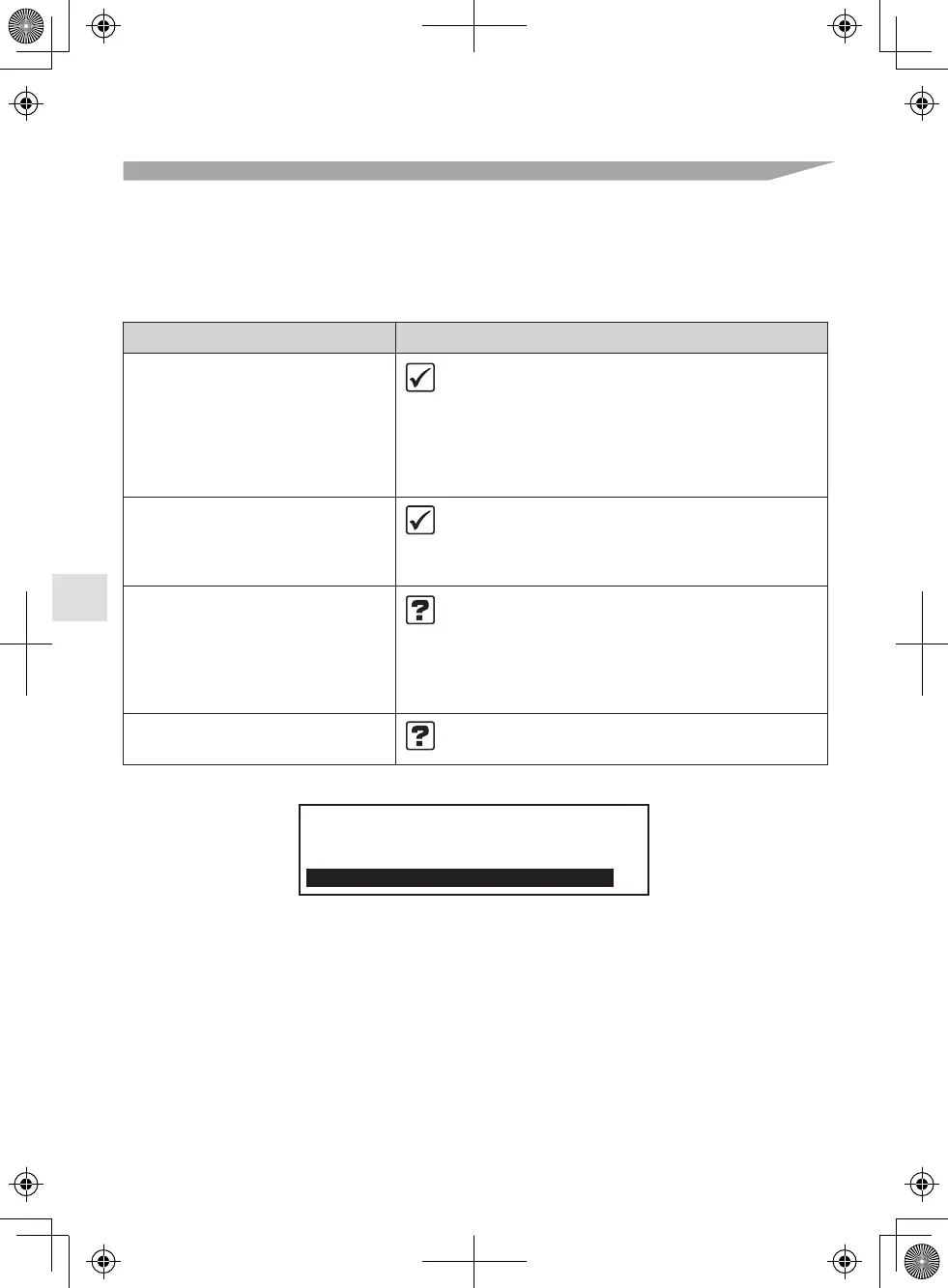
Wireless LAN connection
When this happens
The device (air conditioner)
cannot be found on the device
list screen.
Even if the wireless LAN
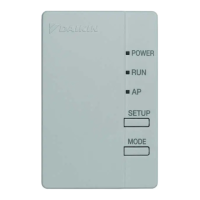
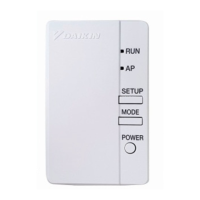
connecting adapter lamp is lit,
operation from outside the home
is not possible.
The wireless LAN connecting
adapter lamp does not blink
or light.
None of the above work.
Explanation and where to check
• Carry out connection setting again.
• Move the router (wireless LAN access point) close
to the indoor unit.
• There is a possibility that you are using an
unsupported smart phone or router
(wireless LAN access point).
For details, refer to the web site.
• Communication between the router and the internet
connection may not be working.
Please confirm.
• The wireless LAN connecting adapter is disabled.
• Malfunction in communication between the indoor
unit and the wireless LAN connecting adapter.
• There may be a problem with your device.
Please contact the store where you bought
the air conditioner to request a repair service.
• Refer to the FAQ on:
http://www.daikinthai.com/product/dmobile
For instructions about how to operate the DAIKIN
Mobile Controller application, please refer to
the operation manual at
http://www.daikinthai.com/product/dmobile



 To Next Page