7
Installation
Work
Installation
Installation
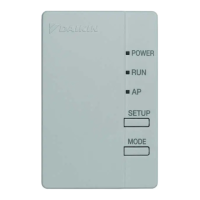
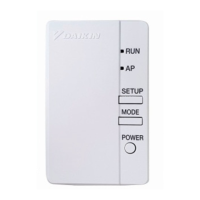
Attach the wireless LAN connecting adapter to indoor unit.
Always turn off the power supply when installing.
(Touching the electrical parts could cause an electric shock.)
WARNING
1
Always turn off the power supply
when installing.
(Touching the electrical parts could
cause an electric shock.)
DANGER
•
For instructions on how to remove the front grille,
see the installation manual of the particular
air conditioner.
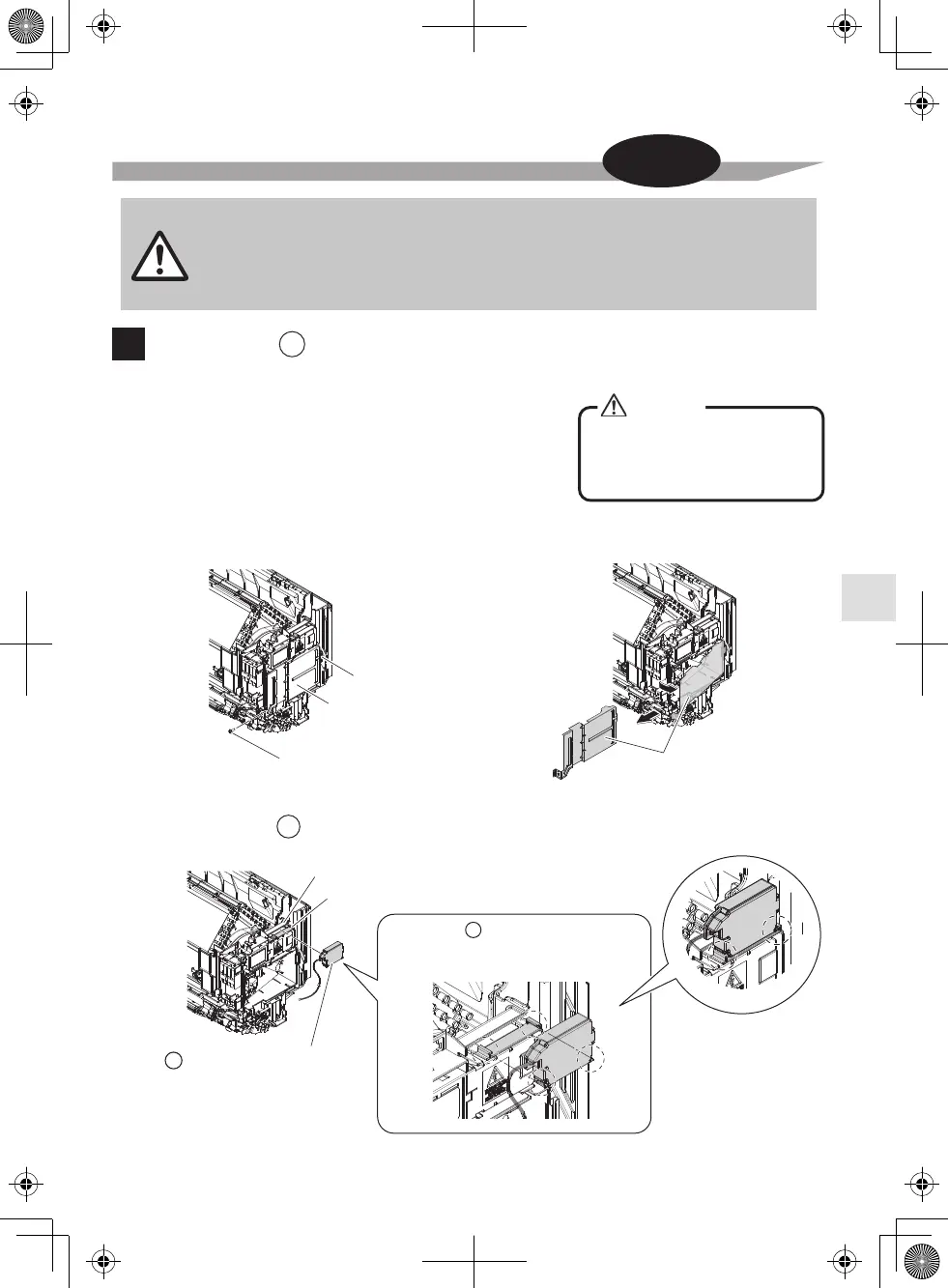
1. Remove the front grille of the indoor unit.
2. Remove electrical wiring cover.
A
3. Install the wireless LAN connecting adapter inside of the indoor unit.
A
Attach the wireless LAN
connecting adapter to the hook lock of
the electrical wiring box. (refer Fig. 3)
A
Fig. 3
Hook
Hook lock
Electrical wiring cover
Electrical wiring box
Electrical wiring cover fixing screw
Electrical wiring cover
Wireless LAN connecting
adapter
A



 To Next Page