Reprogramming 9-Tap HVAC Equipment Shared Data
Using BTPIM01
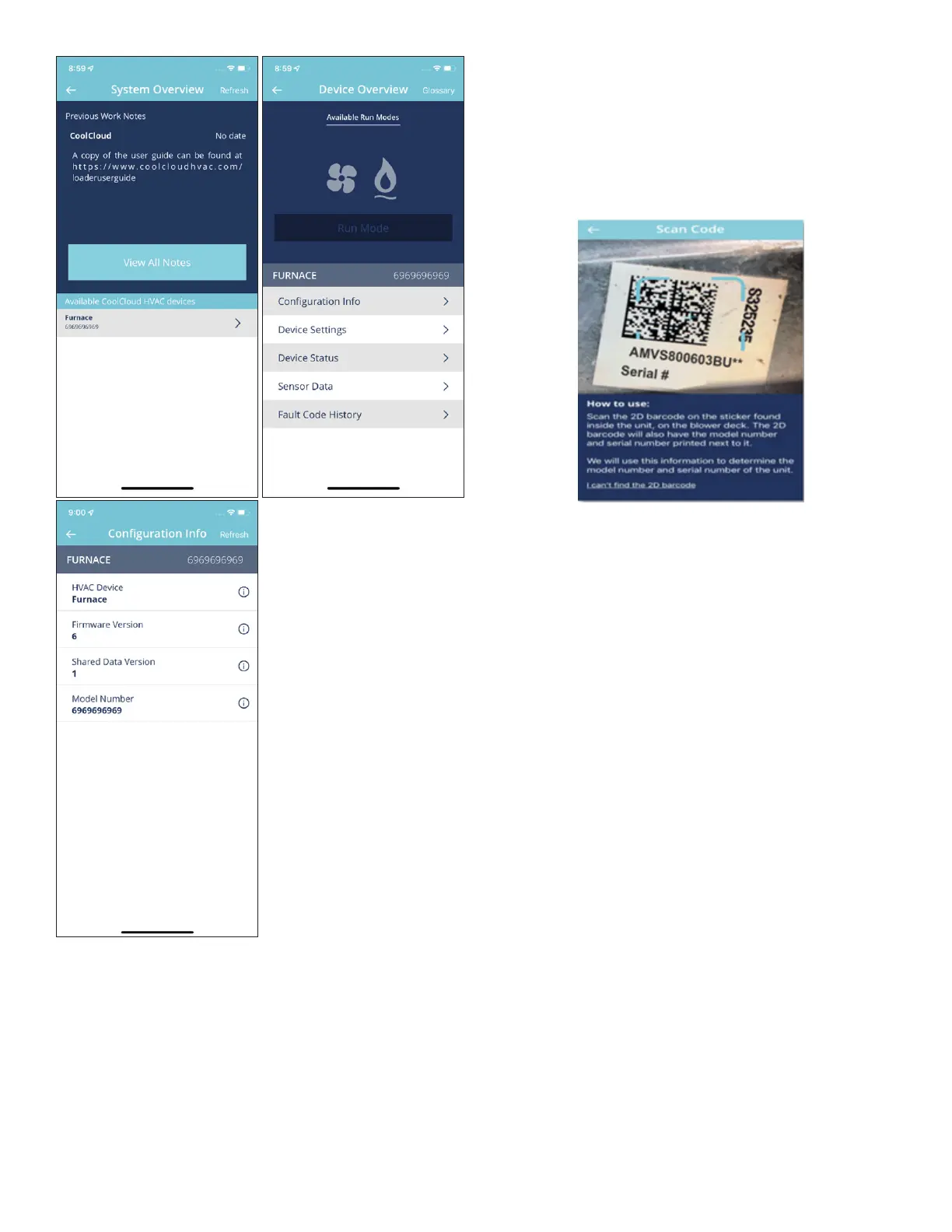
The connected equipment’s Shared Data can be updated
by going to Furnace > Shared Data from the System
Overview Screen.
From here, the appropriate Shared Data can be selected
by either scanning a barcode that can be found on the unit
or by typing in the model number of the unit. If possible,
scanning the 2D barcode is recommended to get the most
accurate results. If this barcode is faded, damaged, or can-
not be found, then it will be necessary to enter the model
number instead.
The 2D barcode can typically be found somewhere inside
the unit. The barcode can typically be found on the blower
deck. This 2D barcode will always have the model number
of the unit printed next to it.
After selecting the desired model number, the app will pres-
ent a conrmation screen. Review the information on this
screen, then, if the information looks correct, click “Conrm
and Continue” to program the selected Shared Data onto
the card.
If the information shown on the conrmation screen does
not look correct, it may be necessary to choose a dierent
set of Shared Data. Return to the previous screens and
ensure the model number provided in the app is correct. If
possible, use the camera to scan the 2D barcode instead
of manually selecting the model number from the list.
Note: Not all HVAC equipment support shared data.



 To Next Page