34
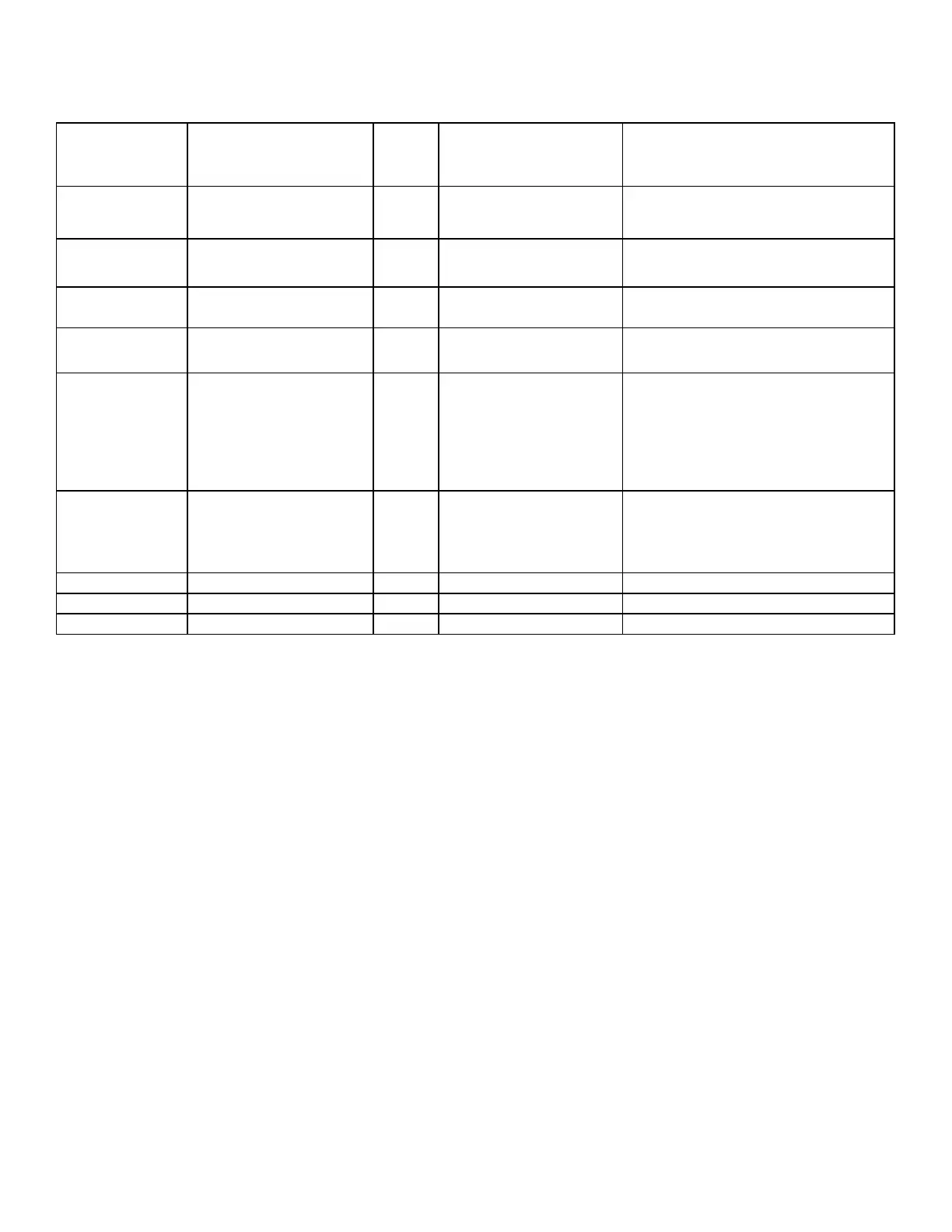
DIAGNOSTIC CHART
LED Indications: Flash Codes
Steady ON OEM Test Mode AMBER
Applying 24 VDC to the "G" terminal at power-
up places the control in OEM mode. Maximum
duration is 20 minutes.
1 Flash Low Flame Sense AMBER
Flame Sense Current is below the weak flame
threshold in Table 5.1.
2 Flashes ID Plug Failure AMBER
Wrong values for the specific board. Includes
damaged ID plug, ID plug missing, etc.
3 Flashes Control Fuse Open AMBER
Steady ON
Standby Normal Operation
No Thermostat Requests
GREEN
Rapid Flash Clear Error History GREEN
Press and hold the SW1 button for more than 5
seconds results in the display of this mode.
Releasing the Button during this indication will
cause the Error History to be cleared. The
button must be released within 5 seconds after
the LED begins this flash sequence.
3 Rapid Flashes
(On reset ONLY)
ID Plug Installed GREEN
For controls with unit-specific programming
imbedded in the CPU, this indicates at power-
up that an valid ID Plug is installed and the
control will use the alternate parameters.
1 Flash Call for Heating GREEN
"W" or "W & G"
2 Flashes Call for Cooling GREEN
"Y" or "Y & G"
3 Flashes Continuous Fan Operation GREEN
"G" only
N/A
N/A
N/A
N/A
N/A
N/A
Operation continues after
fault correction
Operation continues after
fault correction
N/A
N/A



 To Next Page