30
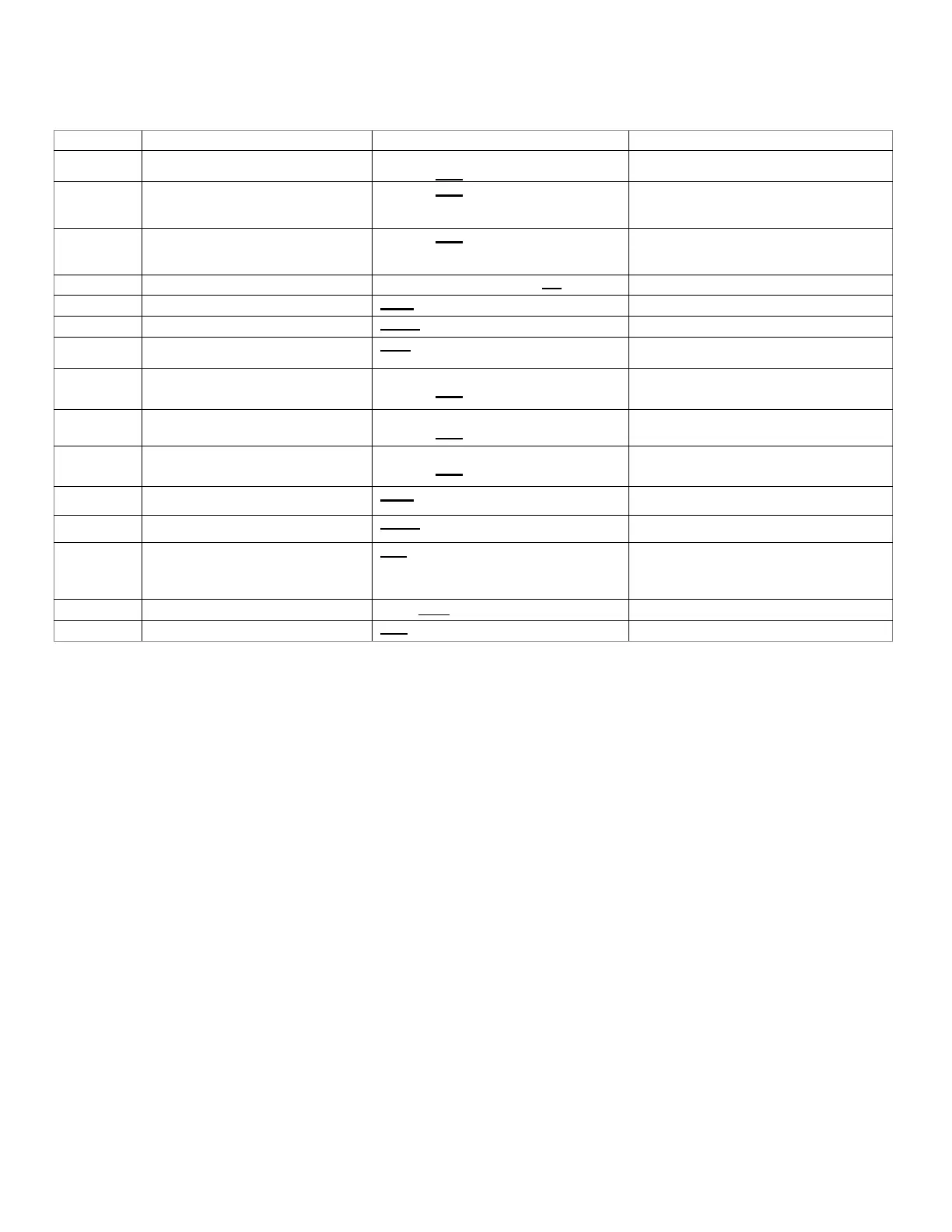
NOTE: Parameters as per factory setting are highlighted in bold and underlined
*1 DZ9VCA6010** with D*96VC0804C, D*97MC0804C and DM80VC0804C combination trim more than 5% settings are
invalid. Trimmed up CFM makes miss matching error.
*2 Depending on the connected indoor unit, there are restrictions on the positive side Trim setting.
If you want to change the Cool Airow Trim to positive side, be sure to conrm the Airow Trim restrictions in the latest
indoor unit installation manual.
The latest manual can be obtained from the website “DAIKIN CITY (Installation Manual/Unitary Split System)” or
“PartnerLink(InfoFinderPlus/Literature)”.
[DAIKIN CITY URL] https://www.daikincity.com/Library/
[PartnerLink URL] https://partnerlinkmarketing.goodmanmfg.com/goodman/info-nder-plus
*3 The Inverter system uses lower compressor speed and lower indoor unit CFM to optimize system performance.
To obtain 100% CFM for home circulation, use full Trim setting instead of Int/Low speed. This is recommended for
applications with unusually cold return temperatures such as basements.
*4 Please refer to the page of “DEHUMIDIFICATION SELECT” for details of this function.
Installer/Serviceman Notes
Cool Airflow Trim High
*1,*2
0: -15% 2: -5% 4: 5% 6: 15%
1: -10% 3: 0% 5: 10%
0: -15% 3: 0% 6: 15% 9: Full (Max)
*3
0: -15% 3: 0% 6: 15% 9: Full (Max)
*3
0: 5sec. 1: 10sec. 2: 20sec. 3: 30sec.
0: 30sec. 1: 60sec. 2: 90sec. 3: 120sec.
Dehumidification Select
*4
0: STD 2: A 4: C
1: OFF 3: B
0: -15% 2: -5% 4: 5% 6: 15%
0: -15% 2: -5% 4: 5% 6: 15%
0: -15% 2: -5% 4: 5% 6: 15%
0: 5sec. 1: 10sec. 2: 15sec.
0: 30sec. 1: 50sec. 2: 70sec. 3: 90sec.
Used for additional trim setting by adding 2.5% to
basic airflow trim setting. This setting affects all
trim settings except +15% High (cooling or heating).



 To Next Page