6
Advanced functions (address 247)
For the interaction with a webserver supervisor, some control
ags have been added. The ags are grouped in a single reg-
ister, accessible in reading/writing.
If the power supply is cut o, the data is maintained. The
selections carried out by the user are maintained if the
power supply is cut o, except for “FLAG 7” that will be de-
leted.
If restrictions are enabled for pressing keys, the icon will
ash on the display.
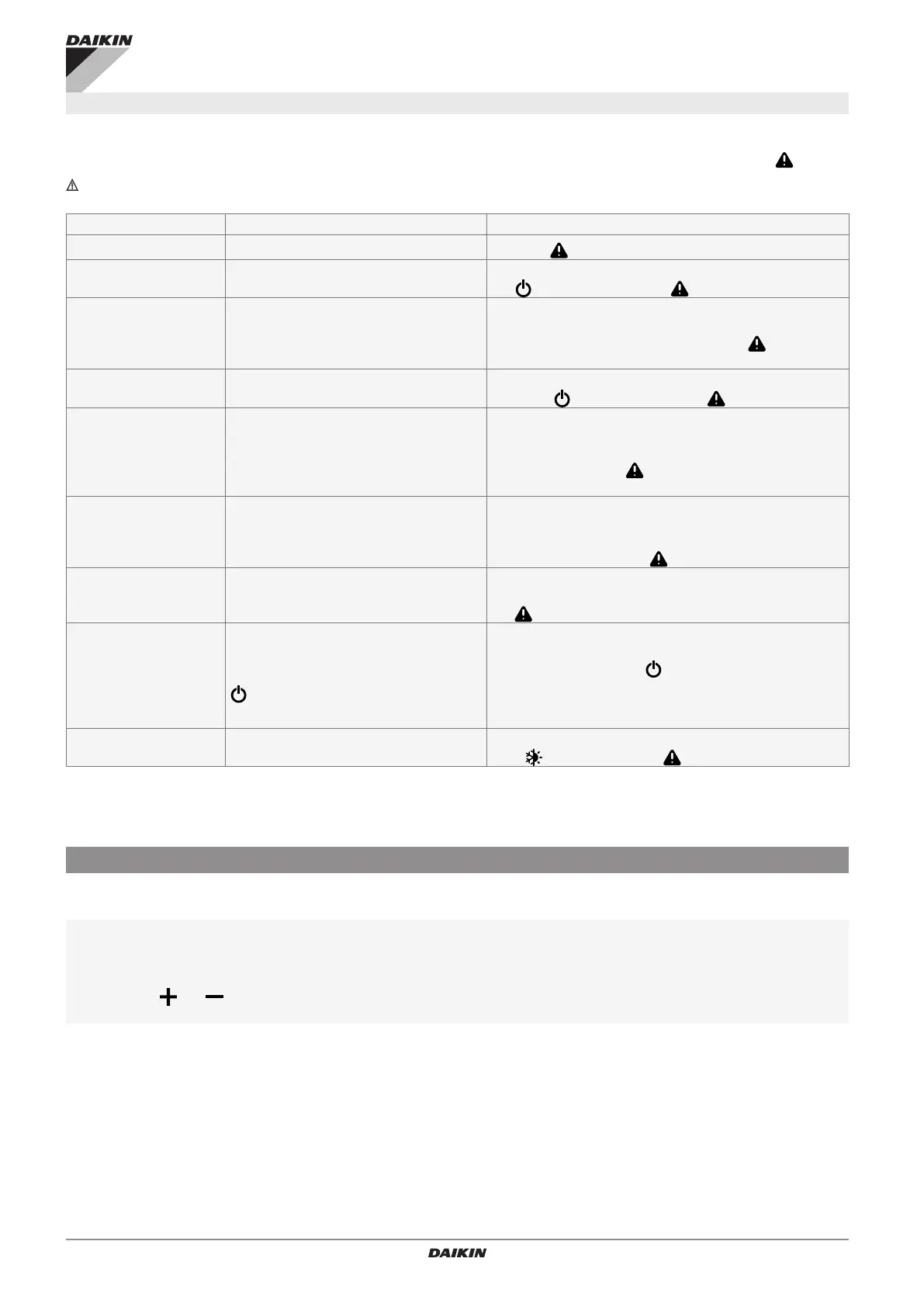
FLAG # FUNCTION EFFECT
FLAG 0 (247.0) Led WEB OFF
If = 1, the icon is always set to o
FLAG 1 (247.0) Forced o
The machine is o and the user cannot switch it on. When
the button is pressed, the icon ashes temporarily.
FLAG 2 (247.2) Disables the rotation of the programmes
The user cannot change the program. The other keys
maintain their normal functions.
When a program button is pressed, the icon ashes
temporarily.
FLAG 3 (247.3)
Disables select/deselect of the stby func-
tion
The user cannot switch the unit on and o.
When the button is pressed, the ashes temporarily.
FLAG 4 (247.4) Inhibits the extremes
The user can adjust the set point within the preset scale,
but the extremes 5°C and 40°C are disabled.
Pressing the SET+ e SET- keys outside the limits makes the
icon ash temporarily . In AUTO, the icon does not ash
because normal regulation is set.
FLAG 5 (247.5) Enables the set point restriction
The user can adjust the setpoint within SPL_W-SPH_W,
preventing o-scale values at the same time.
Pressing the SET+ and SET– keys outside the limits makes
the icon ash temporarily .
FLAG 6 (247.6) Disables all keys
The user cannot perform any action.
All the keys are blocked and when any button is pressed
the icon ashes temporarily.
FLAG 7 (247.7)
Webserver function bypassed for one
hour
and SET+ keys for 5 sec.
The status of this ag indicates the user’s decision to by-
pass the webserver settings for 1 hour.
Condition: FLAG 1…6=1 and SET+ keys pressed for at
least 5 seconds. “nr” (not restricted) is displayed for 4 sec-
onds.
Action: FLAG 7=1 inhibition of FLAGS 1/6 for 1 hour.
FLAG 8 (247.8) Seasonal key disabled
The seasonal key is locked.
If the key is pressed, the icon ashes temporarily.
The setpoint can normally be adjusted locally within the lim-
its SPL-SPH or SPL_W and SPH_W with Flag 5=1.
To enter the setpoint, write the absolute value within the se-
lected scale in register 231 SP.
Device address setting
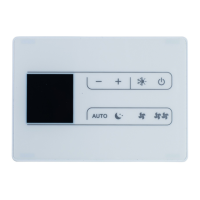
From the keyboards of the EKRTCTRL1, EKWHCTRL1 and
EDB649 kits (or using a “detachable” one for the ESD659 kits)
the peripheral address (associated with register 200) can be
displayed and modied.
To view and change the address:
with the panel in standby
press and hold the AUTO key for 5 seconds
– address 001 appears ashing
with the and keys set a value from 1 to 255
press the “standby” key or wait 10 seconds to conrm the setting
It is advisable to write the addresses for the individual fancoils
in a table so that they can be easily identied once they are
recognised by the system.
Proceed as follows


 To Next Page
 Loading...