To Next Page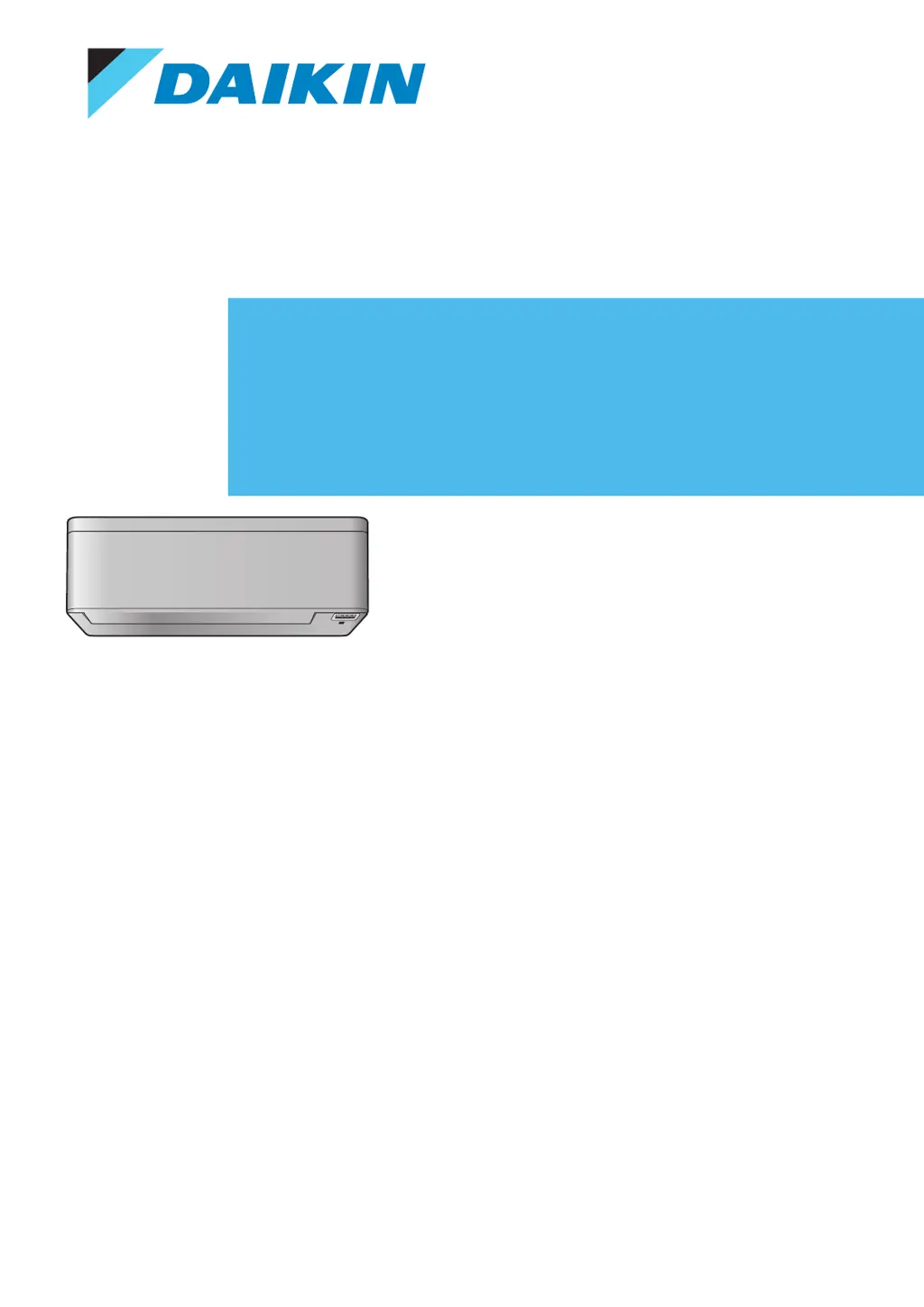



F
Frank WilsonSep 13, 2025
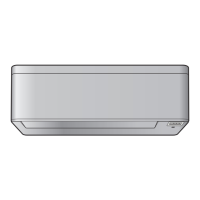
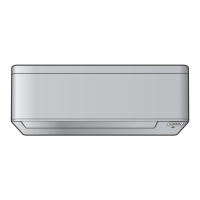
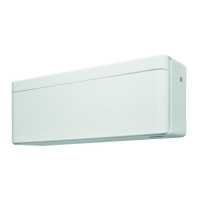
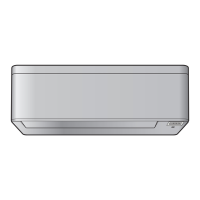
Why heating operation CANNOT be selected on my Daikin FTXA35B2V1BB Air Conditioner?
- MMark ChenSep 13, 2025
If you cannot select heating operation, check if the user interface's jumper J8 has not been cut.

Why heating operation CANNOT be selected on my Daikin FTXA35B2V1BB Air Conditioner?
If you cannot select heating operation, check if the user interface's jumper J8 has not been cut.
Defines DANGER, WARNING, CAUTION, NOTICE, and INFORMATION symbols and their implications.
Provides crucial safety warnings for users, including precautions for children and electrical safety.
Provides instructions on how to operate the user interface, including aiming the transmitter and understanding feedback sounds.
Detailed procedure for setting the internal clock of the air conditioner unit.
Details how to select operation modes (Automatic, Drying, Heating, Cooling, Fan) and set the temperature.
Step-by-step guide on starting/stopping operation and adjusting the temperature and mode.
Instructions on how to adjust the airflow rate, including automatic and quiet options.
Describes how the Intelligent eye sensor detects presence to optimize airflow and save energy.
Instructions on how to activate, deactivate, or combine Comfort airflow and Intelligent eye operations.
Details on using OFF/ON timers for automatic switching of the air conditioner at set times.
Step-by-step guide to set and stop the OFF timer for automatic shutdown.
Step-by-step guide to set and stop the ON timer for automatic startup.
Enables setting up to 4 timer schedules per day for automated operation throughout the week.
Step-by-step guide to setting individual weekly timer reservations, selecting day and reservation number.
Information on connecting the air conditioner to a wireless network for smart device control.
Guides on connecting the wireless adapter to a smart device or home network.
Instructions for establishing a direct wireless connection between the adapter and a smart device.
Procedure for connecting the wireless adapter to a home network using the WPS button.
Steps to connect the wireless adapter to a network using SSID and KEY, and install the app.
Lists and describes common symptoms that are not indicative of system malfunctions, providing explanations.
Provides guidance on how to view and interpret error codes displayed on the user interface for troubleshooting.
Offers solutions for common problems encountered with the wireless LAN adapter and its connection.
 General
| Model | FTXA35B2V1BB |
|---|---|
| Category | Air Conditioner |
| Type | Wall Mounted |
| Cooling Capacity | 3.5 kW |
| Heating Capacity | 4.0 kW |
| Energy Efficiency Class (Cooling) | A+++ |
| Energy Efficiency Class (Heating) | A+++ |
| Outdoor Unit Dimensions (HxWxD) | 550 x 765 x 285 mm |
| Outdoor Unit Dimensions (W x H x D) | 765 x 550 x 285 mm |
| Refrigerant | R-32 |
| Indoor Unit Noise Level (Min) | 19 dB(A) |
| Power Supply | 220-240V / 50Hz |