EasyManua.ls Logo

Daikin FTXS60GVMA - User Manual

Daikin FTXS60GVMA
34 pages
Print Icon
To Next Page IconTo Next Page
Loading...
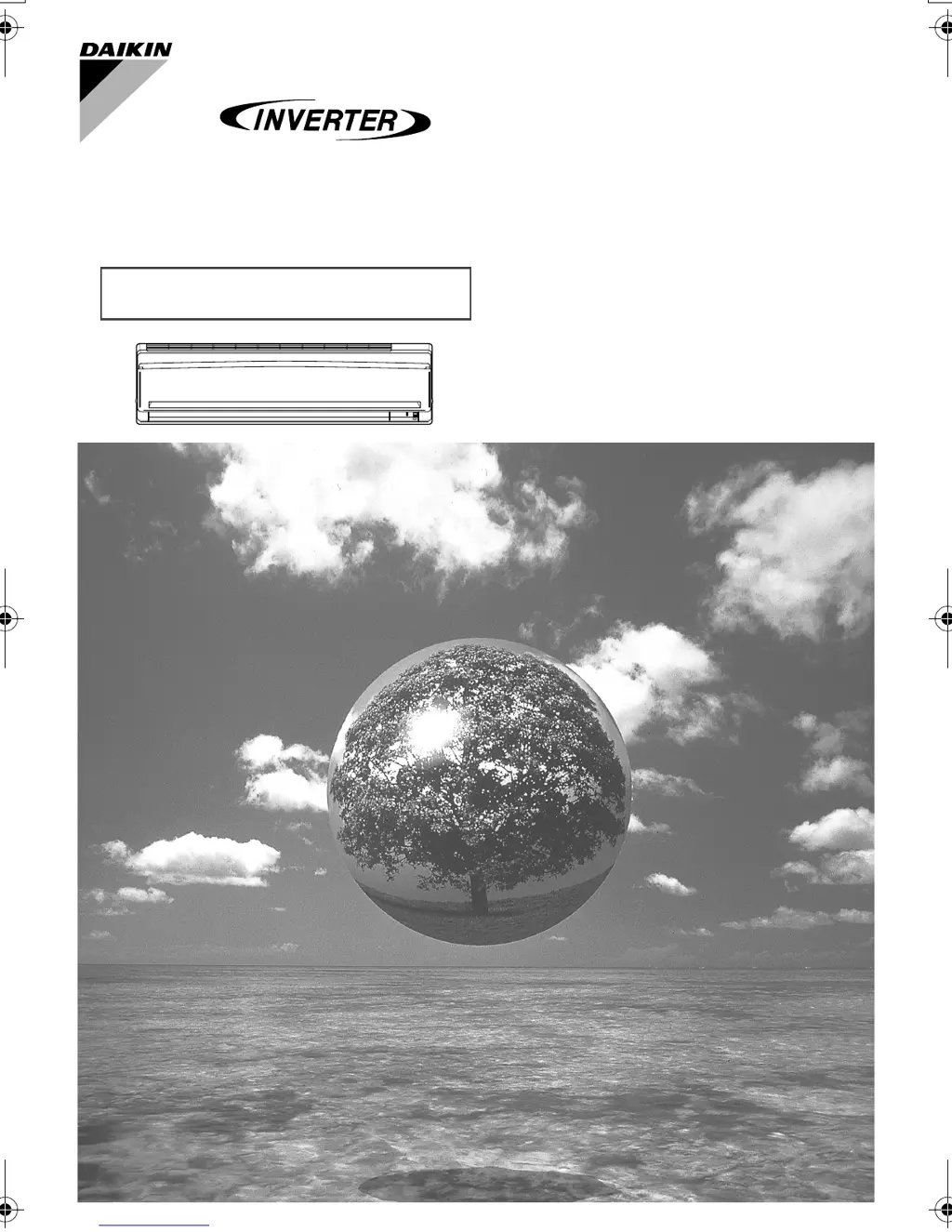
FTXS50GVMA FTKS50GVMA
FTXS60GVMA FTKS60GVMA
FTXS71GVMA FTKS71GVMA
FTXS80GVMA
FTXS90GVMA
MODELS
DAIKIN ROOM AIR CONDITIONER
Operation Manual
00_CV_3P232468-4.fm Page 1 Wednesday, June 4, 2008 3:13 PM

Other manuals for Daikin FTXS60GVMA

Questions and Answers

  • N
    nicholasruizAug 14, 2025
    What to do if Daikin Air Conditioner does not operate and OPERATION lamp is off?
    • S
      susan01Aug 14, 2025
      If your Daikin Air Conditioner isn't working and the OPERATION lamp is off, check a few things: first, see if a breaker has tripped or a fuse has blown. Next, verify whether there's a power failure in your area. Also, make sure that batteries are correctly installed in the remote controller, and confirm that the timer setting is accurate.
  • K
    Keith VargasAug 17, 2025
    What to do if Daikin Air Conditioner operation stops suddenly and OPERATION lamp flashes?
    • D
      Drew BowmanAug 17, 2025
      If your Daikin Air Conditioner stops suddenly and the OPERATION lamp is flashing, check if the air filters are clean and whether anything is blocking the air inlet or outlet of the indoor and outdoor units. Clean the air filters or remove any obstacles, then turn the breaker OFF. Also, ensure that the operation modes are the same for all indoor units connected to the outdoor units in the multi system.
  • M
    Mrs. Hannah FloresAug 20, 2025
    Why Daikin Air Conditioner operation does not start soon?
    • J
      Jeffrey WhiteAug 20, 2025
      If your Daikin Air Conditioner doesn't start immediately, please wait for about 3 minutes.
  • D
    Darius JacobsAug 25, 2025
    Why hot air does not flow out soon after the start of heating operation of Daikin FTXS60GVMA Air Conditioner?
    • M
      Michael HoffmanAug 25, 2025
      If hot air does not flow out immediately after starting the heating operation of your Daikin Air Conditioner, allow 1 to 4 minutes for the hot air to begin flowing.
  • J
    jennifer07Aug 27, 2025
    Why mist comes out of the indoor unit of Daikin FTXS60GVMA?
    • A
      Andrew CooperAug 27, 2025
      Mist may come out of the indoor unit of your Daikin Air Conditioner when the air in the room is cooled into mist by the cold airflow during cooling operation.
  • S
    Shawn MorenoAug 30, 2025
    What to do if Daikin FTXS60GVMA operation stopped suddenly and OPERATION lamp is on?
    • A
      Angela VazquezAug 30, 2025
      If your Daikin Air Conditioner operation stopped suddenly but the OPERATION lamp is still on, it should automatically resume operation in about 3 minutes.
  • D
    Denise CooperSep 3, 2025
    What to do if abnormal functioning happens during Daikin FTXS60GVMA Air Conditioner operation?
    • E
      enguyenSep 3, 2025
      If you experience abnormal functioning during the operation of your Daikin Air Conditioner, try turning the breaker OFF, then turn it back ON, and attempt to operate the air conditioner using the remote controller.
  • K
    Kevin KellerSep 6, 2025
    Why the outdoor fan rotates while Daikin Air Conditioner is not in operation?
    • W
      Whitney QuinnSep 6, 2025
      If the outdoor fan of your Daikin Air Conditioner is rotating even when the unit is not in operation, it could be for system protection when the outdoor temperature is very high.
  • M
    Mike SandovalSep 9, 2025
    Why the heating operation stops suddenly and a flowing sound is heard in Daikin Air Conditioner?
    • M
      Mark RobertsSep 9, 2025
      If the heating operation of your Daikin Air Conditioner stops suddenly and you hear a flowing sound, please wait for about 4 to 12 minutes.

Summary

Safety Precautions

General Warnings and Cautions

Explains WARNING and CAUTION severity levels for safe operation.

Fire, Shock, and Injury Prevention

Covers hazards like flammable gases, electric shock, and physical injury from moving parts.

Proper Earthing and Electrical Safety

Details requirements for earthing and avoiding electrical hazards.

Unit Usage and Placement Safety

Advises on safe placement, airflow, and avoiding damage to precision items.

Indoor Unit Names of Parts

Indoor Unit Component Identification

Details the parts of the indoor air conditioning unit with numbered labels.

Outdoor Unit Names of Parts

Outdoor Unit Component Identification

Identifies external components of the air conditioner unit with numbered labels.

Component Part Descriptions

Indoor Unit Part Explanations

Provides detailed explanations for each numbered indoor unit component.

Outdoor Unit Part Explanations

Provides detailed explanations for each numbered outdoor unit component.

Remote Controller Operation

Transmitter and Display Functions

Explains the signal transmitter and the remote controller display functions.

Remote Controller Button Guide

Details the functions of various buttons on the remote controller for operation.

Preparation Before Operation

Setting Remote Controller Batteries

Guides on inserting batteries into the remote controller correctly.

Battery Handling Precautions

Provides important notes and recommendations for battery usage and replacement.

Remote Controller Usage Guide

Operating the Remote Controller

Covers operating the remote, its range, and mounting the holder.

Remote Controller Usage Precautions

Provides tips for optimal performance and avoiding interference issues.

Operation Basics

Setting the Clock

Step-by-step guide to setting the current time on the remote controller.

Turning On the Unit

Instructions on how to turn on the air conditioner using the main breaker.

Energy Saving and Operating Conditions

Provides energy-saving tips and guidelines for operating conditions.

Basic Operation Modes

Starting and Stopping Operation

Explains how to select an operation mode and start/stop the unit.

Changing Temperature Settings

Guides on adjusting the temperature for different operation modes.

Air Flow Rate Settings

Adjusting Air Flow Rate

Describes how to select different fan speed levels for various modes.

Indoor Unit Quiet Operation

Explains how to enable quieter operation of the indoor unit.

Operational Notes and Considerations

Covers specific operational notes for HEAT, COOL, DRY, AUTO modes, and air flow.

Airflow Direction Control

Horizontal Flap Adjustment

Details how to control the horizontal swing of the air outlet flap.

Vertical Louver Adjustment

Explains how to control the vertical swing of the air outlet louvers.

Advanced Airflow Features

Enabling and Cancelling 3-D Airflow

Describes how to activate and deactivate the 3-D airflow function.

Louver Angle Safety Notes

Advises on safe manual adjustment of louvers and flap angles.

POWERFUL Operation

Starting Powerful Operation

Explains how to activate the high-capacity cooling/heating mode.

Cancelling Powerful Operation

Details the procedure to stop the Powerful Operation mode.

Notes on Powerful Operation

Provides important notes regarding the availability and behavior of Powerful Operation.

OUTDOOR UNIT QUIET Operation

Starting Outdoor Unit Quiet Operation

Explains how to activate the mode to reduce outdoor unit noise.

Cancelling Outdoor Unit Quiet Operation

Details the procedure to stop the quiet operation mode.

Notes on Quiet Operation

Provides guidelines on the availability and usage of the quiet operation feature.

HOME LEAVE Operation

Starting Home Leave Operation

Explains how to activate the mode to record and recall preferred settings.

Cancelling Home Leave Operation

Details the procedure to stop the Home Leave operation.

Setting Home Leave Parameters

Guides on setting preferred temperature and airflow for Home Leave.

Understanding HOME LEAVE Operation

Home Leave Use Cases

Illustrates scenarios where Home Leave operation is beneficial, like energy saving or favorite mode.

Home Leave Operation Notes

Clarifies usage limitations and behavior of Home Leave operation.

INTELLIGENT EYE Operation

Starting Intelligent Eye Operation

Explains how to activate the sensor-based operation mode.

Cancelling Intelligent Eye Operation

Details the procedure to stop the Intelligent Eye operation.

Intelligent Eye Operation Example

Provides an example of how the unit responds to human presence or absence.

Intelligent Eye Energy Saving

Energy Saving Operation Details

Explains how Intelligent Eye contributes to energy savings by adjusting settings.

Intelligent Eye Application Range

Describes the sensor's detection range and potential interference factors.

Intelligent Eye Safety Precautions

Advises on proper placement near the sensor and avoiding physical damage.

TIMER Operation

Using and Cancelling the OFF Timer

Guides on setting, cancelling, and notes for the OFF Timer function.

Timer Operation Notes

Provides general notes on timer settings, memory, and night set mode.

ON Timer Settings

Setting and Cancelling the ON Timer

Guides on setting, cancelling, and combining ON timers.

Combining ON and OFF Timers

Shows an example of setting both ON and OFF timers simultaneously.

Timer Reset Conditions

Lists situations requiring timer settings to be reset.

Multi System Operation Notes

Operation Mode Selection

Explains mode selection priority and rules for multi-unit systems.

NIGHT QUIET and Outdoor Quiet Modes

Details NIGHT QUIET and Outdoor Unit Quiet operations for multi-systems.

Cooling;Heating Mode Lock

Describes the mode lock function for multi-unit systems.

Priority Room Setting

Operation Mode Priority

Explains how the Priority Room setting affects operation mode selection.

Priority with Powerful Operation

Details how Powerful Operation is prioritized in a multi-unit system.

Priority with Outdoor Unit Quiet Operation

Explains how Quiet Operation is prioritized in a multi-unit system.

Care and Cleaning

Cleaning Units and Front Panel

Provides instructions for cleaning units and the front panel, including precautions.

Front Panel Cleaning Procedure

Details the steps for opening, cleaning, and reattaching the front panel.

Front Panel Cleaning Precautions

Lists important safety precautions and materials to avoid during cleaning.

Filter Maintenance

Air Filter Cleaning and Replacement

Guides on how to remove, clean, and replace air filters.

Titanium Apatite Filter Maintenance

Details maintenance and replacement procedures for the special air-purifying filter.

Maintenance and Checks

Filter Maintenance and Notes

Covers filter cleaning, replacement, and notes on dirty filters.

Pre-Operation and Idle Period Checks

Details essential checks before operation and for long idle periods.

Trouble Shooting

Non-Trouble Cases Explained

Lists common operational behaviors that are not actual faults.

Resolving Common Operational Issues

Explains causes and solutions for issues like no start, hot air, or sudden stops.

Troubleshooting Checks

Addressing Non-Operation Issues

Lists checks for when the unit does not operate or has poor effects.

Resolving Operation Stops and Anomalies

Covers checks for sudden stops, abnormal functioning, and multi-system issues.

Service Call Procedures

Critical Symptoms for Service

Lists symptoms that require immediate service intervention and warnings.

Post-Failure and Lightning Handling

Provides guidance on actions after power failures and during lightning.

Disposal and Maintenance Recommendations

Unit Disposal Requirements

Outlines requirements for unit dismantling and disposal according to regulations.

Periodic Maintenance Importance

Recommends professional periodic maintenance for optimal unit performance.

Daikin FTXS60GVMA Specifications

General IconGeneral
Cooling Capacity6.0 kW
Heating Capacity7.0 kW
TypeSplit System
Seasonal Energy Efficiency Ratio (SEER)6.10
Power Supply220-240 V, 50 Hz
RefrigerantR32
Outdoor Unit Noise Level47 dB(A)

Related product manuals