Noises
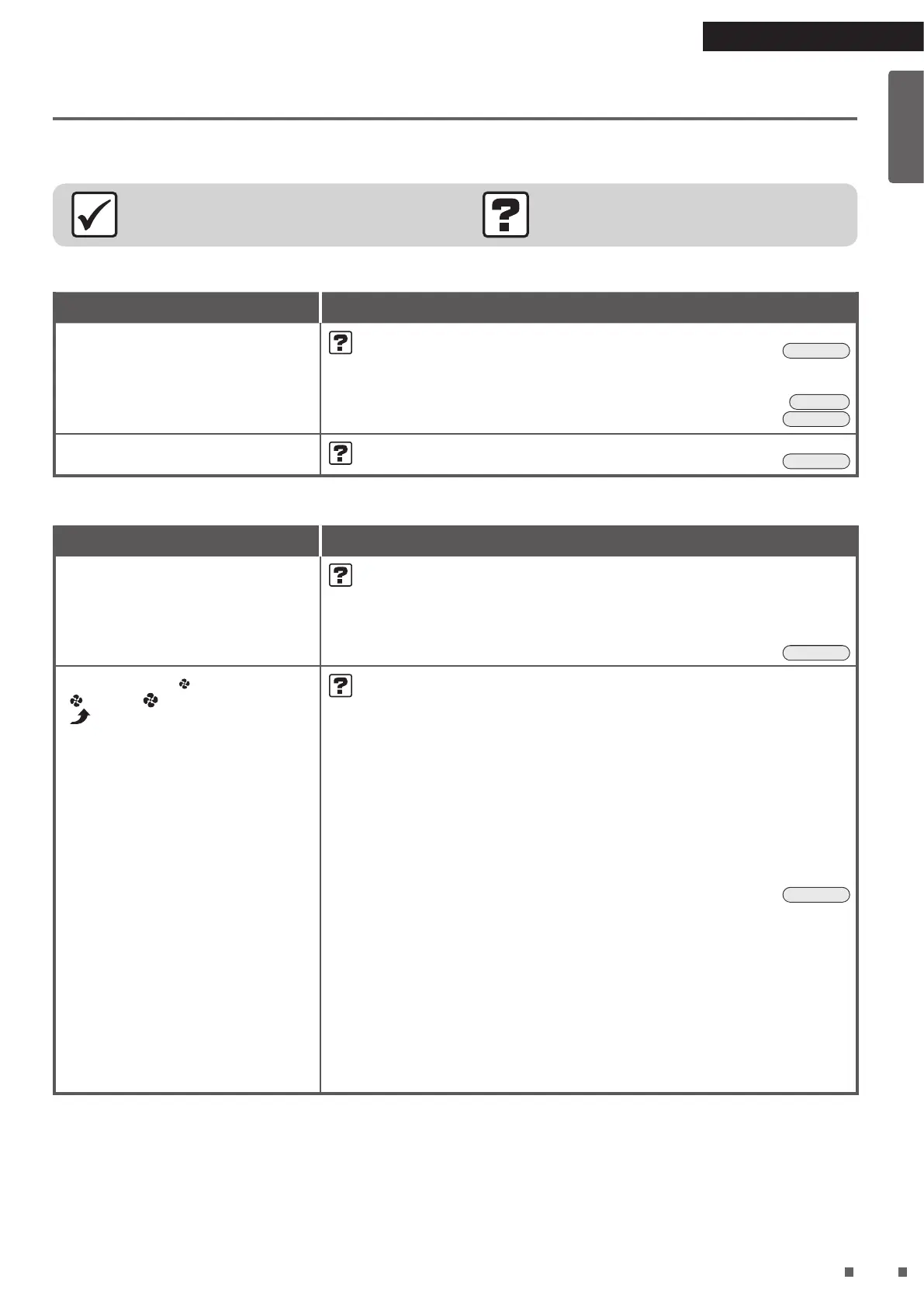
Phenomenon Check points
A whistling and uttering sound
during operation
• Is there a buildup of dust on the pre-lter?
¼ Clean it.
►
Page 17
• Is the dust collection lter clogged up?
¼ Depending on usage conditions, the dust collection lter may become
clogged up, shortening its service life.
►
Page 6
Replace the dust collection lter.
►
Page 18
The operating sound is loud
• Is the dust collection lter attached properly?
¼ If not attached properly, the sound may be loud.
►
Page 18
Indicator lamps
Phenomenon Check points
The indicator lamps other than the
FAN/MODE/Filter replacement lamp
do not light up
The indicator lamps turn off about
10seconds after operation start
• Is the indicator lamp brightness set to “OFF”?
¼ If indicator lamp brightness is set to “OFF”, lamps other than the FAN/
MODE/Filter replacement lamps do not light up.
¼ If operation is started while the indicator lamp brightness is set to
“OFF”, the lamps are displayed with “DIM” brightness for about
10seconds and then the brightness changes to “OFF”.
►
Page 13
The FAN lamps (“ (Quiet)”,
“
(Low)”, “ (Standard)”,
“
(Turbo)”) all blink at the same
time
• Are the pre-lter and dust collection lter attached?
Lamps may blink when the components are removed and the unit is
operated.
[If a component is not attached]
¼ Unplug the power supply plug, reattach the components, and then
restart operation.
[If all components are attached]
An electrical component is malfunctioning.
¼ Contact your dealer or the customer service center.
• Is there a buildup of dust on the pre-lter?
[If there is a buildup of dust]
¼ Unplug the power supply plug, clean the pre-lter, and then restart
operation.
►
Page 17
[If there is no buildup of dust]
An electrical component is malfunctioning.
¼ Contact your dealer or the customer service center.
• Is the air outlet blocked?
[If the air outlet is blocked]
¼ Remove any obstacles blocking the air outlet, and then restart
operation.
[If the air outlet is not blocked]
An electrical component is malfunctioning.
¼ Contact your dealer or the customer service center.
01_EN_3P671617-2A.indd 22 2021/11/22 16:27:40


 To Next Page