n1 is the ASCII code of the first and n2 is the ASCII code of the
last of (n2-n1+1) consecutive symbols.
To define a single symbol choose n1=n2.
d is the data that defines the symbols. Every Font A symbol
consists of 44 bytes while every Font B symbol consists of 40
bytes.
Every font symbol is defined left to right, top to bottom, two bytes
for each horizontal line. Every bit denotes one dot. A bit set to ‘1’
means black dot. The most significant bit is the starting one.
[See Also] ESC %
8. ESC ! n
Print mode collective specification
[Code] [1Bh] + [21h] + n
[Range] {0 <= n <= FFh}
[Outline] Each n bit sets a print modifier according to the table:
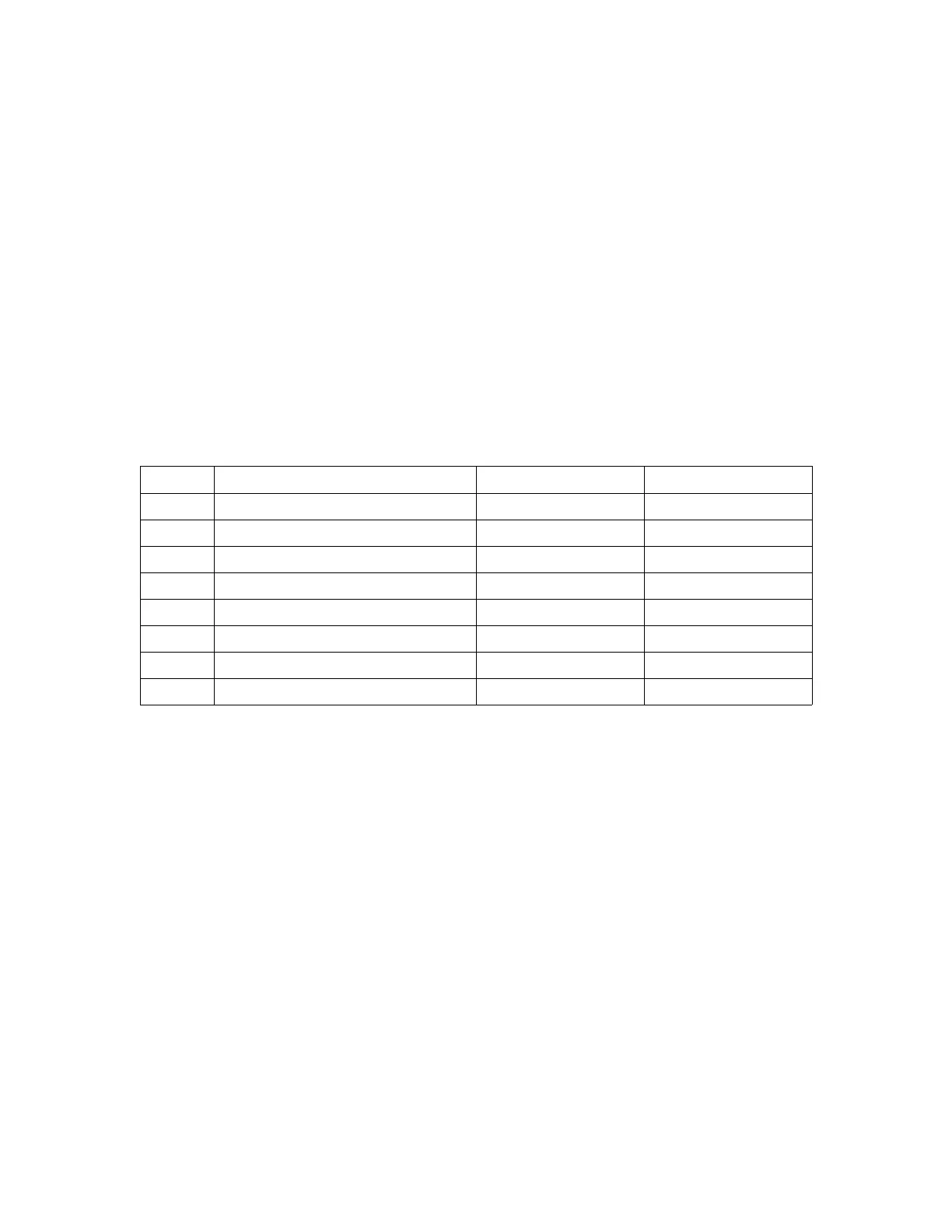
Bit Function Value “0” Value “1”
0 Character Font Font A Font B
1 Quadruple Height Canceled Set
2 Quadruple Width Canceled Set
3 Condensed Canceled Set
4 Double Height Canceled Set
5 Double Width Canceled Set
6 Not Used
7 Underlined Canceled Set
[Default] n = 0
[See Also] ESC E, ESC –
9. ESC * m n1 n2 [ d ] k
Set bit image mode
[Code] [1Bh] + [2Ah] + m + n1 + n2 + D1+ … + Dk
[Range] {m= 0, 1, 32, 33 bit image mode (See the table below.)}
{0 <= n1 <= FFh}
{0 <= n2 <= 3}
{0 <=d <=FFh)
{k = n1 + 256 x n2 (m = 0, 1)
{k = (n1+256 x n2) x 3} (m = 32, 33)
[Outline] Prints a graphic line.
According to the number of dots specified by n1, n2, specify the bit
image of mode m.
• The total number of dots printed in the bit image is equal to n1 +
(256 x n2).
• When bit image data has been sent in excess of dot position of
one line (432 dots), the excess data is discarded.
• d is bit image data, the bits subject to printing are set (“1”) and


 To Next Page