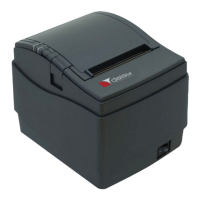
2.2 Connecting the interface cables
2.2.1 Turn the printer off.
2.2.2 Insert the RJ connector into the interface connector on the
back panel.
2.2.3 Connect the other end of the interface cable to the host
computer.
If the printer has a Bluetooth module you may not need to
connect the interface cable. Refer to section 3.3 for details.


 To Next Page