35
The events log contains the last 1,000 time and date-stamped events occurring in the system. It also keeps track of specific
system operation and maintenance events.
The events log can be consulted:
• locally, using the control panel keypad,
• locally using the configuration tool,
• remotely using the data loading software (1).
The events log records:
• intrusion protection status changes,
• system remote commands (1),
• automatic inhibitions of exits remaining open,
• activation of each detector belonging to an armed group,
• alarms,
• fault occurrence and clearance,
• telephone transmissions (1),
• identification of intervention by remote access code (1),
• access for system configuration modifications,
• deactivation or reactivation of detectors (via data loading).
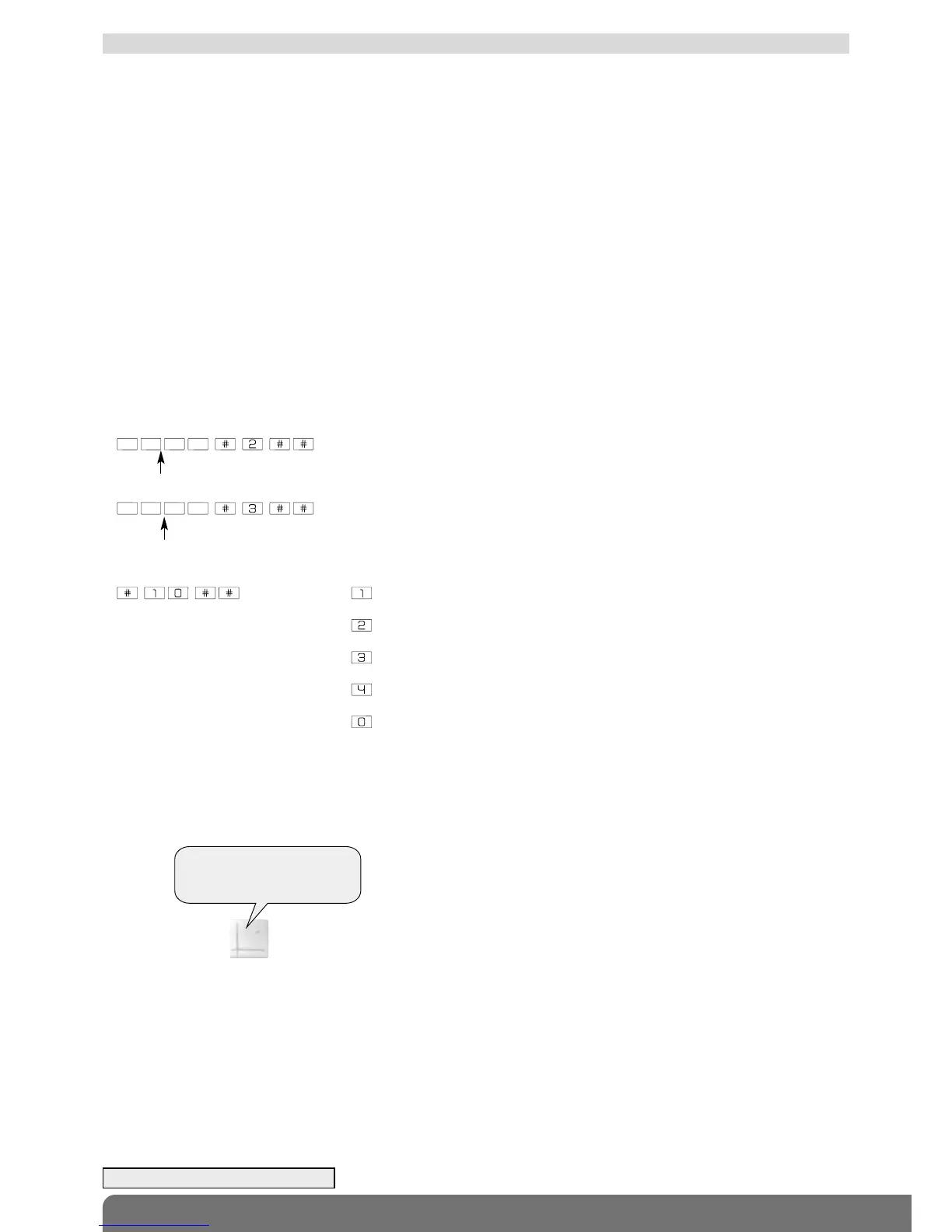
To access the events log locally using the control panel keypad:
1. Remove the cover.
2. Enter:
then press, for next
ƒ for repeat
ƒ for previous
ƒ for fast forward (10 events at a time)
ƒ to end
Each event in the log is recorded with the following information:
• date and time,
• name of event,
• detection zone for intrusion alarms,
• identity of devices triggering the event.
Example:
master code
“bip, on 25/02/2012 at 3 PM,
intrusion, group 1, detector 3”
“bip, on 13/01/2012 at 12 PM,
tamper, siren 1”
10.3 Consulting the events log
installer code
(1) If transmission module installed.



 To Next Page